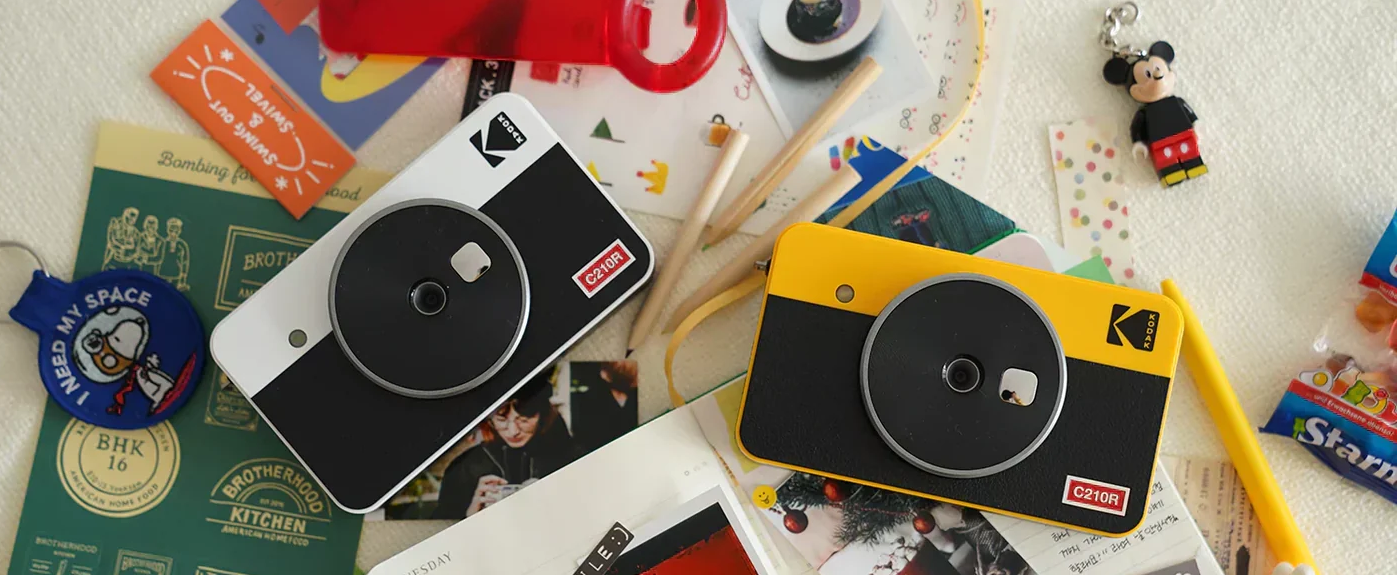
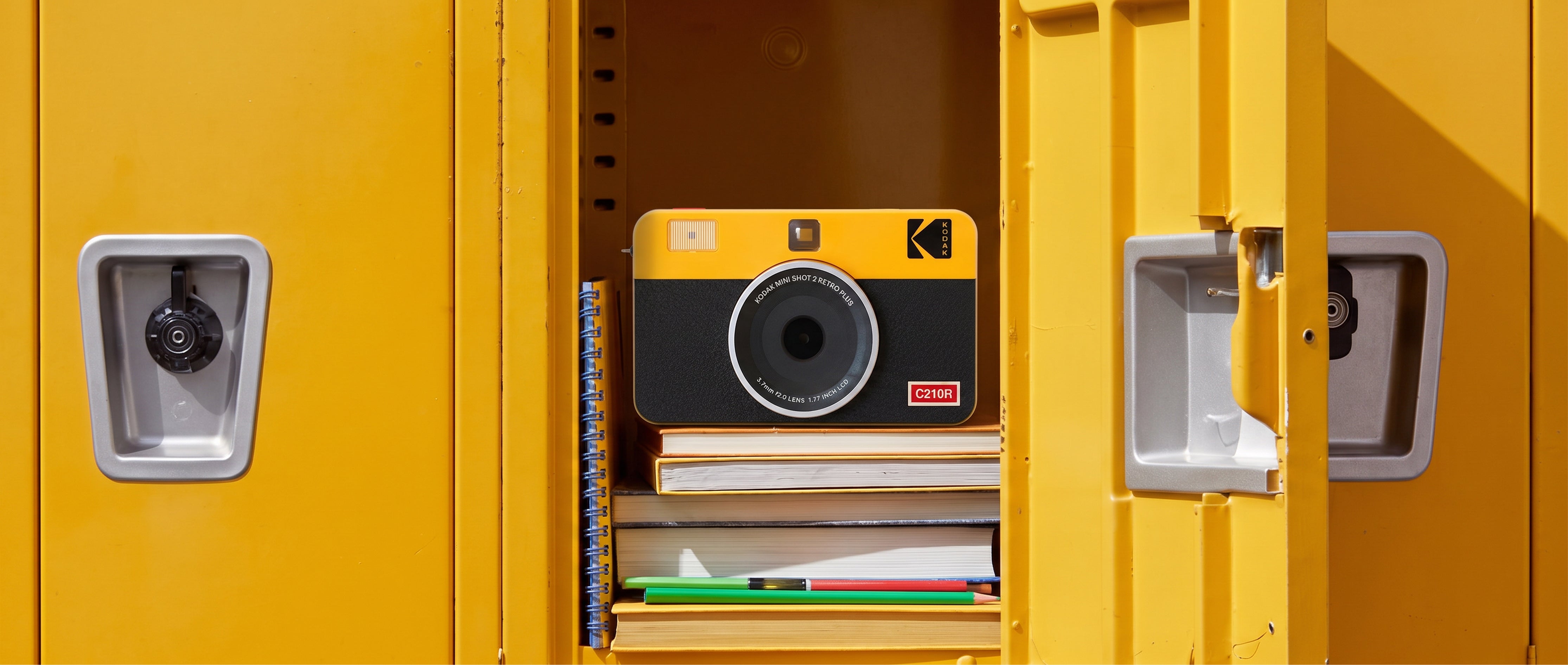
Smartphones make it easy to capture everyday moments, but most of those photos stay buried in a camera roll. A portable photo printer gives those memories a life beyond the screen by letting you print photos directly from your phone in just a few steps.
Whether you are building a scrapbook, decorating a dorm room, creating a travel journal, or making a personalized gift, an instant photo printer makes it easy to turn digital photos into prints you can hold, share, and display.
So, are portable photo printers worth it? For anyone who enjoys physical photos, creative projects, or instant keepsakes, the answer is often yes. Here is what to consider before choosing one.
What Is a Portable Photo Printer?
A portable photo printer is a compact printer designed specifically for photos. Most models connect to a smartphone through Bluetooth and work with a mobile app, allowing you to select, edit, and print images from your phone.
Unlike a standard home printer, a portable photo printer is built for convenience. Depending on the model, it can be small enough to carry in a bag or compact enough to fit neatly on a desk. That makes it useful for vacations, parties, weddings, school events, family gatherings, and everyday creative projects.
Are Portable Photo Printers Worth It?
A portable photo printer can be worth the investment if you regularly take photos but rarely print them. Instead of ordering prints online or visiting a photo kiosk, you can create physical copies at home or while traveling.
Portable photo printers are especially useful for:
- Scrapbooks and memory books
- Journals and planners
- Travel keepsakes
- Wedding guest books
- Dorm room and bedroom decor
- Personalized cards and gifts
- Family photo albums
- Parties, events, and celebrations
The biggest advantage is convenience. You can print a photo while the moment is still fresh rather than waiting for an order to arrive.
How Do Portable Photo Printers Work?
Most portable photo printers connect to an iPhone or Android phone using Bluetooth. After connecting through the printer’s mobile app, you can choose a photo, crop it, add a border or filter, and send it to the printer.
The printing process depends on the technology used. Some compact printers use ZINK paper, while others use dye-sublimation technology. Kodak Photo Printers use 4PASS dye-sublimation printing, which applies color in layers and finishes each photo with a protective lamination layer.
Do Portable Photo Printers Use Ink?
Not all portable photo printers use traditional ink cartridges.
Kodak 4PASS Photo Printers use an all-in-one cartridge system that includes the color ribbon and photo paper needed for printing. The printer applies yellow, magenta, and cyan in separate passes before adding a protective laminate.
This process helps produce smooth color, clear detail, and consistent results without the mess of replacing multiple ink cartridges.
What Should You Look for in a Portable Photo Printer?
Print Quality
Look for a printer that produces accurate color, smooth gradients, and clear detail. Photo printing technology matters because different systems can produce noticeably different results.
Kodak 4PASS Technology uses dye-sublimation printing and a final lamination step. This helps create photos that are water-resistant and fingerprint-resistant, making them more durable for albums, gifts, and displays.
Find your best fit
Choose the Right KODAK Photo Printer
Compare print sizes and choose the model that fits how you create,
share, and display your favorite photos.
Best for portability
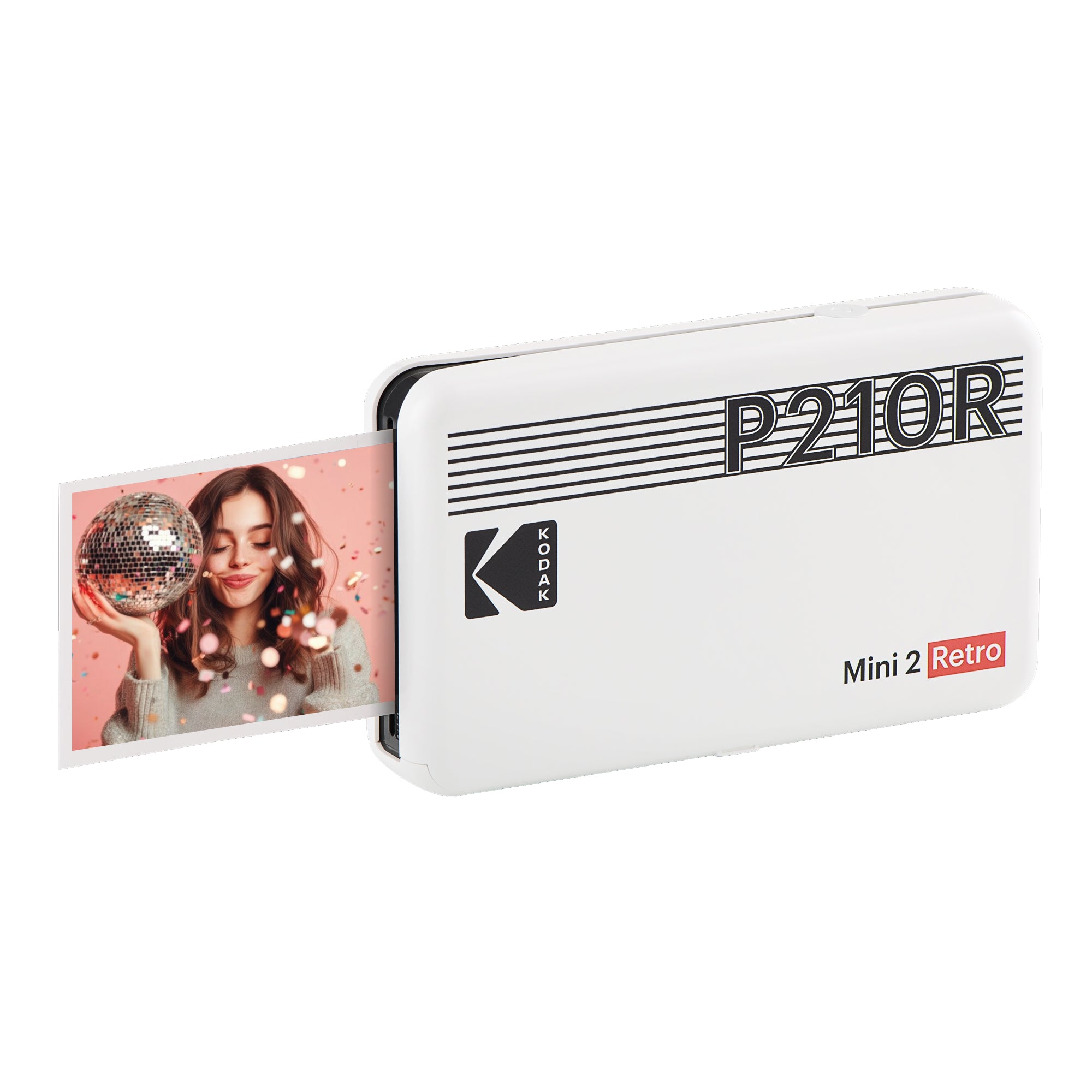
KODAK Mini 2 Retro
2.1 × 3.4-inch photos
A compact rechargeable printer for journals, scrapbooks,
wallets, and travel.
- Credit-card-size prints
- Rechargeable portable design
- Bluetooth smartphone printing
- 4PASS photo technology
Best for square photos
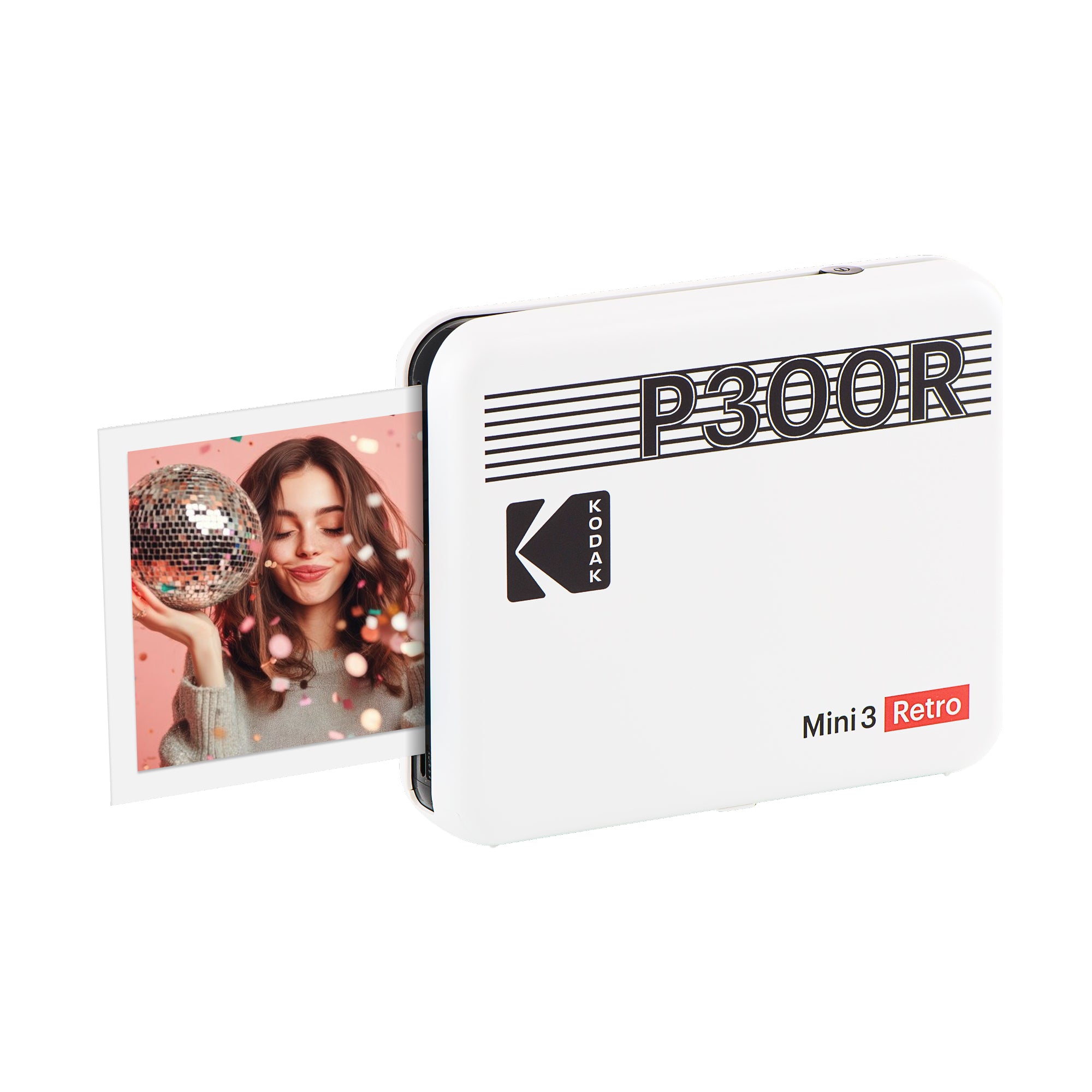
KODAK Mini 3 Retro
3 × 3-inch photos
A square-format printer made for collages, crafts,
photo walls, and creative displays.
- Square 3 × 3-inch prints
- Rechargeable portable design
- Bluetooth smartphone printing
- 4PASS photo technology
Best for classic prints
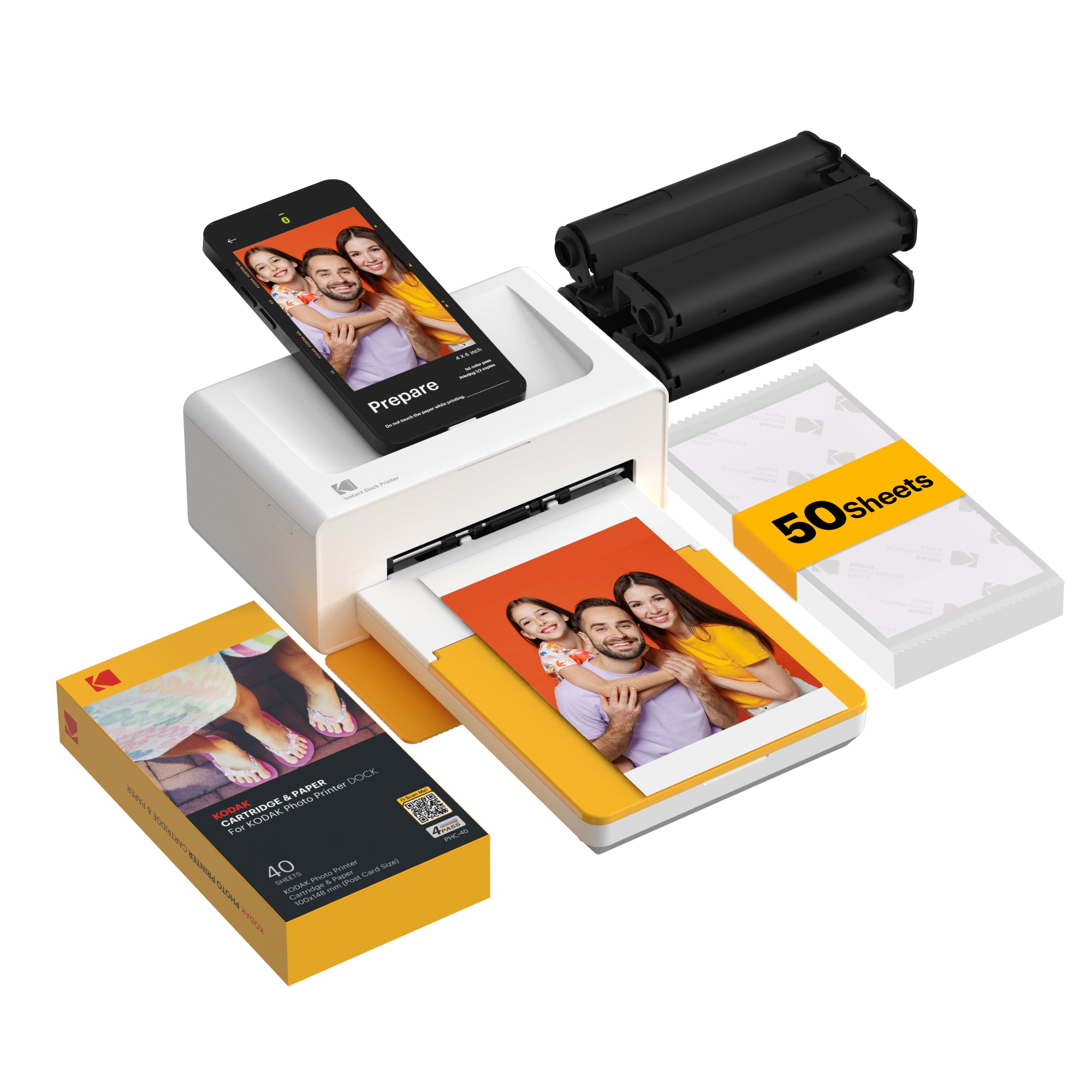
KODAK Dock Plus
4 × 6-inch photos
A compact home printer for traditional photos,
albums, frames, and personalized gifts.
- Classic 4 × 6-inch prints
- Ideal for frames and albums
- Smartphone photo printing
- 4PASS photo technology
Portability
If you want to print while traveling, look for a lightweight, rechargeable model that fits easily in a bag. If you mainly want to print at home, a compact desktop model may provide a larger print size while still taking up very little space.
Ease of Use
A good photo printer should be simple to connect and easy to operate. Kodak Photo Printers work with compatible iOS and Android devices through the Kodak Photo Printer app. Depending on the model and app features, you can crop photos, apply filters, add borders, and create collages before printing.
Cost Per Print
The printer price is only one part of the overall cost. You should also consider the price of refill cartridges and paper, as well as how many prints are included in each pack.
Choosing a refill system designed for a specific printer can make it easier to understand your cost per photo and avoid buying separate ink and paper products.
4PASS vs. ZINK: What Is the Difference?
ZINK printers use special paper with color-forming crystals embedded inside. They are often compact and convenient, but the final image quality can vary by printer and paper.
4PASS printers use dye-sublimation technology. Each photo passes through the printer multiple times as color layers are applied, followed by a protective laminate. This process is designed to deliver smoother color transitions, more natural-looking detail, and added protection from water and fingerprints.
For shoppers who prioritize photo quality and durability, 4PASS is an important feature to consider.
Why Choose a Kodak Photo Printer?
Kodak Photo Printers are designed to make smartphone printing simple while delivering durable, high-quality photos.
Key features include:
- Wireless smartphone printing
- 4PASS dye-sublimation technology
- Protective lamination
- Water-resistant and fingerprint-resistant prints
- Multiple photo sizes
- Compact, user-friendly designs
- Compatibility with iOS and Android devices
Explore all Kodak Photo Printers:
https://kodakphotoprinter.com/
Creative Ways to Use a Portable Photo Printer
A portable photo printer is useful for more than filling a photo album. You can use printed photos to create:
- Scrapbook pages
- Travel journals
- Vision boards
- Party favors
- Gift tags
- Greeting cards
- Wedding guest books
- Classroom projects
- Memory boxes
-
Photo walls and collages
Because you can print from your phone, it is easy to create a physical keepsake immediately after a trip, event, or special moment.
Frequently Asked Questions
Can I print photos directly from my phone?
Yes. Most portable photo printers connect to compatible iPhone and Android devices through Bluetooth and a mobile app.
How long does it take to print a photo?
Printing time varies by model and print size. Smaller portable prints generally finish faster than larger 4 x 6-inch photos.
Are portable photo printer photos waterproof?
Kodak 4PASS prints receive a protective lamination layer that makes them water-resistant and fingerprint-resistant. They should still be handled and stored with care.
Can I edit a photo before printing it?
Yes. The Kodak Photo Printer app allows users to prepare photos before printing, including options such as cropping, filters, borders, and collages.
What is the best portable photo printer size?
Choose 2.1 x 3.4-inch prints for wallets and journals, 3 x 3-inch prints for square layouts and crafts, or 4 x 6-inch prints for frames and traditional photo albums.
The Bottom Line
Digital photos are convenient, but printed photos are easier to display, share, and revisit. A portable photo printer gives you a simple way to turn favorite images into physical keepsakes without visiting a store or waiting for an online order.
The right printer depends on your preferred print size, portability needs, budget, and desired image quality. If you want wireless smartphone printing, durable laminated photos, and multiple size options, Kodak Photo Printers offer a practical way to bring your camera roll into the real world.