The Ultimate Homecoming Photo Booth Kit: How to DIY a Photo Station with Kodak
A great homecoming photo booth does more than give guests a place to pose. It creates an activity, adds to the decor, and lets everyone leave with a keepsake from the night.
With a backdrop, a few props, a smartphone, and a portable KODAK photo printer, a student council, PTA, or parent committee can build a DIY photo booth for a school dance at almost any budget.
Use this guide to create a photo station inspired by the biggest 2026 homecoming aesthetics. From bold “Main Character Energy” to casino night and classic black-and-gold.
DIY Homecoming Photo Booth Materials Checklist
- A KODAK Mini 2 Retro, Mini Shot 3 Retro, or Dock Plus Retro printer
- Compatible KODAK photo-paper cartridges
- A fully charged smartphone or tablet
- The KODAK Photo Printer mobile app
- A sturdy table for the printer and supplies
- Access to a power outlet and a heavy-duty extension cord
- A plain wall, backdrop stand, curtain, or decorated photo wall
- Battery-powered lights, a ring light, or LED panels
- Homecoming photo booth props
- A small sign with posing and printing instructions
- Envelopes, sleeves, frames, or clips for finished prints
- Painter’s tape or floor markers to organize the line
For larger dances, add a second device, a volunteer to manage the print queue, and extra cartridges stored near the station.
Why Use a Printer Instead of a Phone-Only Photo Booth?
Phones make it easy to take hundreds of pictures, but most of those photos never leave the camera roll. An instant print turns the photo-booth experience into something guests can hold, trade, display, or take home.
A printed photo can also double as:
- A homecoming favor
- A scrapbook contribution
- A yearbook memory
- A thank-you gift for volunteers
- A keepsake for alumni or chaperones
A DIY setup also gives organizers more control than a rented booth. You can coordinate the backdrop with the dance theme, design your own props, decide how many prints each group receives, and reuse the printer after the event.
How to Set Up a Photo Booth for Homecoming
1. Pick the right location
Choose a visible area that is close enough to the dance floor to attract guests but far enough away that people can pose without blocking traffic.
Look for a space with:
- A nearby electrical outlet
- Room for groups of four to six people
- A clear waiting area
- Lighting that can be controlled
- A wall or open area at least six feet wide
Avoid placing the booth directly beside speakers, food tables, or a busy entrance.
2. Choose a KODAK printer for your event size
The best printer depends on the desired print size, the number of guests, and how the photos will be taken.

Best for small dances and limited table space
KODAK Mini 2 Retro P210R
The KODAK Mini 2 Retro creates compact 2.1 × 3.4-inch photos from an iOS or Android phone over Bluetooth. Its small size makes it easy to fit on a crowded welcome table or move between homecoming activities.
Good for: small school or club dances, individual and couple photos, wallet-size favors, and portable stations with minimal equipment.

Best for an interactive photo-booth experience
KODAK Mini Shot 3 Retro C300R
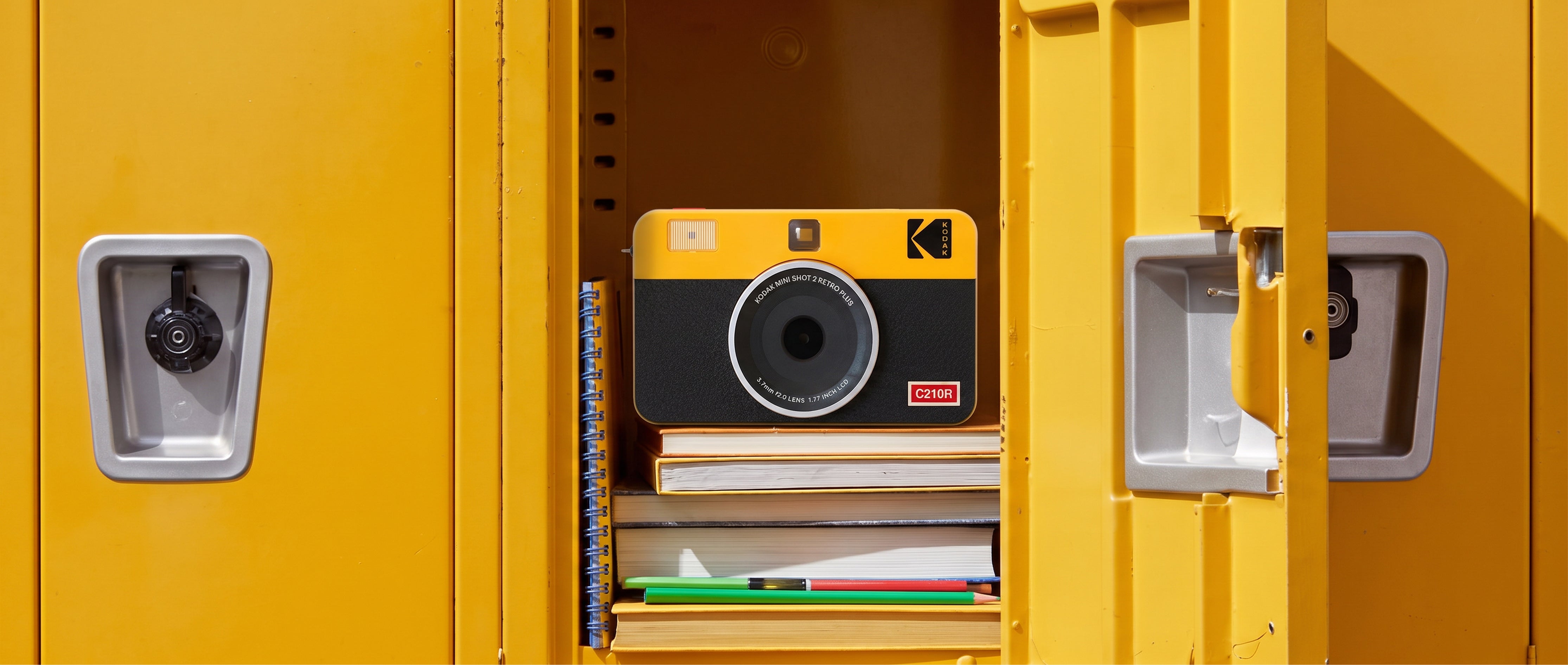
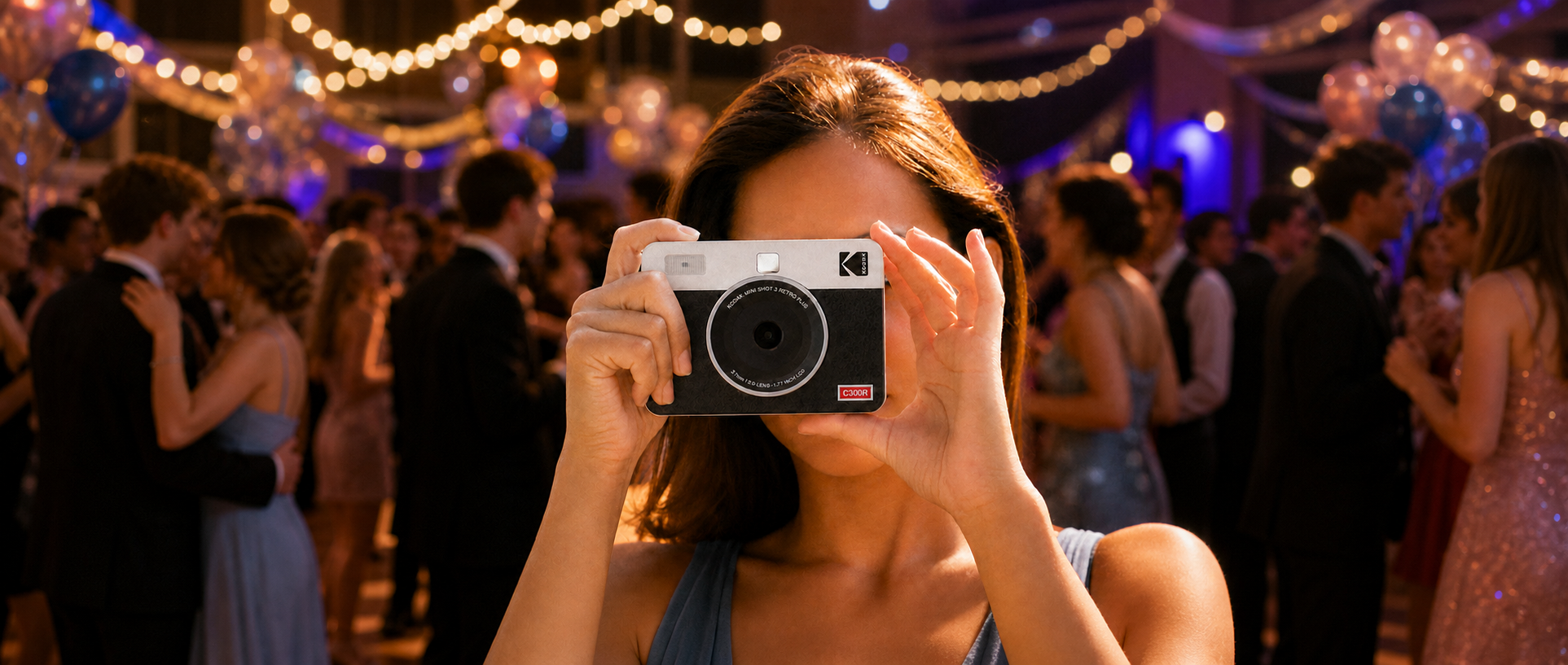
The KODAK Mini Shot 3 Retro combines a 13-megapixel instant camera with a printer. Guests can take photos with the camera itself or connect a phone over Bluetooth. Its 3 × 3-inch square format feels social-media-ready and leaves room for creative posing.
Good for: student-run photo stations, scrapbook or memory-wall prints, and booths where the camera is part of the activity.

Best for larger keepsakes
KODAK Dock Plus Retro PD460
The KODAK Dock Plus Retro produces classic 4 × 6-inch photos. Guests can connect through Bluetooth or dock a compatible phone, making it a strong choice when the print itself is intended to be a substantial take-home favor.
Good for: larger dances, group portraits, formal black-and-gold events, and photos displayed in frames or albums.
All three formats use KODAK 4PASS dye-sublimation printing with a final protective lamination layer. The cartridge system includes the paper and ink ribbon together, so organizers do not need to purchase separate ink.
3. Build a backdrop around your 2026 homecoming theme
Current 2026 homecoming coverage emphasizes highly photographic, immersive themes. David’s Bridal identifies bold “Main Character Energy” as a defining aesthetic, while Reventals and Almabase recommend photo opportunities across themes such as casino night, black-and-gold, Hollywood, and starry night.

Main Character Energy
Create a dramatic backdrop that makes every guest feel like the star of the night.
Backdrop ideas: metallic fringe curtains, a faux step-and-repeat wall, LED stars, oversized school initials, and red, cobalt, magenta, or silver accents.
Prop ideas: “Main Character” speech bubbles, faux microphones, star-shaped sunglasses, mini clapboards, and “Best Dressed” signs.

Casino Night
Use a black, red, white, and gold color palette with oversized playing-card details.
Backdrop ideas: playing-card garlands, a green felt or black sequin curtain, giant cardboard dice, and a “Welcome to Homecoming” casino sign.
Prop ideas: oversized sunglasses, feather boas, card-suit cutouts, play money, foam dice, and poker chips.
Keep the activity decorative and photo-focused—no real gambling is needed.

Black-and-Gold Gala
For an elegant setup, start with a black curtain and layer in warm lights and gold accents.
Backdrop ideas: gold foil fringe, black draping, balloon clusters, a gold school logo, and warm fairy lights.
Prop ideas: gold crowns, bow ties, masquerade masks, picture frames, and “Homecoming Royalty” signs.

Starry Night
Turn a gym wall into a night-sky photo moment with deep blue, silver, and gold.
Backdrop ideas: navy fabric, fairy-light curtains, hanging stars and moons, painted swirling-sky panels, and a moon-shaped seat or cardboard prop.
Prop ideas: star wands, constellation signs, silver crowns, artist palettes, faux paintbrushes, and “Written in the Stars” speech bubbles.
4. Light the booth for better photos
School gyms, cafeterias, and event halls often have harsh overhead lighting. Add a soft light source in front of the guests rather than relying only on the room lights.
A ring light works well, but two small LED lights placed at approximately 45-degree angles can produce more even lighting for groups. Tape down all cords, stabilize light stands, and keep equipment outside the main walking path.
Before the doors open, take test photos of one person and a group. Check skin tones, shadows, reflections from sequins, and whether the backdrop fills the frame.
5. Create a simple photo-and-print workflow
- Guests choose their props.
- A volunteer takes the photo photos.
- The group approves the image.
- The volunteer sends it to the printer.
- Guests move to a pickup area while the photo prints.
- The finished print goes into a sleeve, frame, or envelope.
For a busy dance, designate one device as the official photo-booth phone. Allowing every guest to connect independently can slow the line and create confusion.
Place the printer where guests can see it without touching the paper while it moves through the printing process. Do not pull or bend the photo before printing is complete.
Homecoming Photo Booth Budget by Group Size
Actual costs will vary by decorations, current printer pricing, and the number of photos printed. Use this framework before purchasing supplies.
| Event size | Suggested setup | Print supply | Decor and props |
|---|---|---|---|
| Up to 50 guests | One Mini 2 Retro or Mini Shot 3 Retro | 40–60 prints | $30–$75 |
| 50–150 guests | One staffed printer with a controlled queue | 80–150 prints | $75–$150 |
| 150–300 guests | Dock Plus Retro or two portable-printer stations | 160–240 prints | $125–$250 |
| 300+ guests | Two staffed stations or timed printing | Attendance-based plan plus 10% backup | $200+ |
You may not need one print per attendee. Many guests will pose in couples or groups. A practical starting estimate is one print for every two attendees, plus a 10% supply cushion. For example, a dance with 200 guests could begin with a target of approximately 110 prints. Increase that number if every person is promised an individual favor.
To control costs:
- Borrow a backdrop stand from the theater or photography club.
- Ask the art club to create reusable props.
- Use school-owned lights and extension cords.
- Print one photo per group.
- Repurpose dance decorations around the photo area.
- Buy compatible cartridges before event week rather than relying on last-minute availability.
Do a Full Test Before Dance Night
Run a complete rehearsal at least several days before homecoming. Confirm that:
- The printer is charged or connected to power.
- The phone or tablet has the correct app installed.
- Bluetooth pairing works.
- The correct cartridge and paper size are available.
- Test prints have the expected color and crop.
- The backdrop fits groups without revealing clutter at the edges.
- Lighting works with both light and dark outfits.
- Volunteers understand the print workflow.
- Backup supplies are clearly labeled and easy to reach.
On the day of the dance, charge every device, restart the phone before setup, and complete one final test print before guests arrive.
Make Homecoming Memories Last Beyond the Camera Roll
The best homecoming photo booth ideas combine three things: a backdrop students want to pose in front of, a process organizers can manage, and a keepsake guests are excited to take home.
Whether you choose the wallet-size portability of the KODAK Mini 2 Retro, the camera-and-printer experience of the KODAK Mini Shot 3 Retro, or the classic 4 × 6-inch format of the KODAK Dock Plus Retro, an instant-print station can turn a simple corner of the dance into one of the night’s most memorable attractions.
Planning more for the new school year? Explore our Back-to-School Essentials guide for more ways to print, display, and share the moments that matter.
Bring the Photo Booth to Life
Find a compact printer or camera-printer bundle for homecoming, fall dances, and every celebration after.
Shop Homecoming-Ready Printer Bundles