
KODAK Label ERA M50 Sticker Label 12 Roll Refill (CRGM056)
Taxes exclues Frais d'envoi calculés au paiement
12 Rolls pack
14mmx30mm
14mmx40mm
14mmx50mm
Continuous type
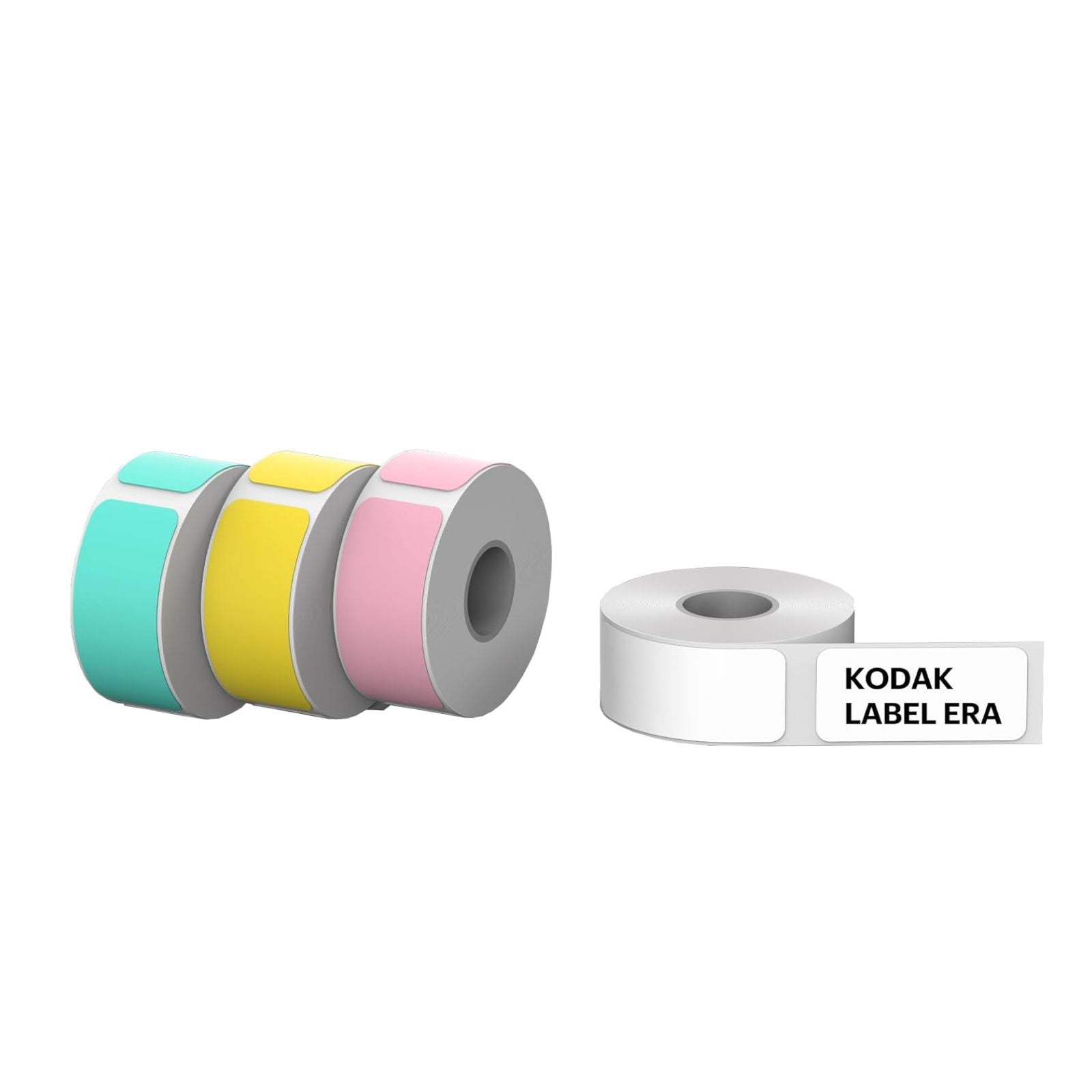
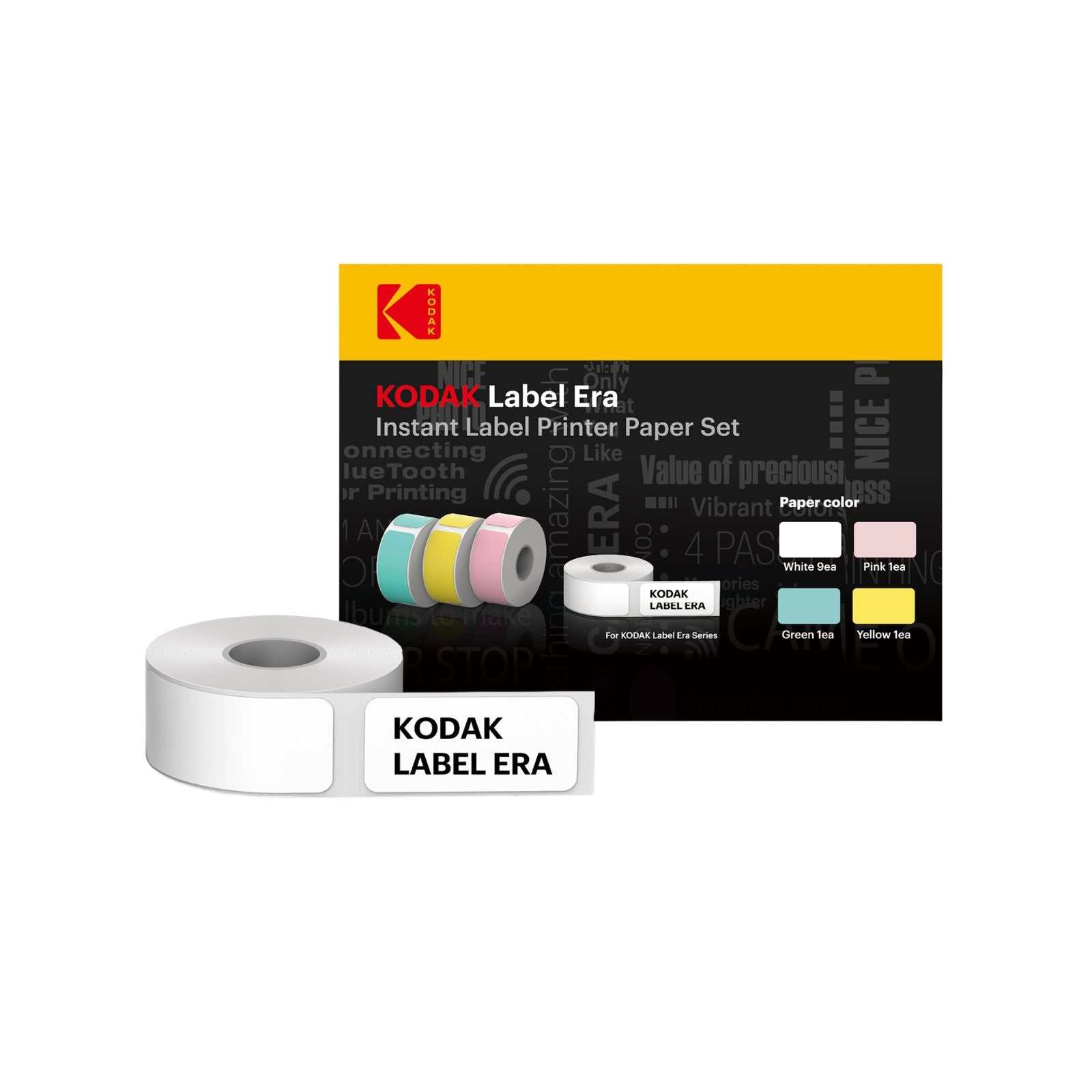
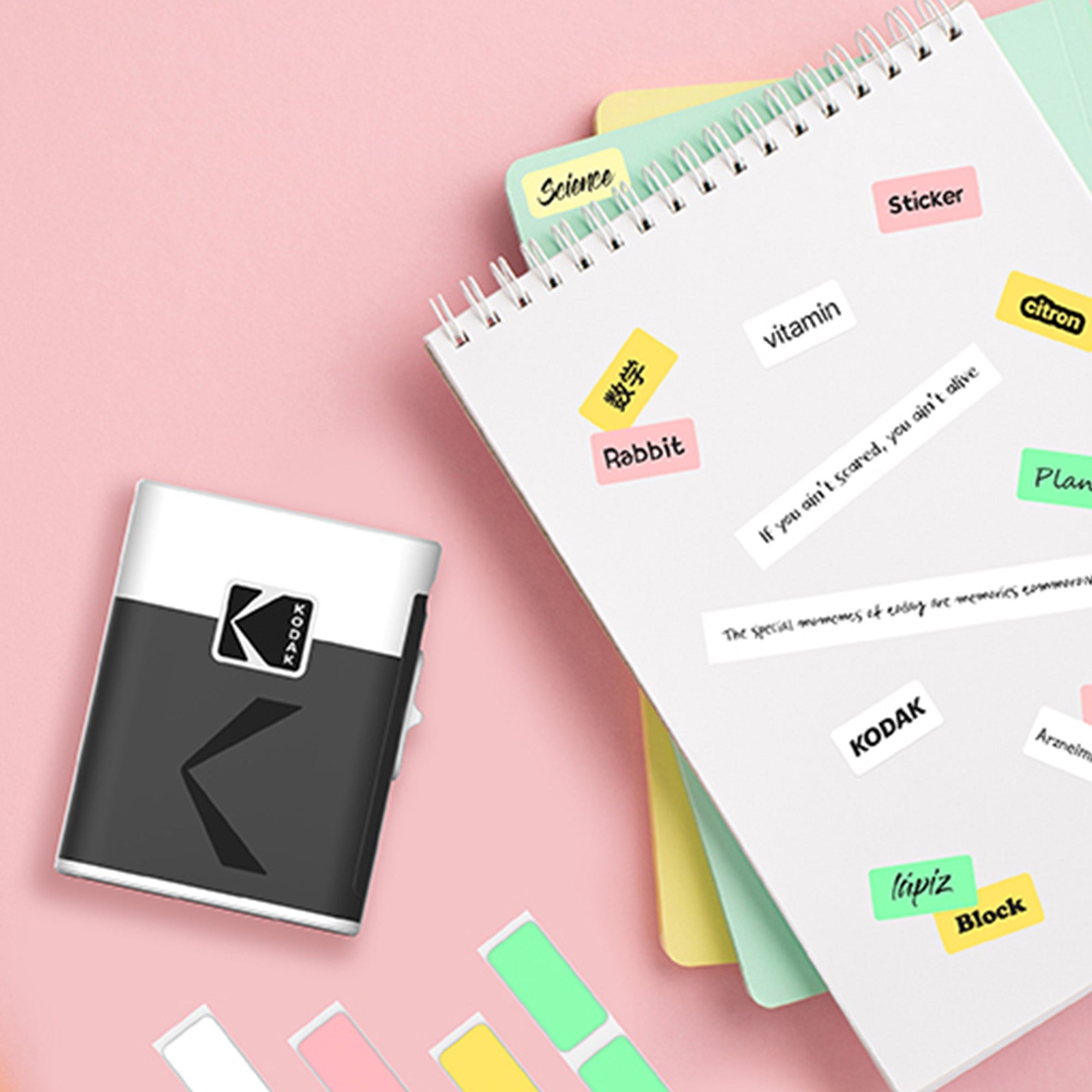
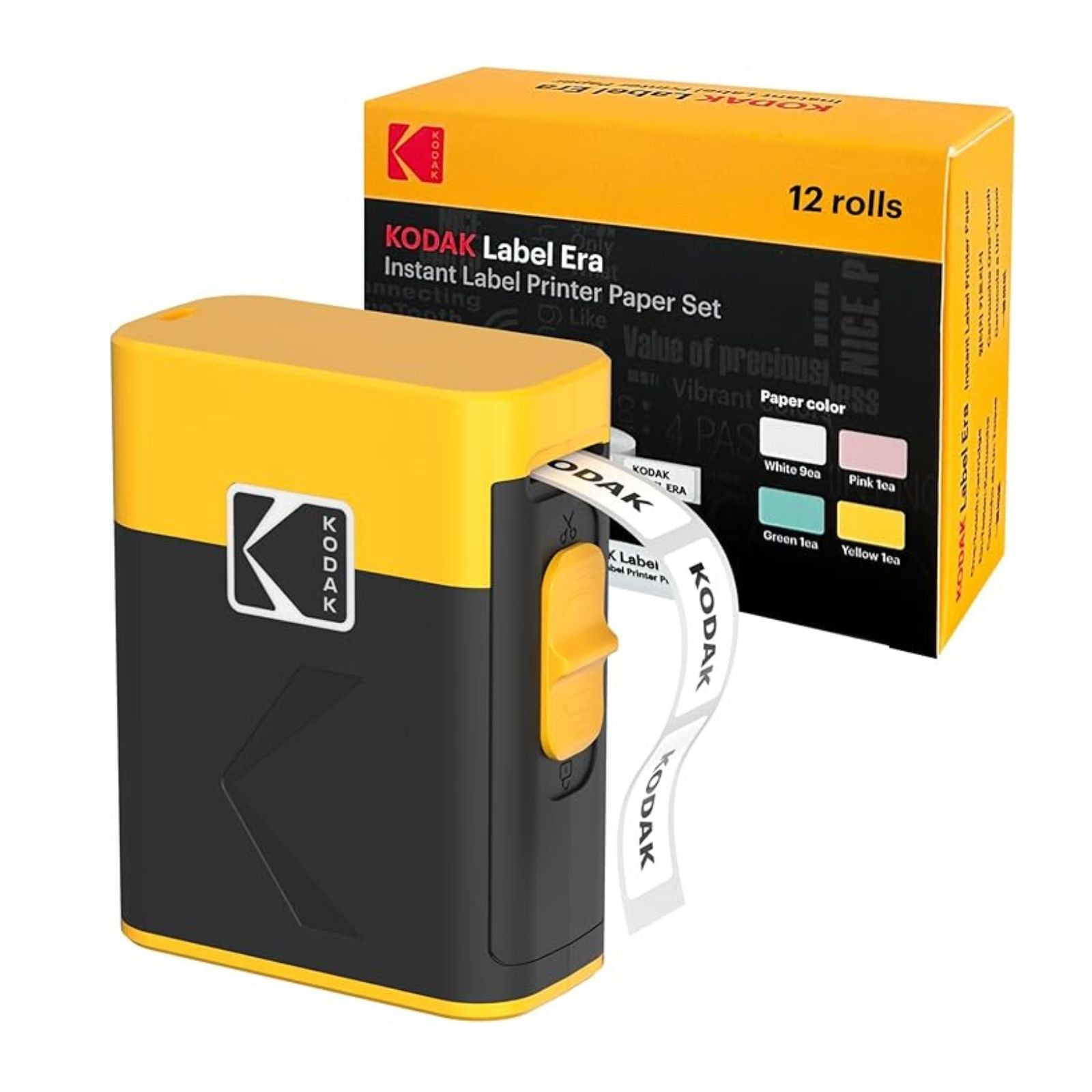
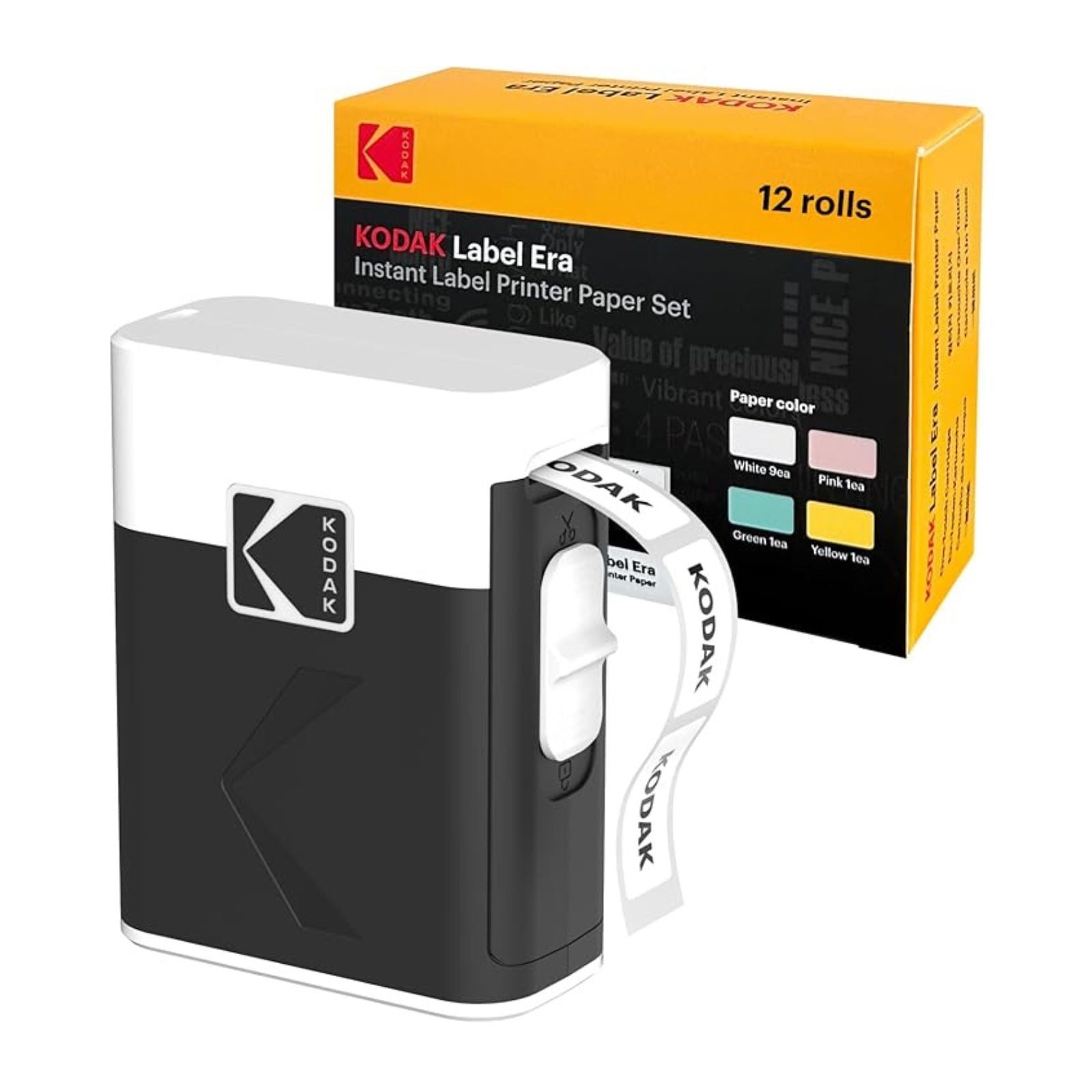
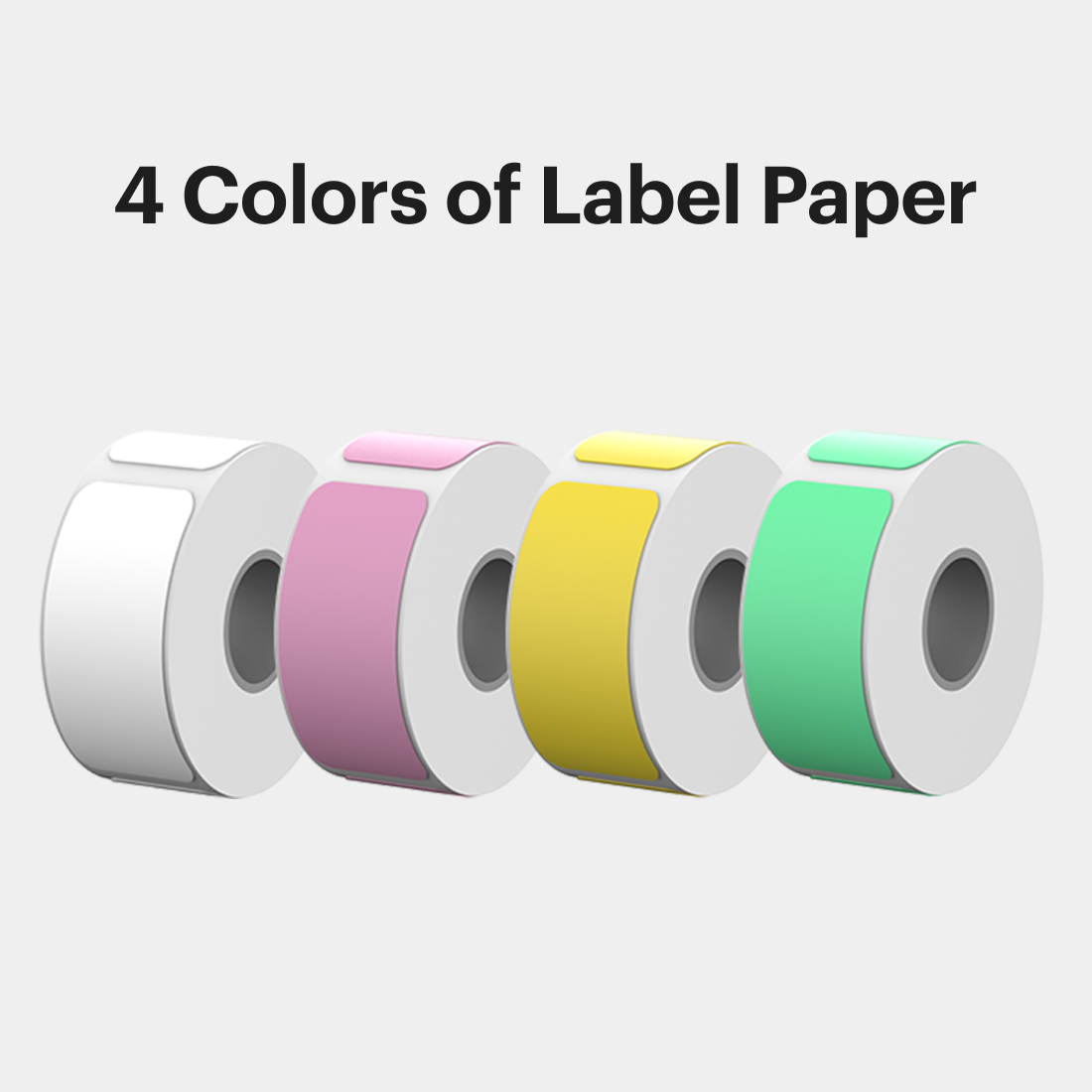
Compatible with the Kodak Label Era, this label cartridge pack includes 12 rolls: 9 white, 1 green, 1 pink, and 1 yellow. The set offers both pre-cut and continuous label types to suit different needs. Made with BPA-free, these labels are safe for all users and perfect for everyday use.
KODAK Label Era
-White Continuous label roll X3
-Size 14x30mm White Pre-cut label roll X3 (230 Labels per roll)
-Size 14x50mm White Pre-cut label roll X3 (150 Labels per roll)
-Size 14x40mm Pink Pre-cut label roll X1 (185 Labels per roll)
-Size 14x40mm Green Pre-cut label roll X1 (185 Labels per roll)
-Size 14x40mm Yellow Pre-cut label roll X1 (185 Labels per roll)
1) Store in a cool, dry place away from direct sunlight.
2) Do not open the cartridge using sharp objects.
3) This cartridge is designed exclusively for the compatible models listed above. Do not use with other devices.
Choisir les options
Taxes exclues Frais d'envoi calculés au paiement
This label pack is compatible with the KODAK LABEL ERA.
Use of third-party labels is not recommended.
Label ERA
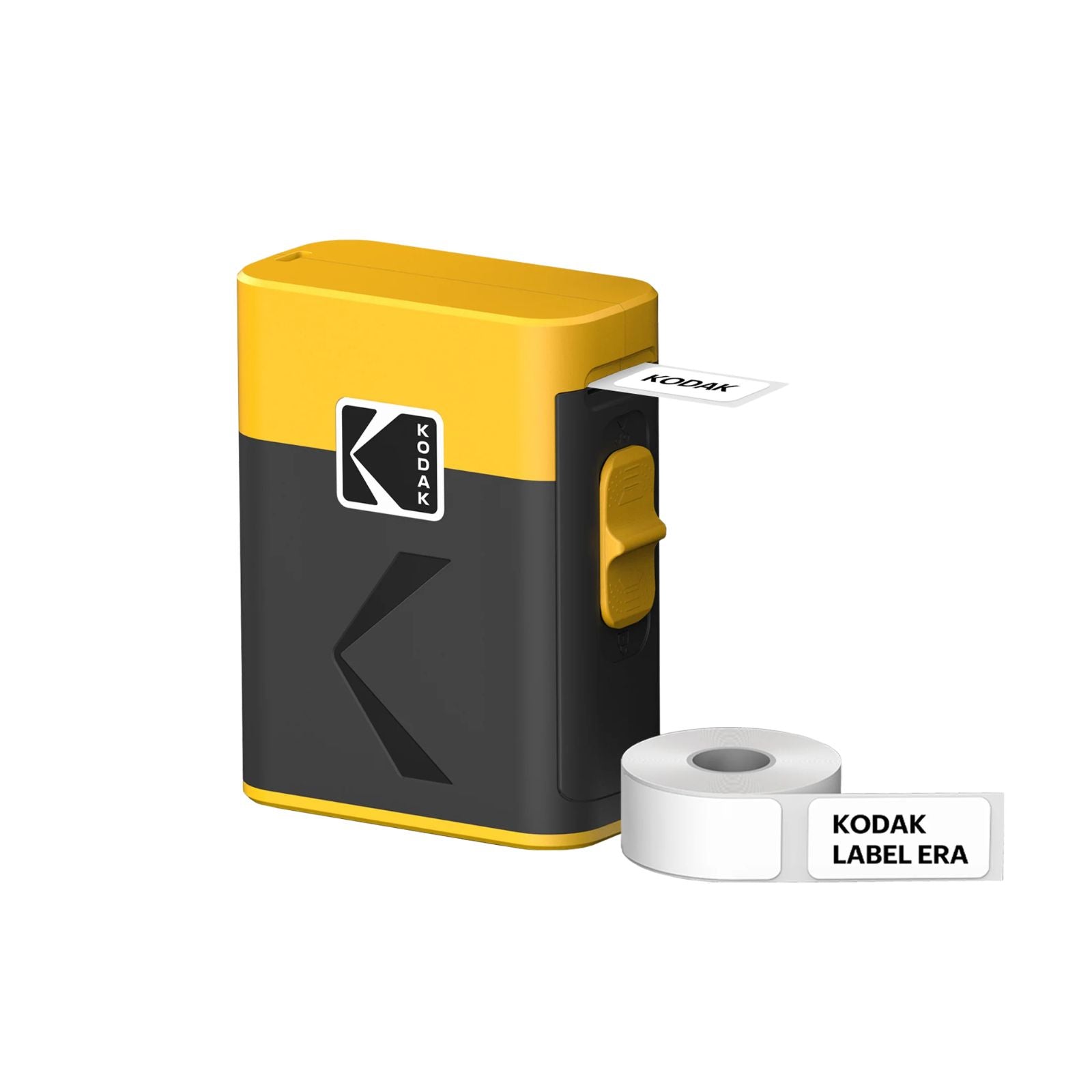
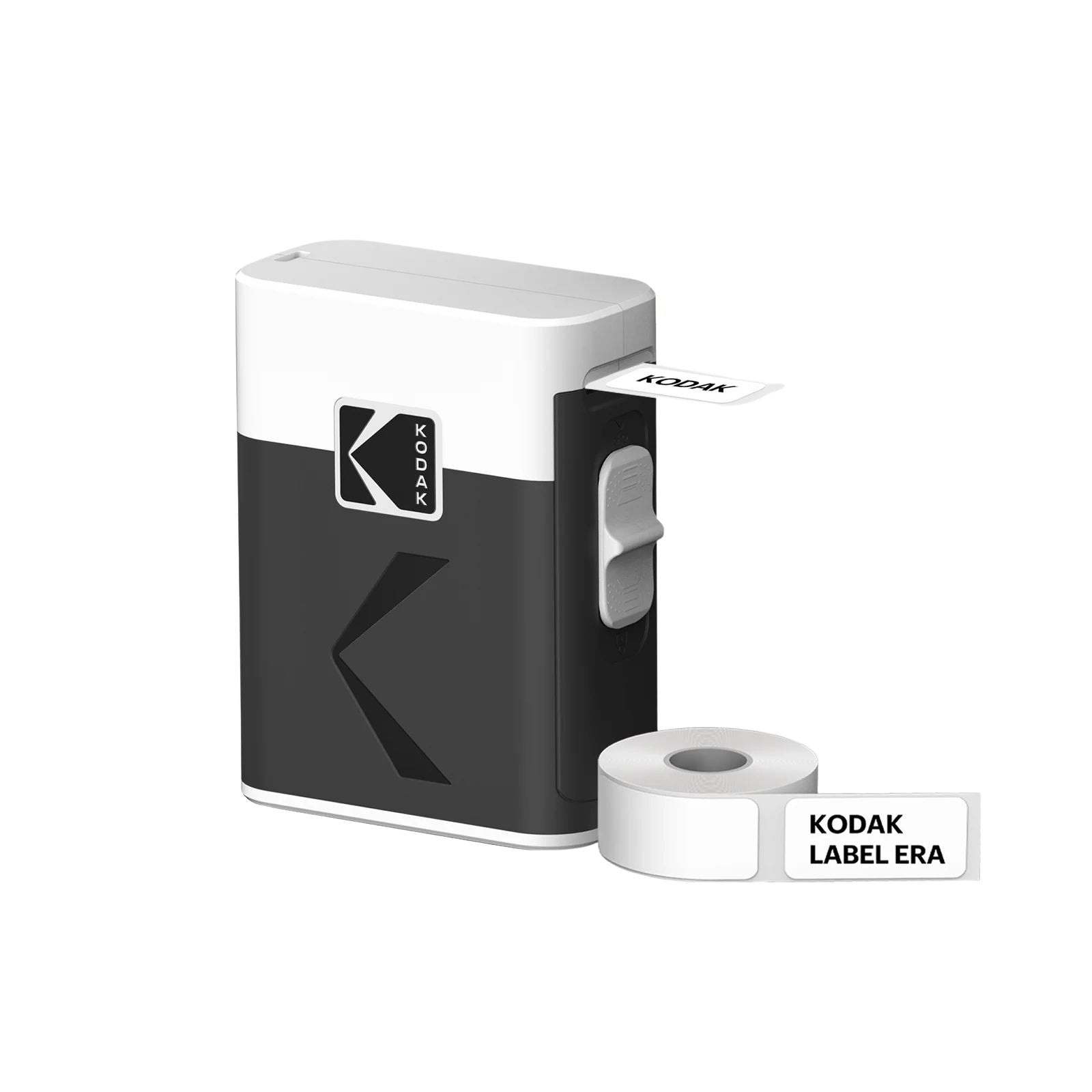
Smart Labeling for Every Space
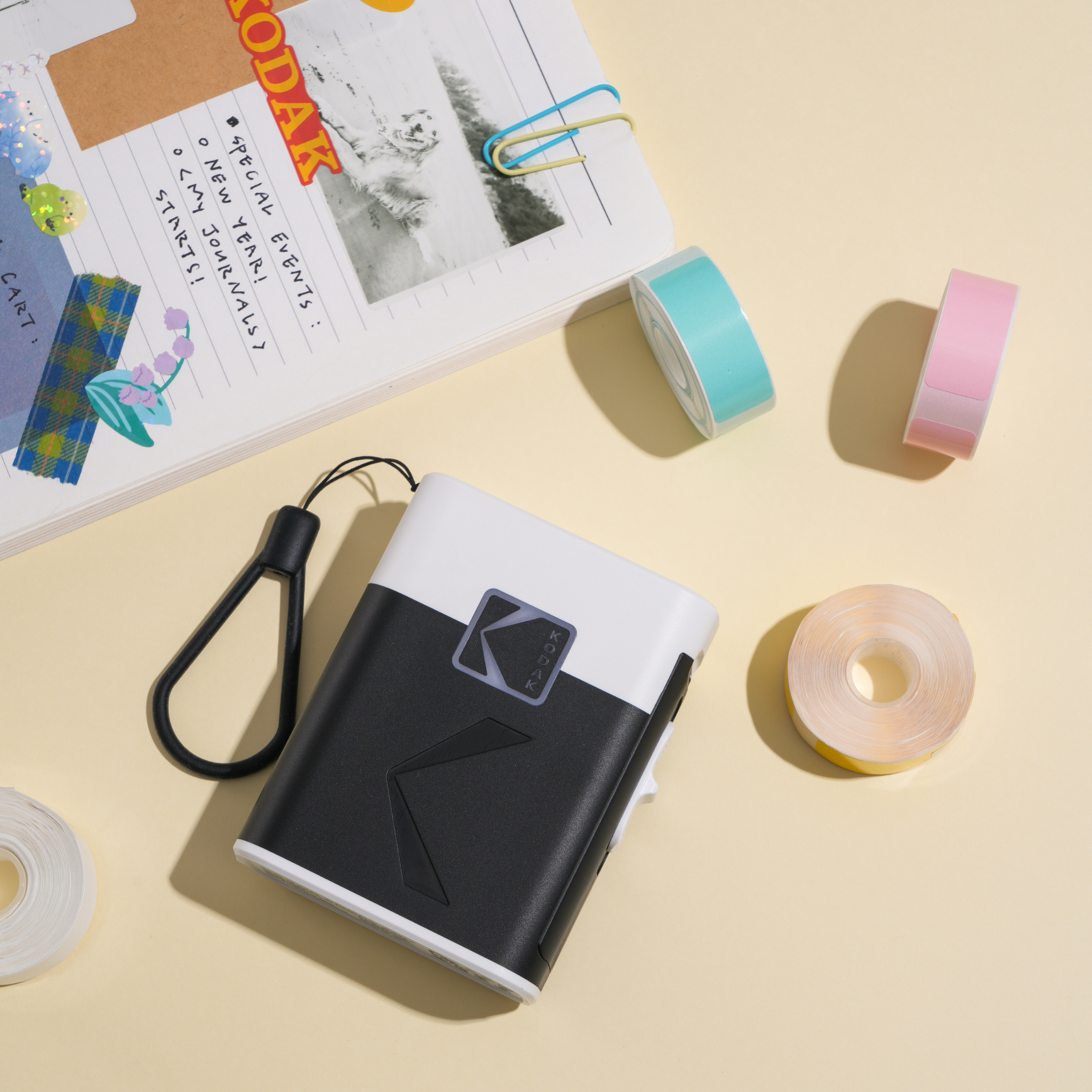
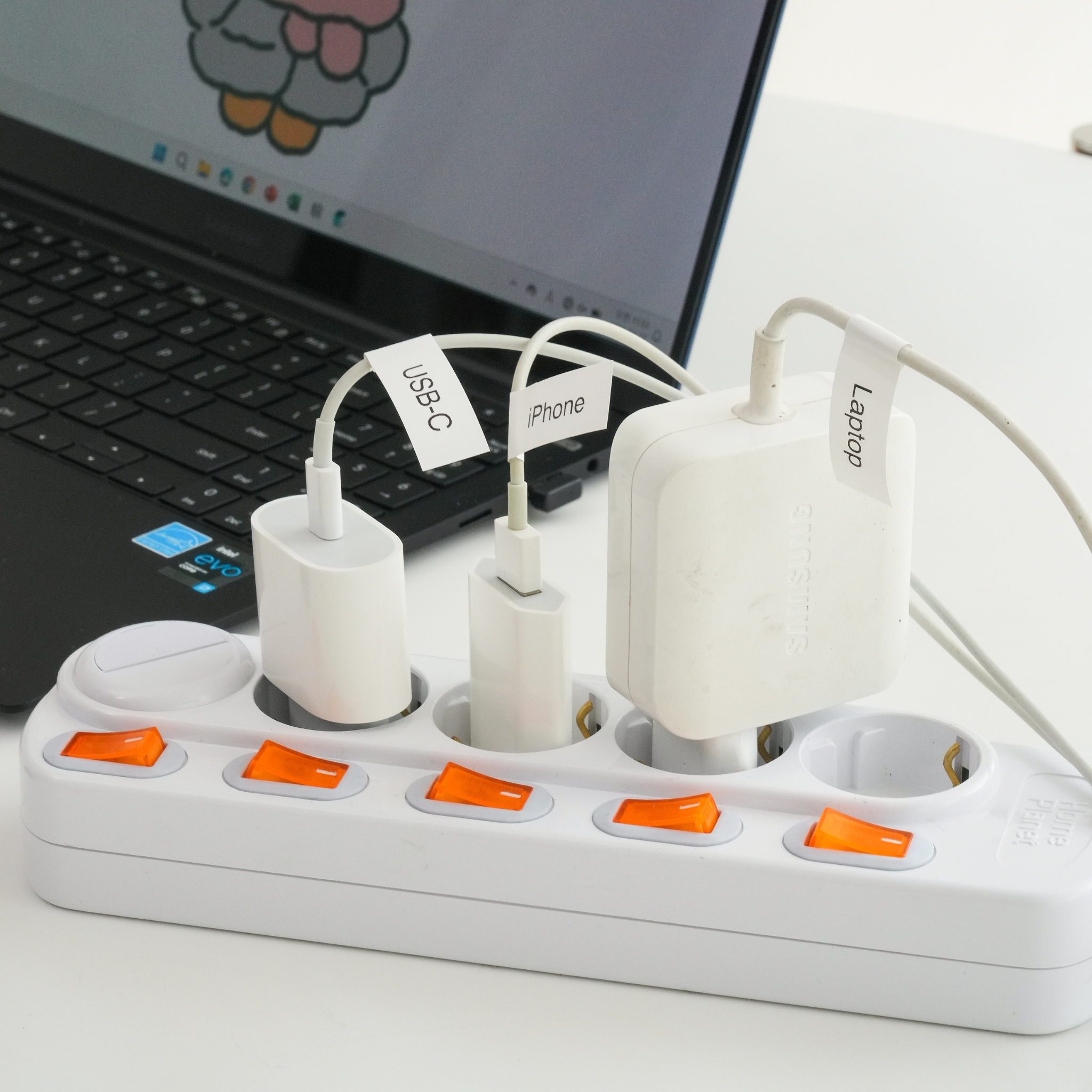
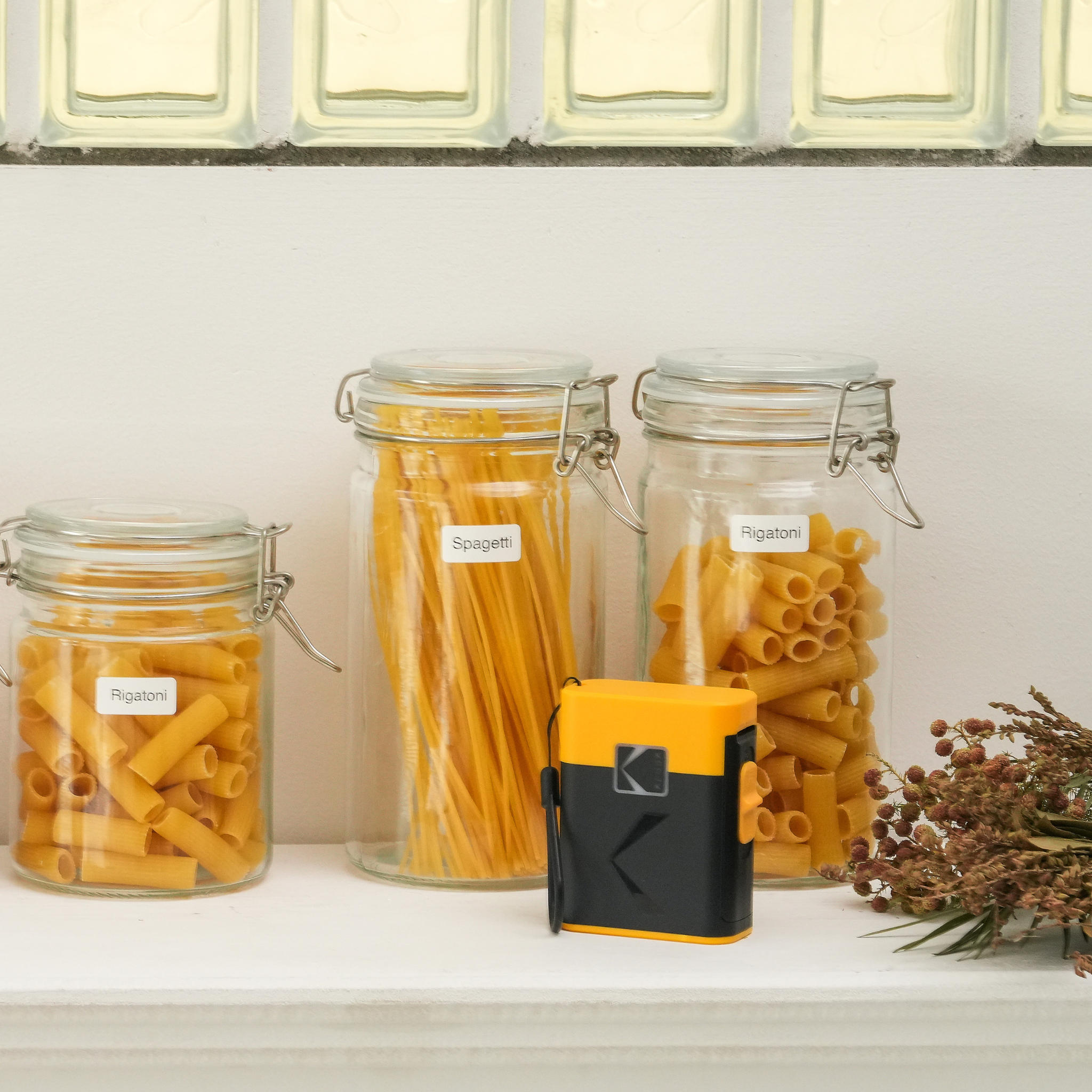
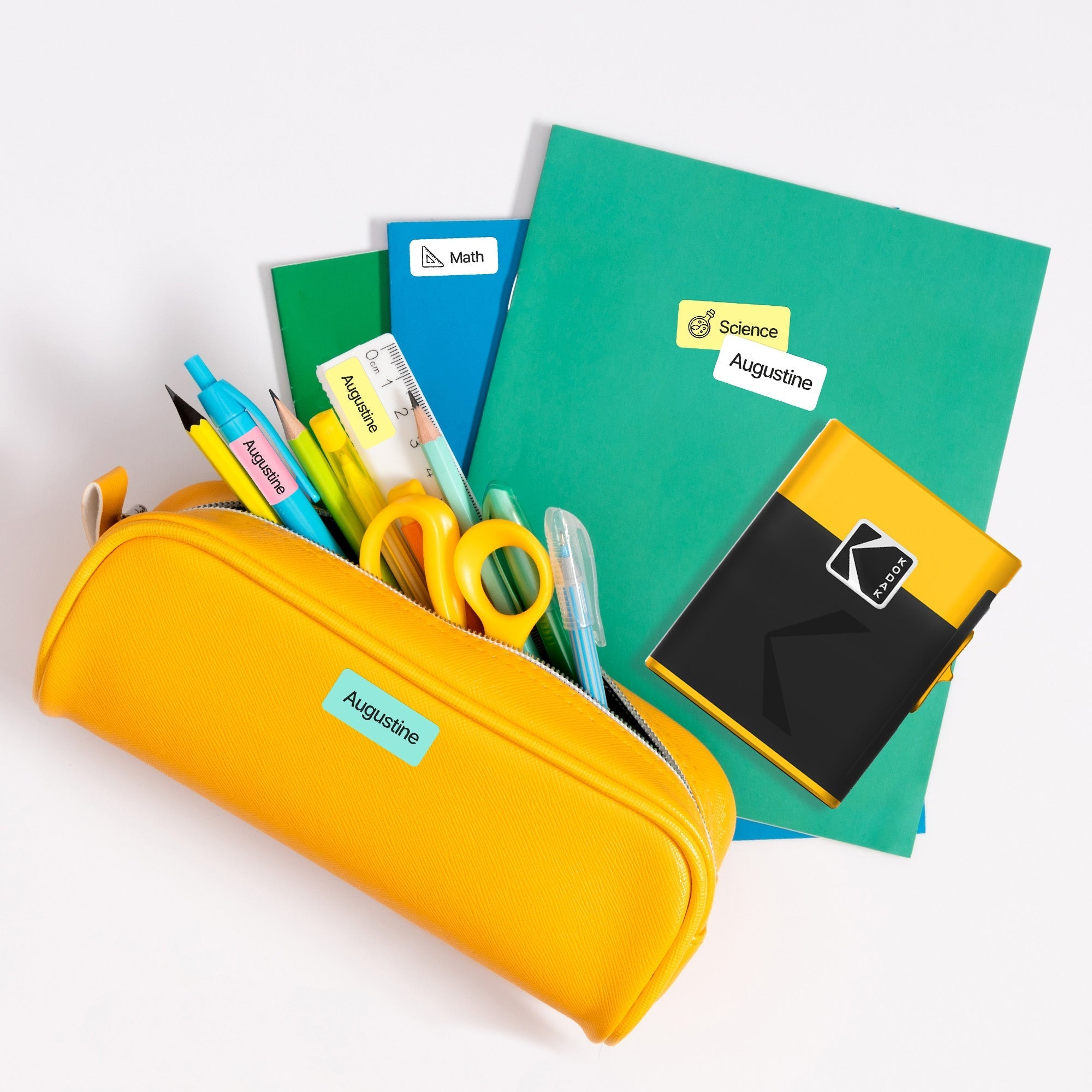
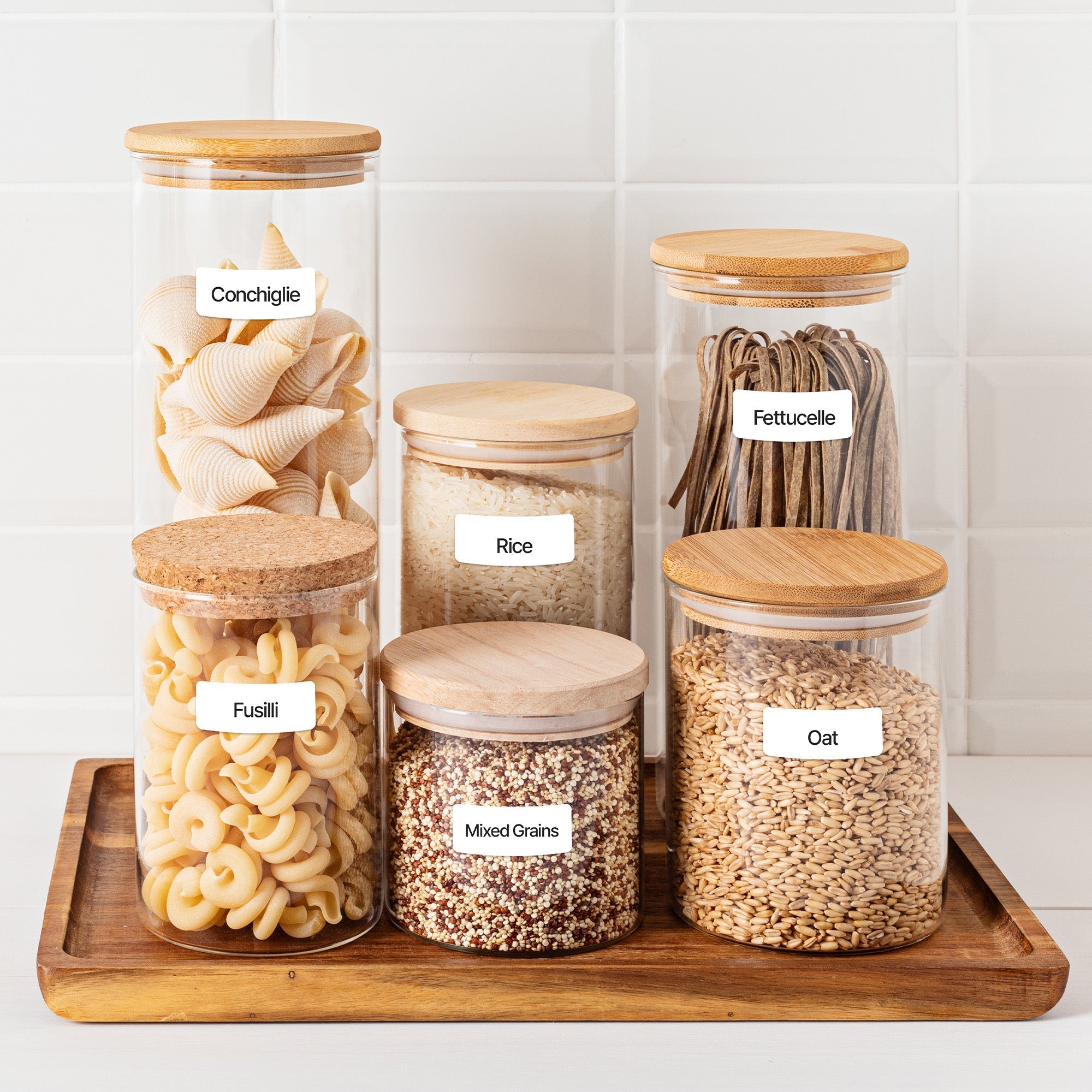
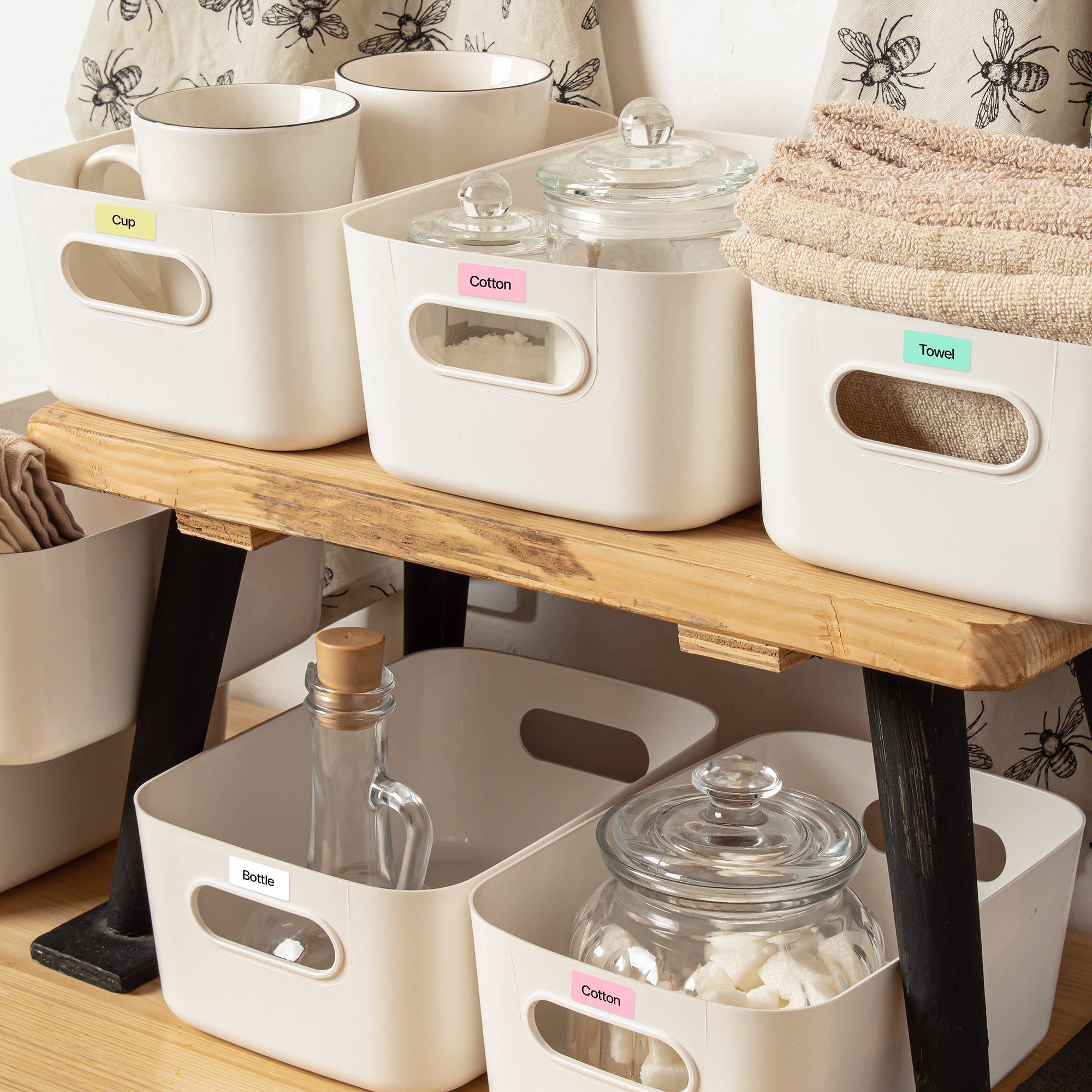
Whether at home, in the office, or at school—organize your daily life with KODAK LABEL ERA.
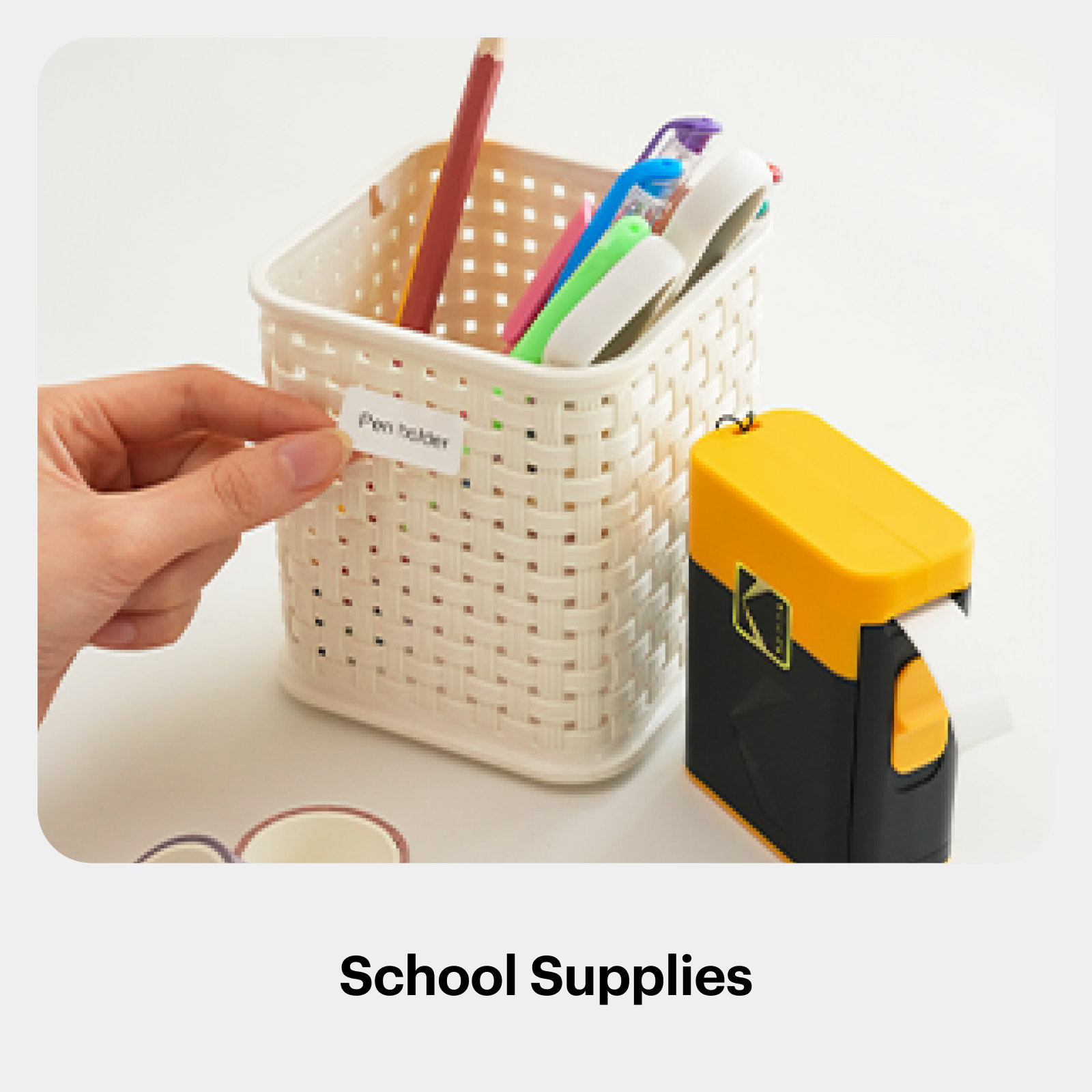
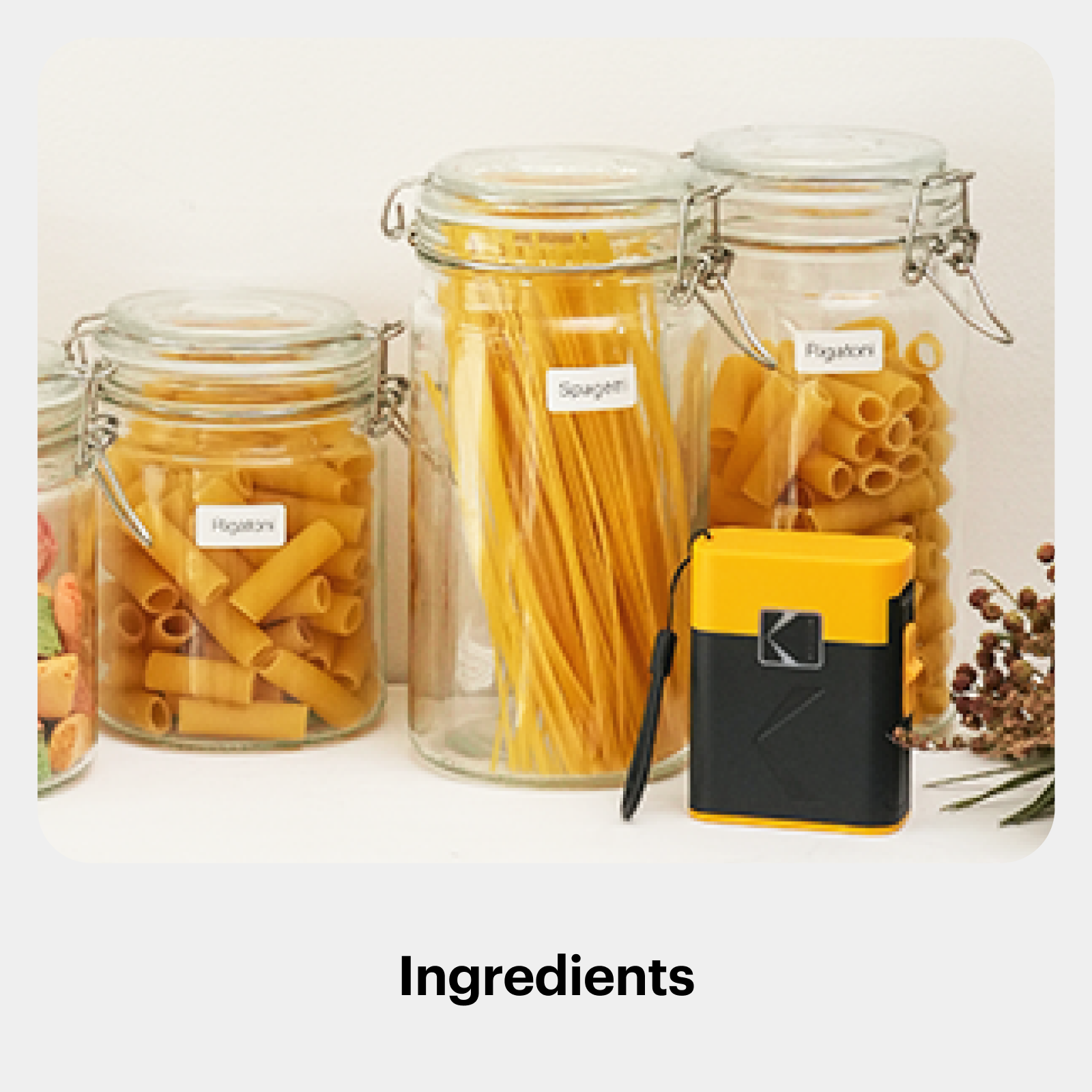
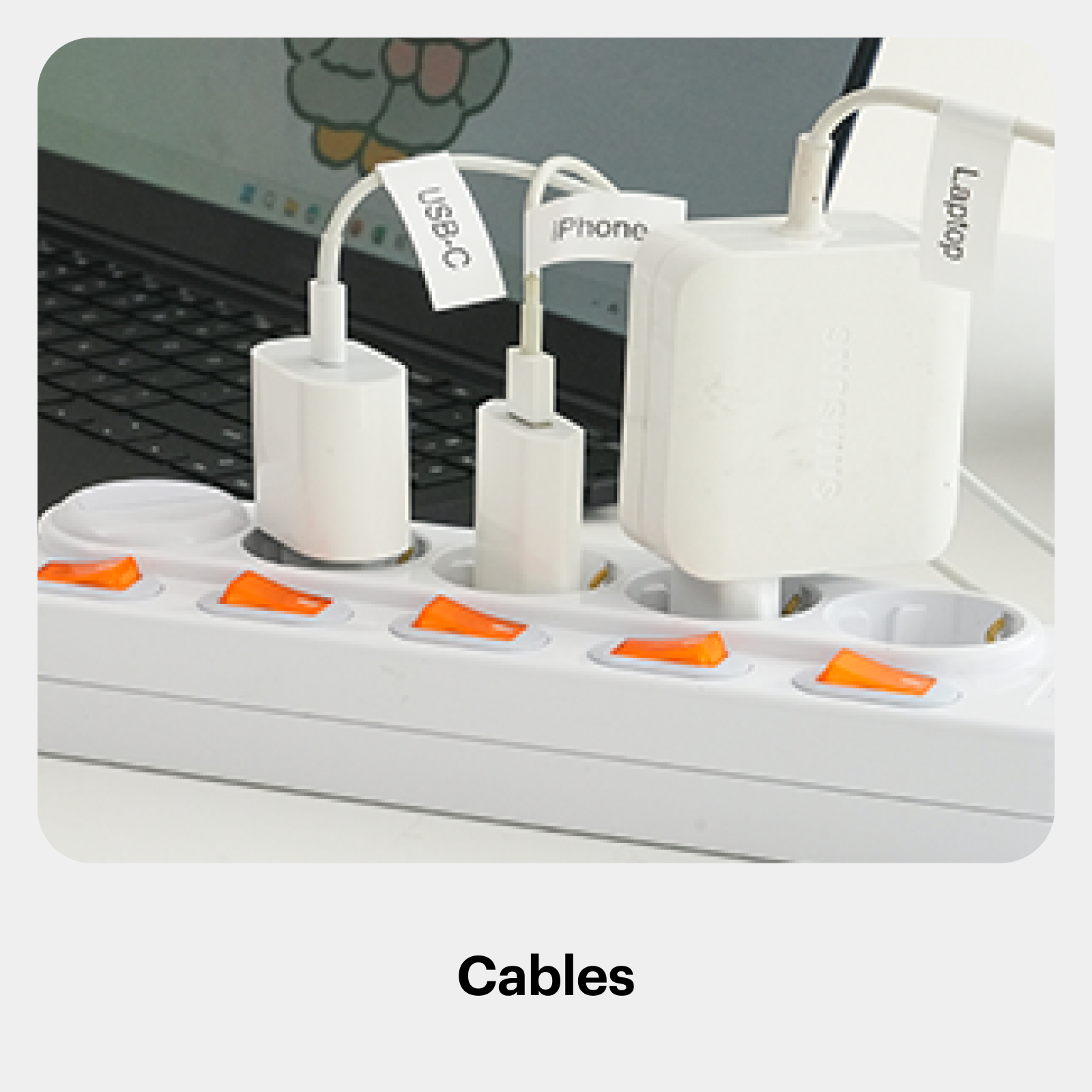
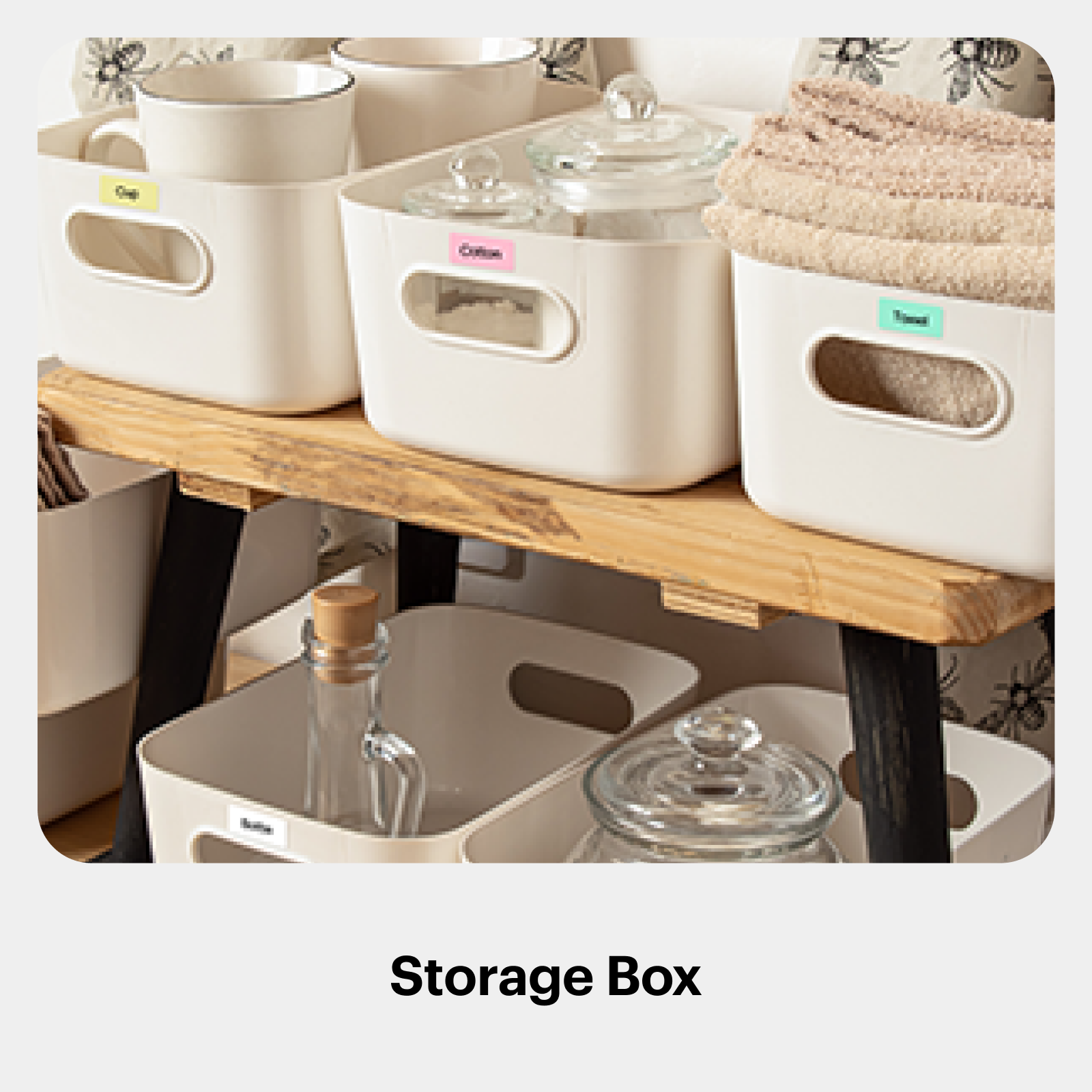
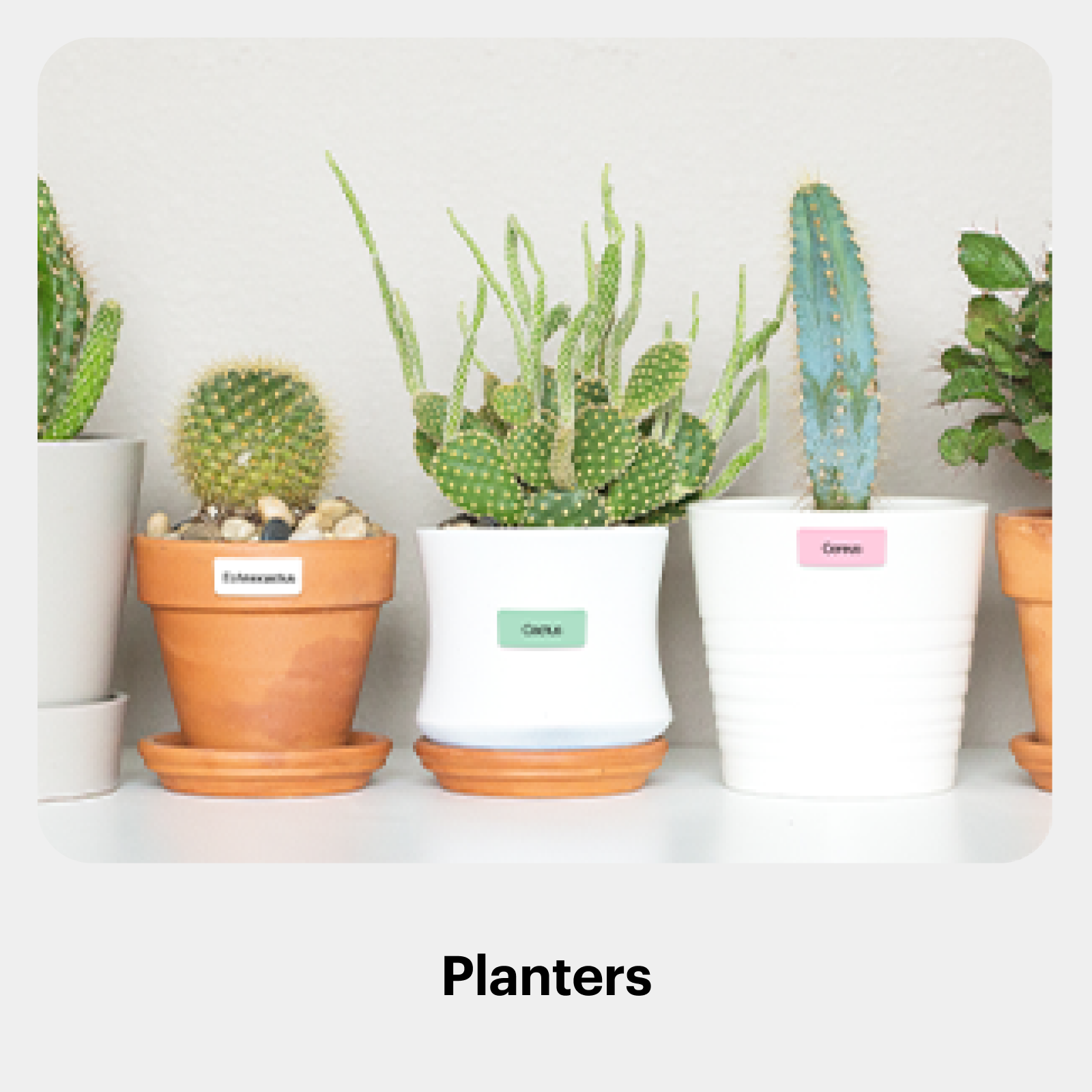
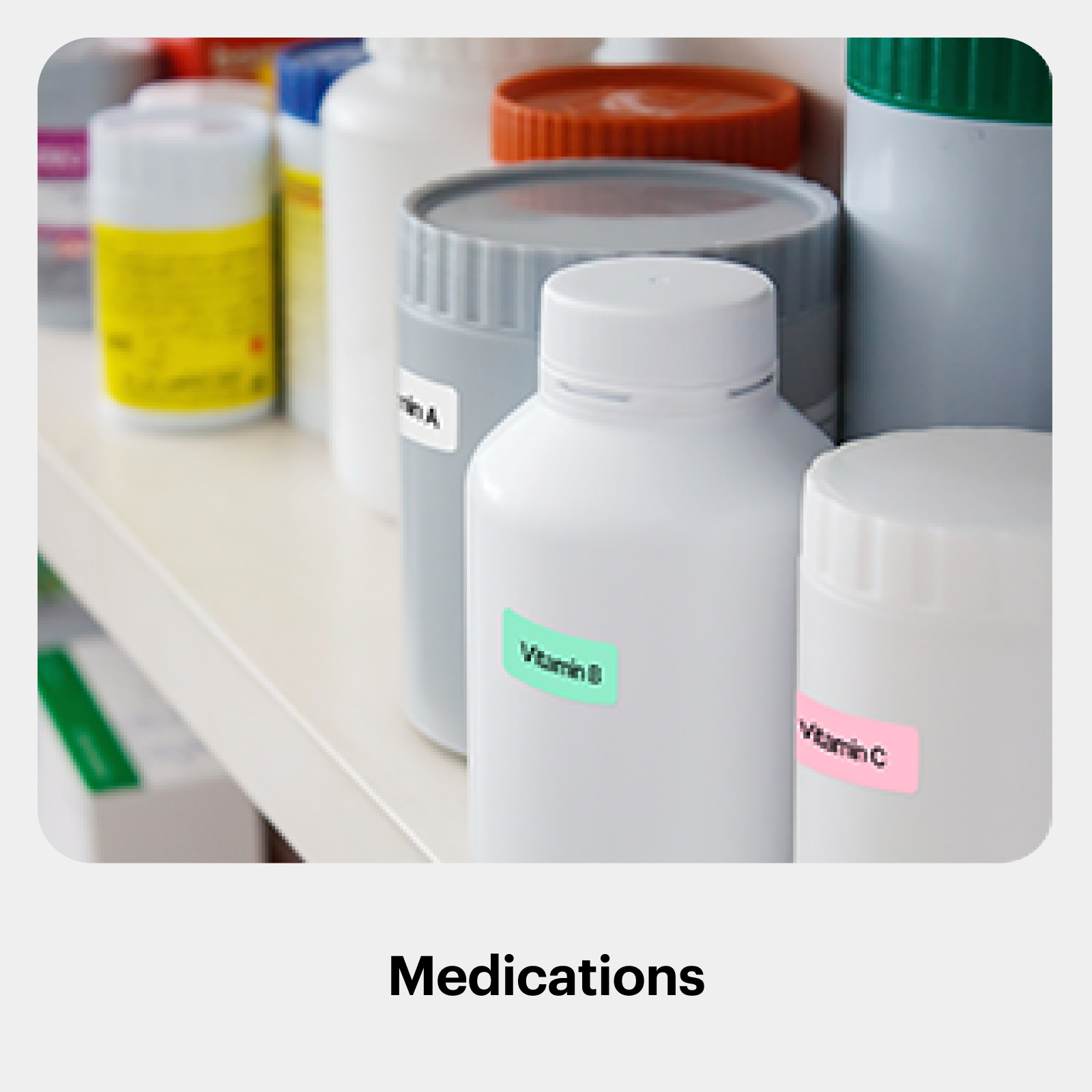
Flexible & Practical Labels
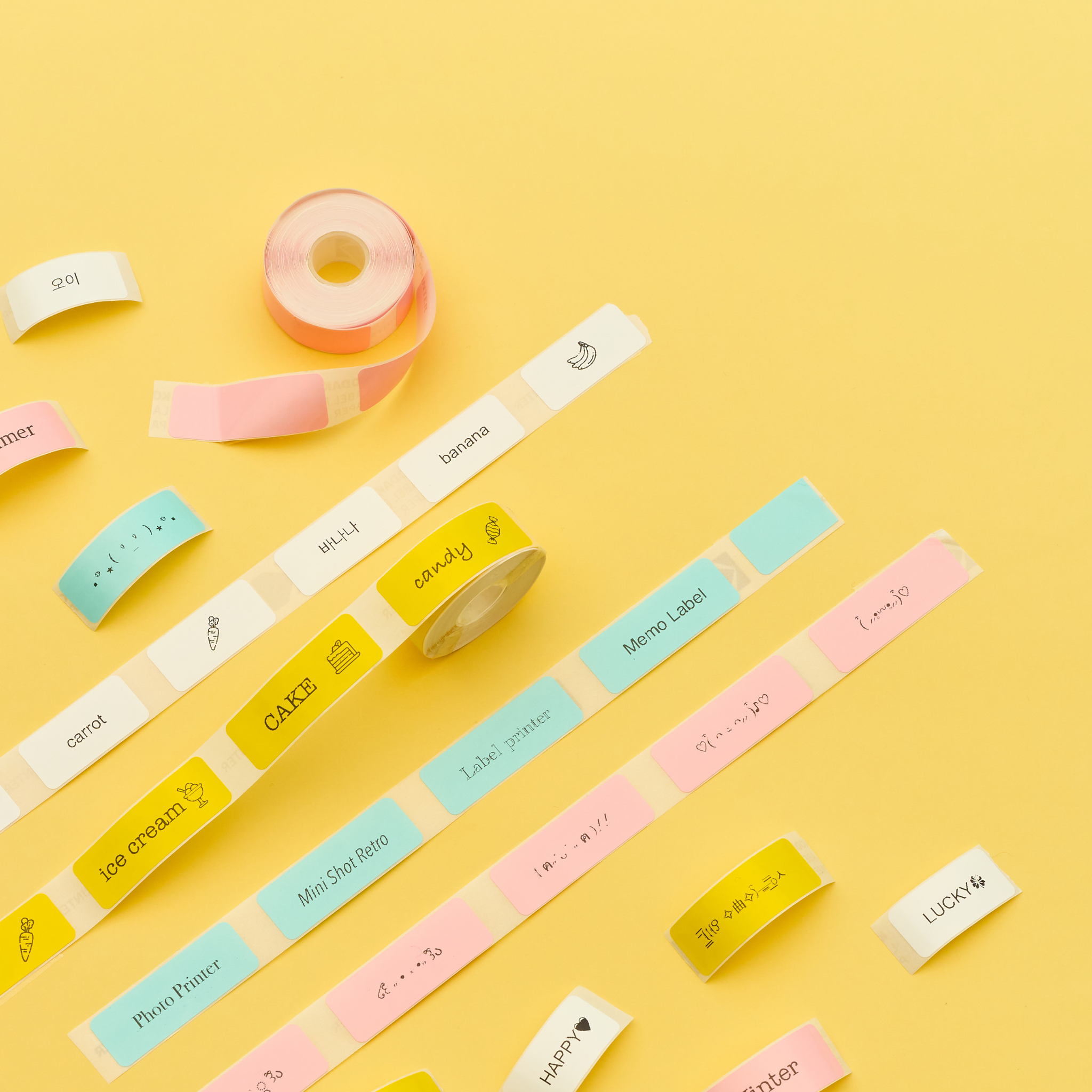
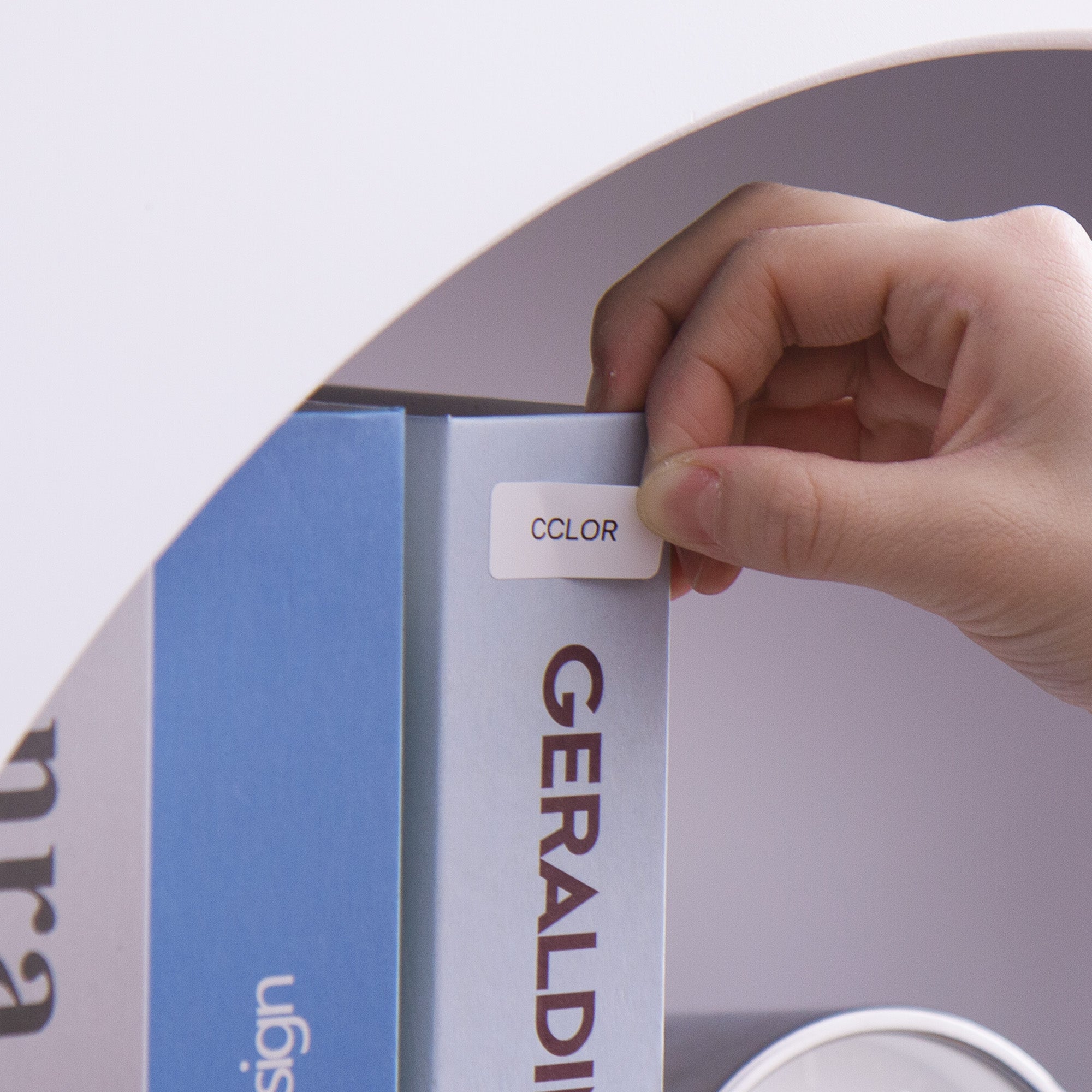
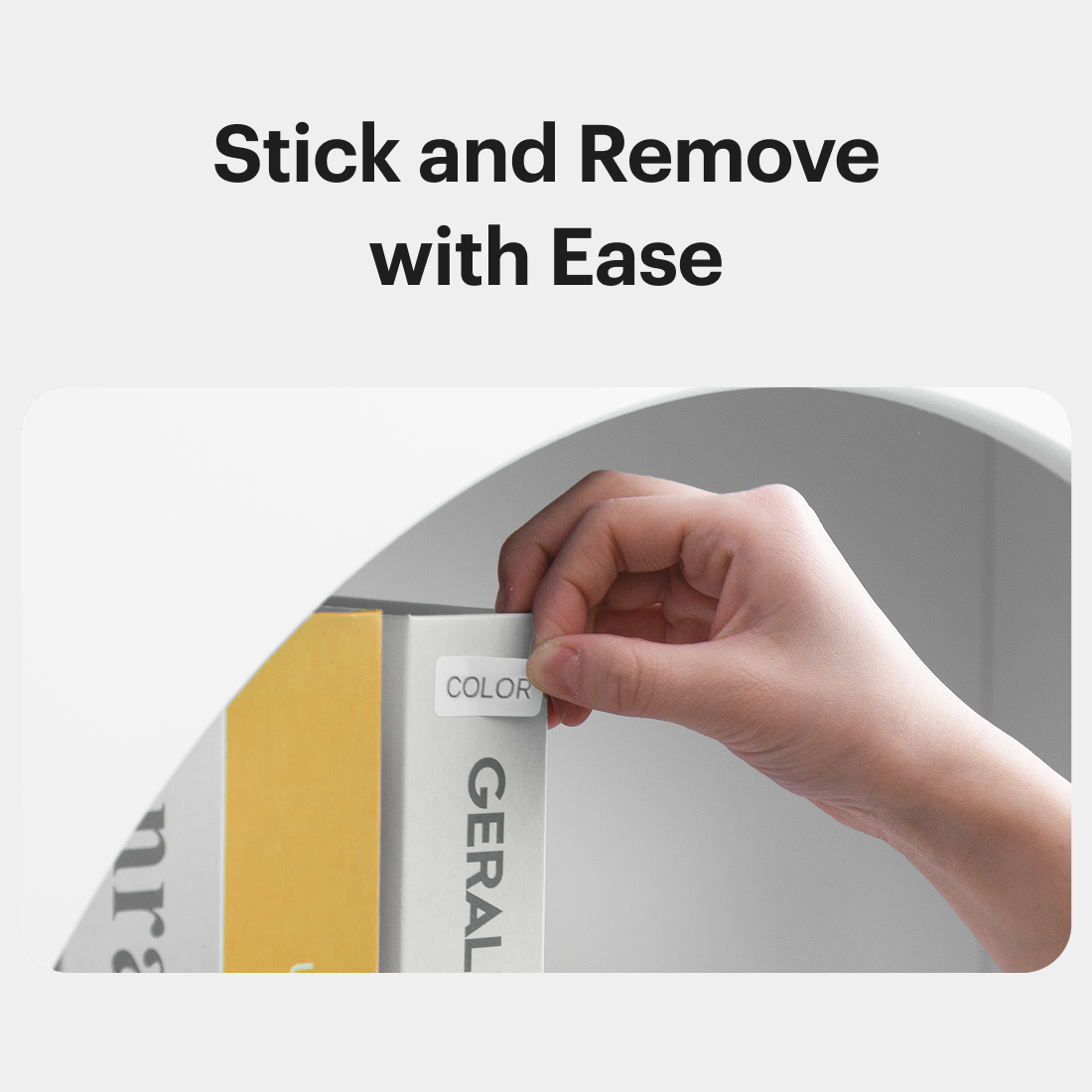
Enjoy colorful, easy-to-use labels with simple peel-off design.
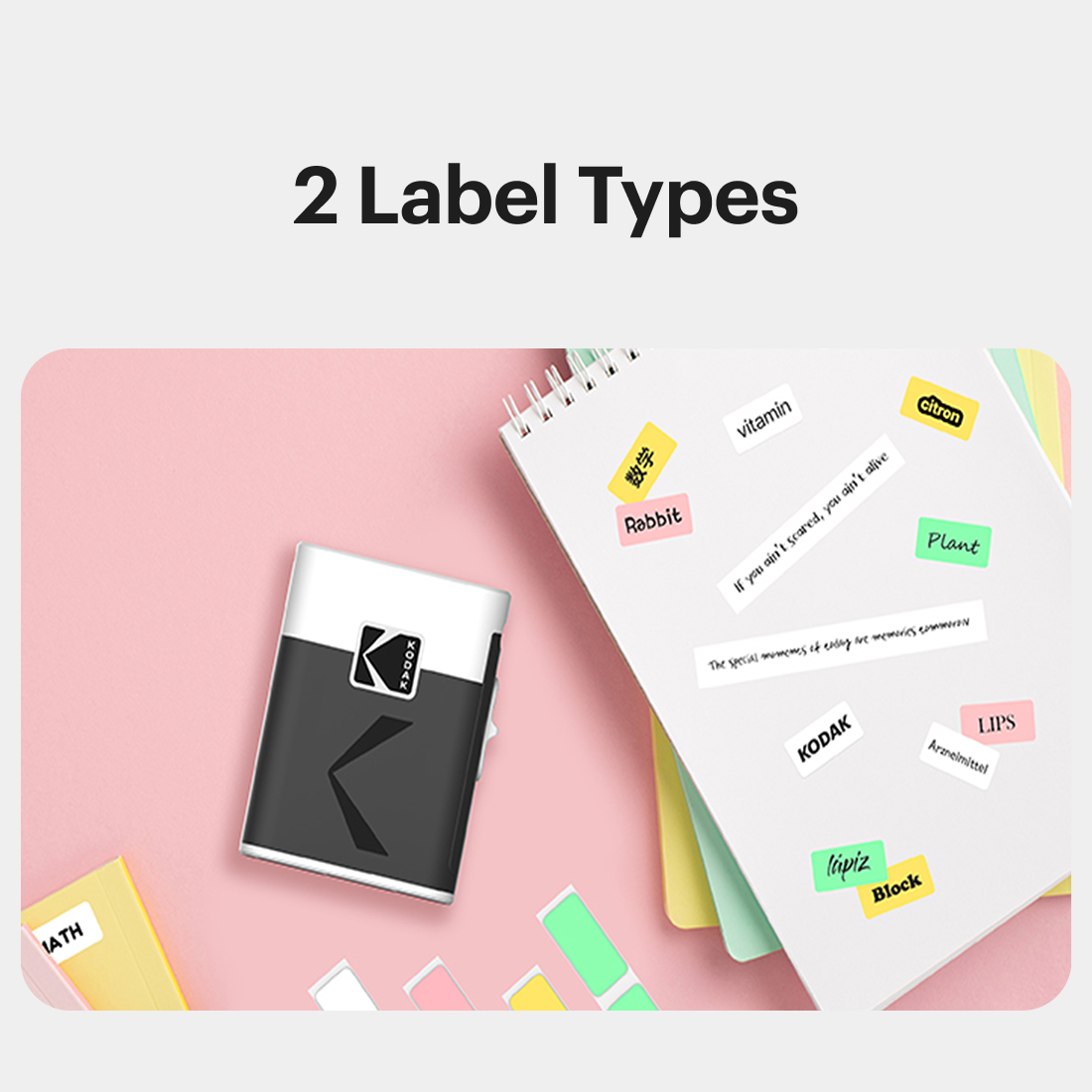
Available in 4 colors and 2 paper types to suit your needs. Choose from continuous rolls or pre-cut labels for flexible use.
Need help?
Frequently Asked Questions
It depends on where you are. Orders processed here will take 5-7 business days to arrive. Overseas deliveries can take anywhere from 7-16 days. Delivery details will be provided in your confirmation email.
You can contact us through our contact page! We will be happy to assist you.
Yes. The Kodak Photo Printer app includes various frame designs, filters, collages, and editing features such as brightness and saturation adjustment. Enjoy creating your own unique designs!
To connect, dock your phone and wait for the connect message in the app. For Bluetooth, ensure it's on and your phone is within range. Restart both devices if needed. For further help, feel free to reach out to our Customer Support in the app.