
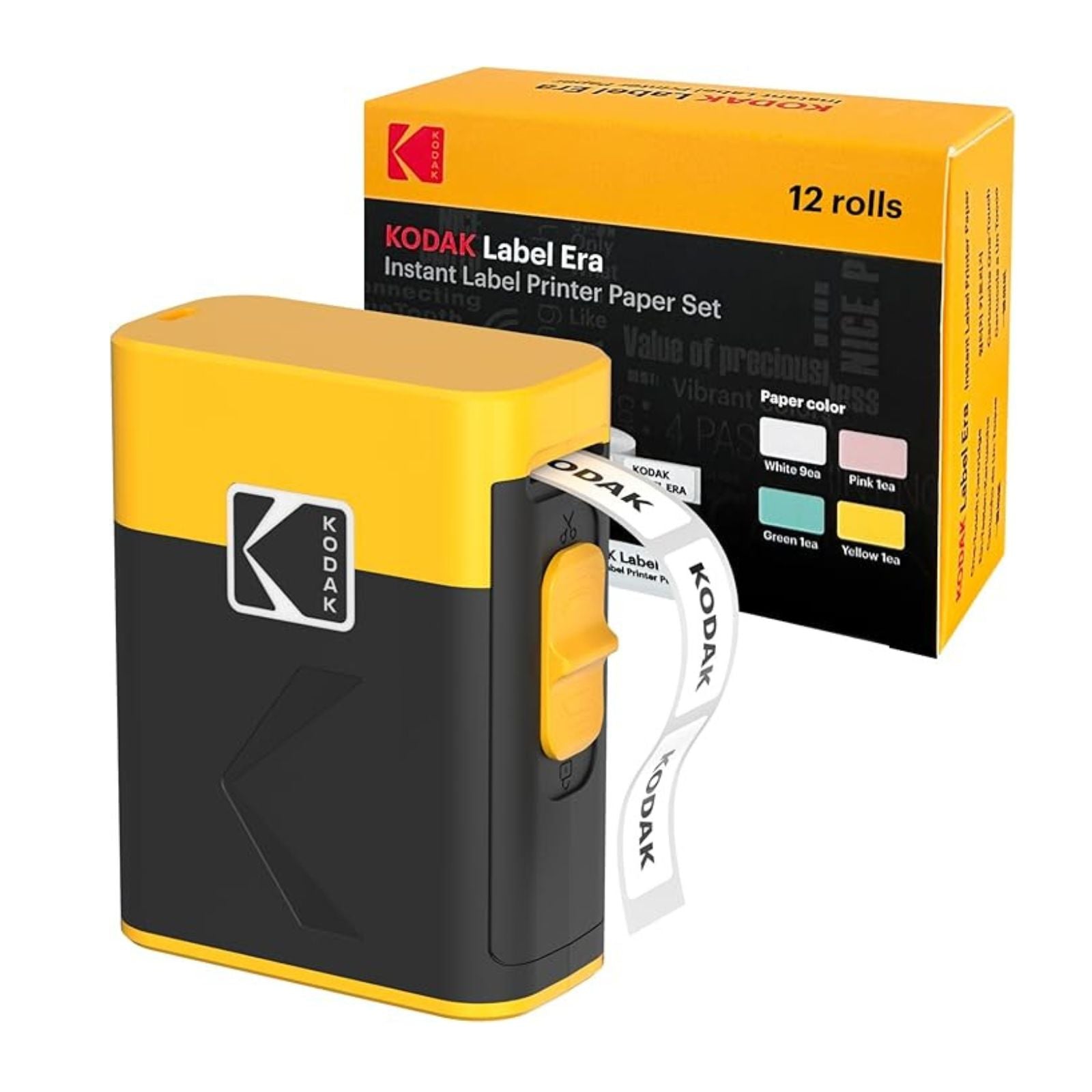
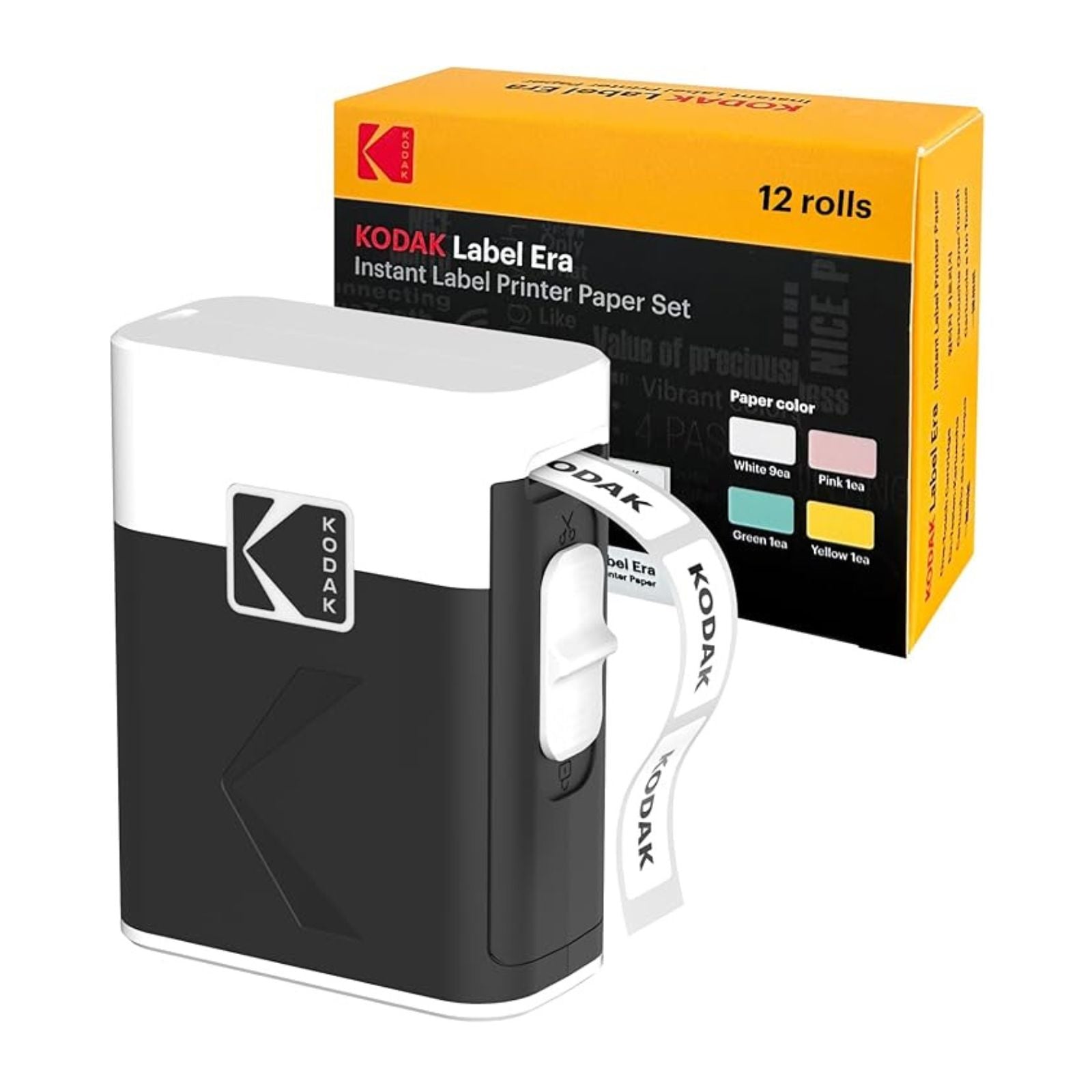

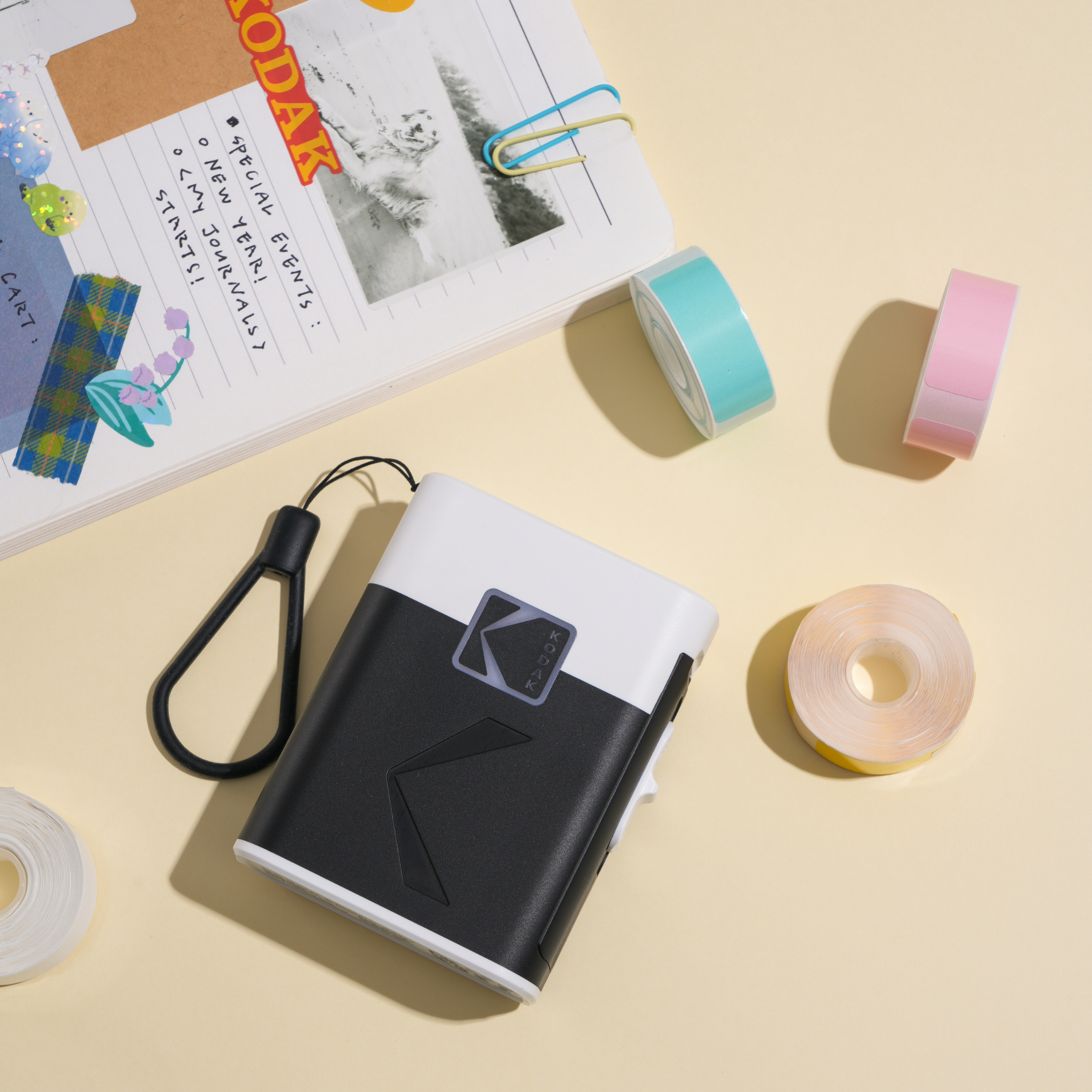
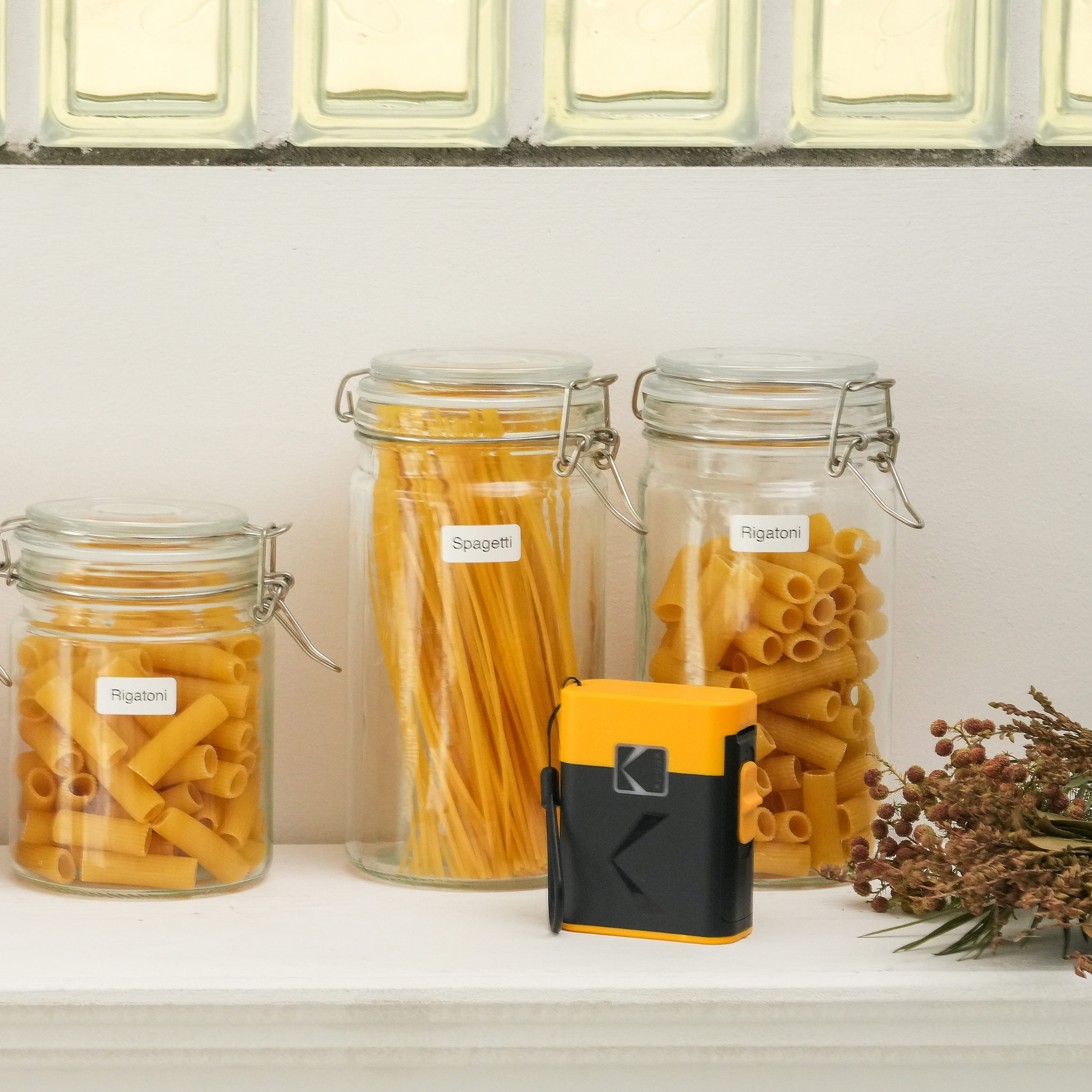
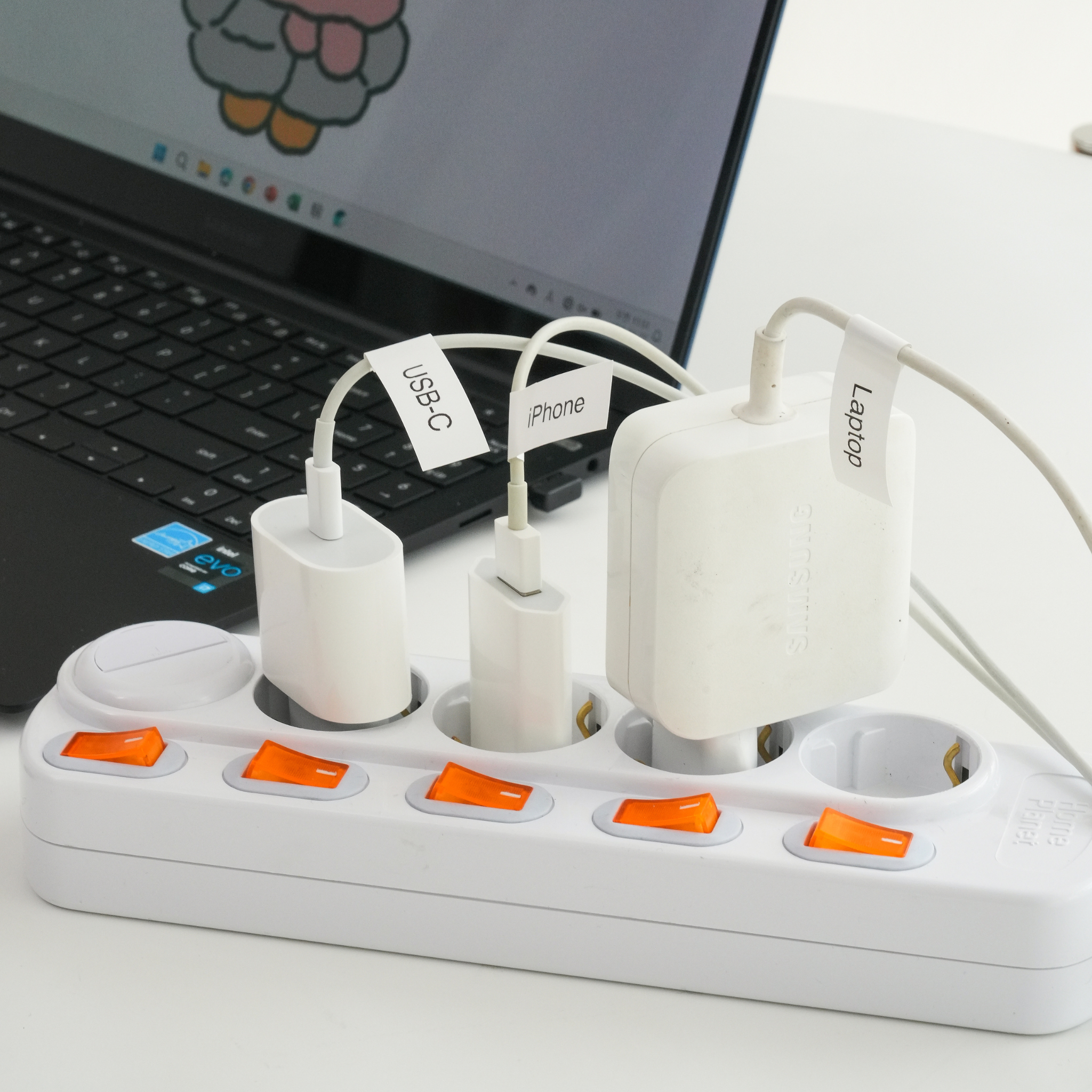


KODAK Label ERA M50 13 Roll Bundle
KODAK Memo Label ERA
Label maker with 1 initial roll + 12rolls pack
Made with BPA-free, these labels are safe for all users and perfect for everyday use.
- Mobile OS: iOS, Android
- Connection: Bluetooth, USB-C (Lightning pin adapter included)
Printing Resolution: 203 dpi
Sheet Size: 0.5 × 1.2 inches
Paper Type: Thermal
Dimensions: 73.6 x 91 x 36 mm
Weight: 146g
1) Store in a cool, dry place away from direct sunlight.
2) Do not open the cartridge using sharp objects.
3) This cartridge is designed exclusively for the compatible models listed above. Do not use with other devices.
Scegli le opzioni


It is exactly as described it works great and it prints very good quality sticky notes or emojis, but in the app it shows two tabs gallery and label.But it only supports labels , it does not support gallery it says.As showing you in picture that I posted so by clicking the button for one second it turns on/offBut if you hold it for 3 seconds it turns on and it adjust itself to be ready to print or when you add a new roll of paper


I received this Kodak Label Maker a few months ago. Following directions included, I easily downloaded the app. (Quick download also). Unfortunately I kept getting an error on my cell (pls see screenshot image) stating my Bluetooth didn?�t recognize app. I blamed myself thinking I?�d failed to read product specs thoroughly. I have an older iPhone, an 11 Pro which I?�ve purchased repeatedly because I love the camera. However, after doing some research, I was unable to find definite specs for compatible (or not) cell phones. Frustrated, I put printer to the side and forgot about it for a few wks. On my next attempt, I just decided to ignore the error message. Well, that worked! If for some reason you get the same error, just bypass it and go directly to app. I was able to print without any issues. As a former graphic designer, I?�m amazed and in love with the HUGE amount of fonts available on this little printer - including my favorite, ?�Impact.??This label maker charges up quickly (cord is included). It?�s small but hefty, constructed well and the print quality is excellent. I?�m glad I didn?�t give up on this little guy. After a short period of trial and error, I?�m now able to create useful, easily read labels. I?�m now a very happy, label-printing nut.


I had been using a manual press label maker for decades and when I ran out of labels for it I decided to get an electronic one. This one looked cute and I also have a Kodak photo printer that I like so I decided to try it out. It's not perfect but it's not bad! I got the set that includes labels of different lengths so you can make a super long label if you want lol. The printing is nice and clear, no issues with print quality. The main reason why I'm not giving it 5 stars is the app kinda sucks, the space they give you to write the text on the screen is so small and you can't make it bigger. I have small female hands so I was able to deal with it, but I cannot imagine if you have larger man hands how you will fare. I also wouldn't suggest getting this specific product if you want to print different larger sized labels, since it only takes one size refills.
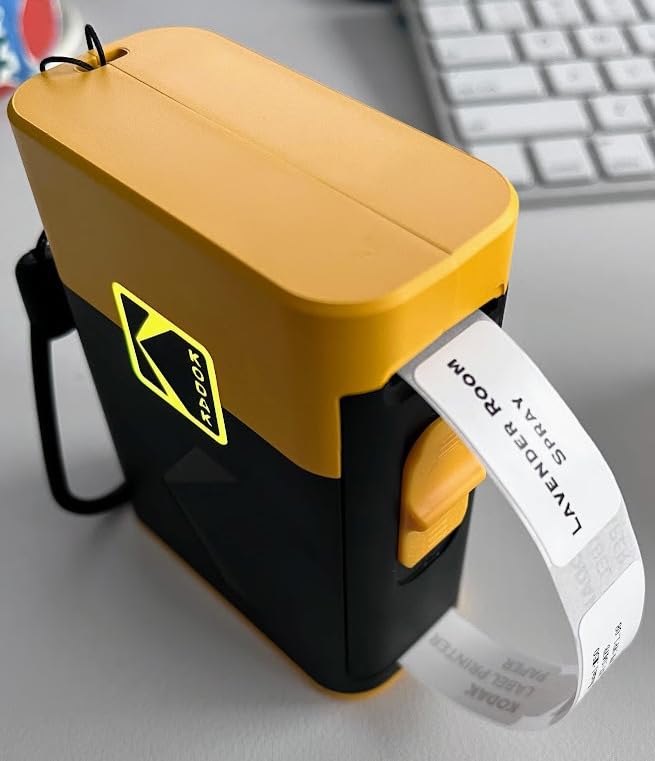
This printer has been fantastic. The setup was straightforward, especially with my phone, making it very user-friendly. I use it in many ways: labeling my baby?�s food and clothes, as well as adult food items like pork with purchase dates. The labels are easy to peel off and remain stuck even after dishwashing. Overall, this is a really great product that I highly recommend!
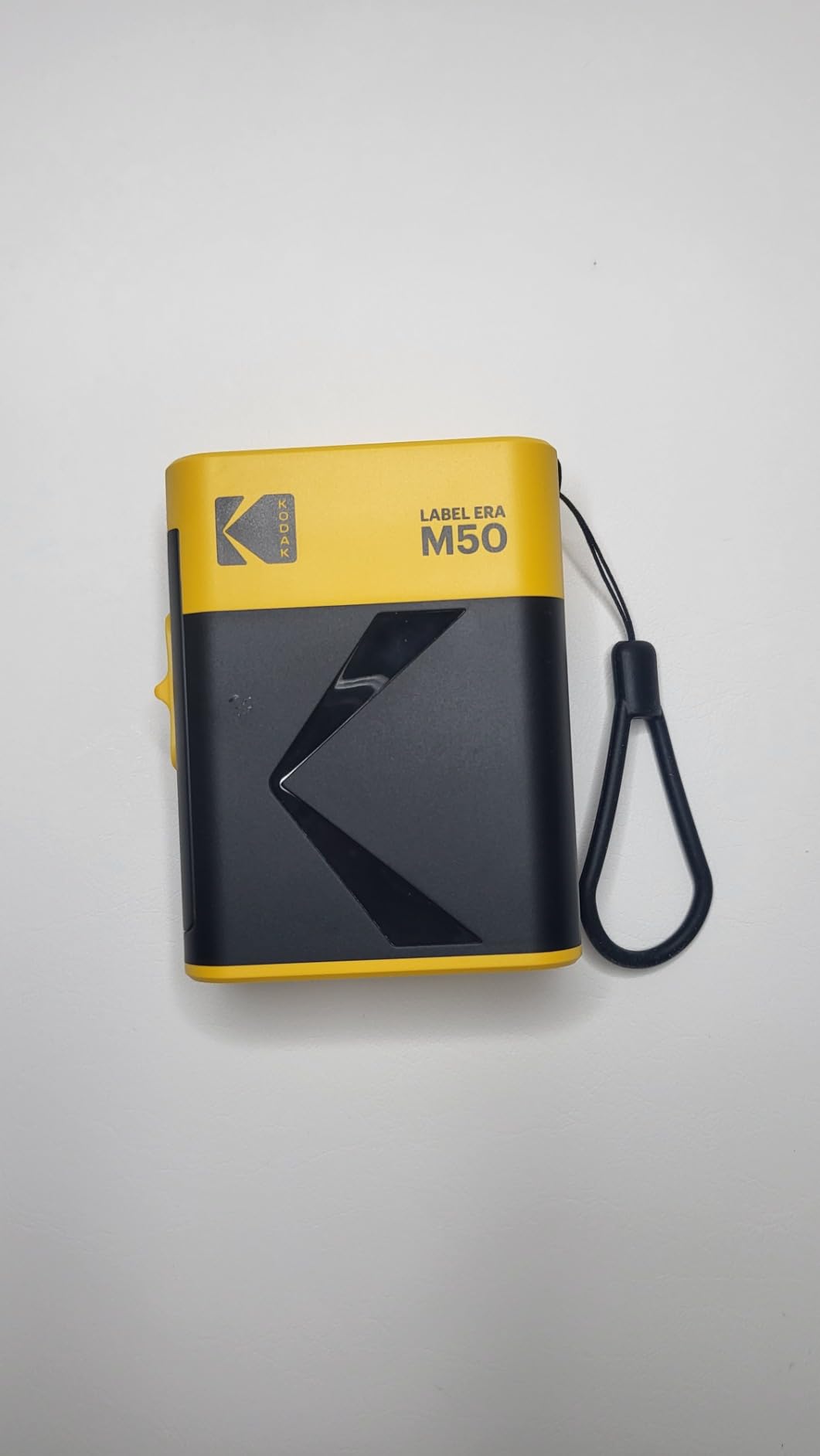
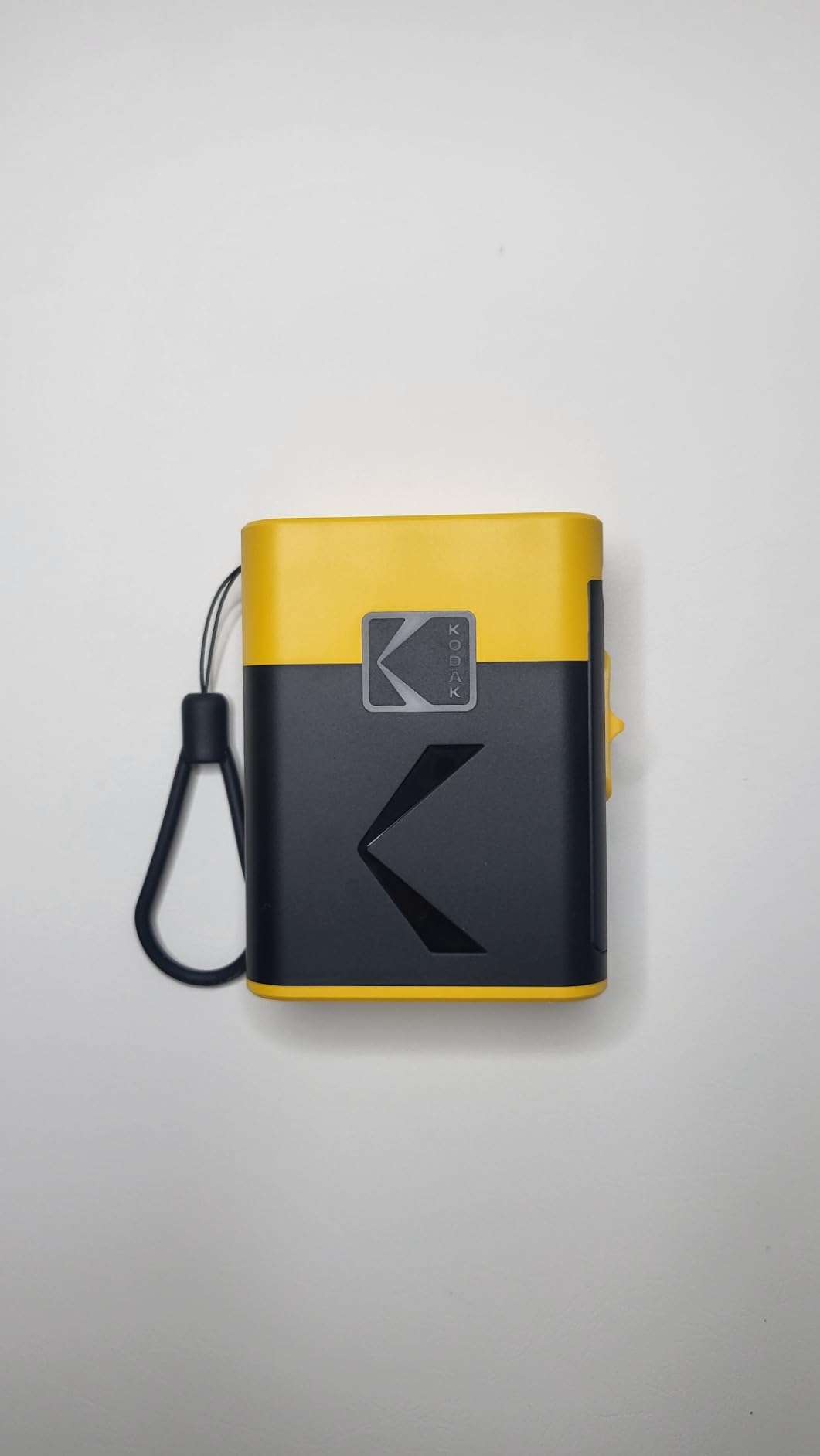
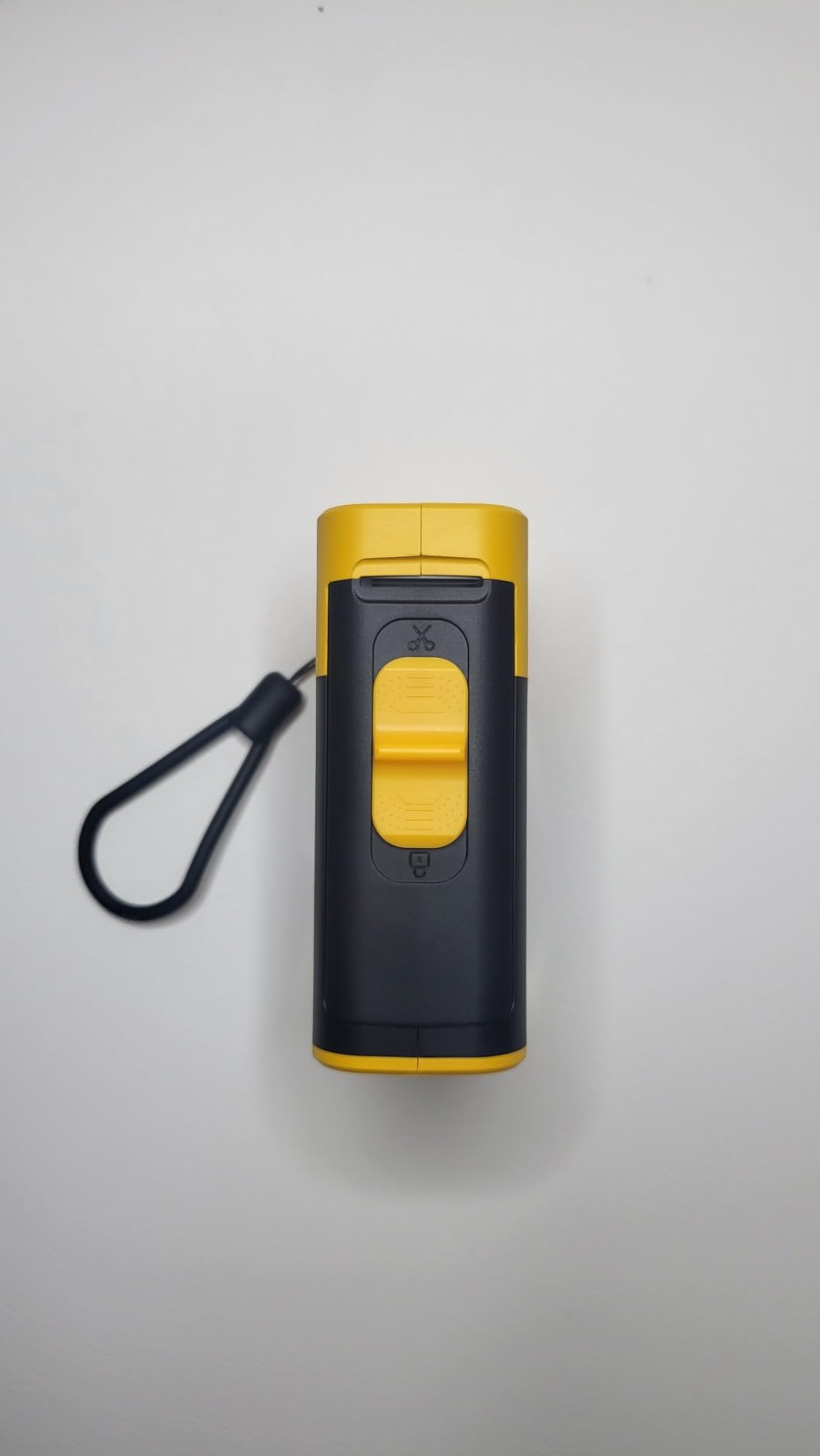
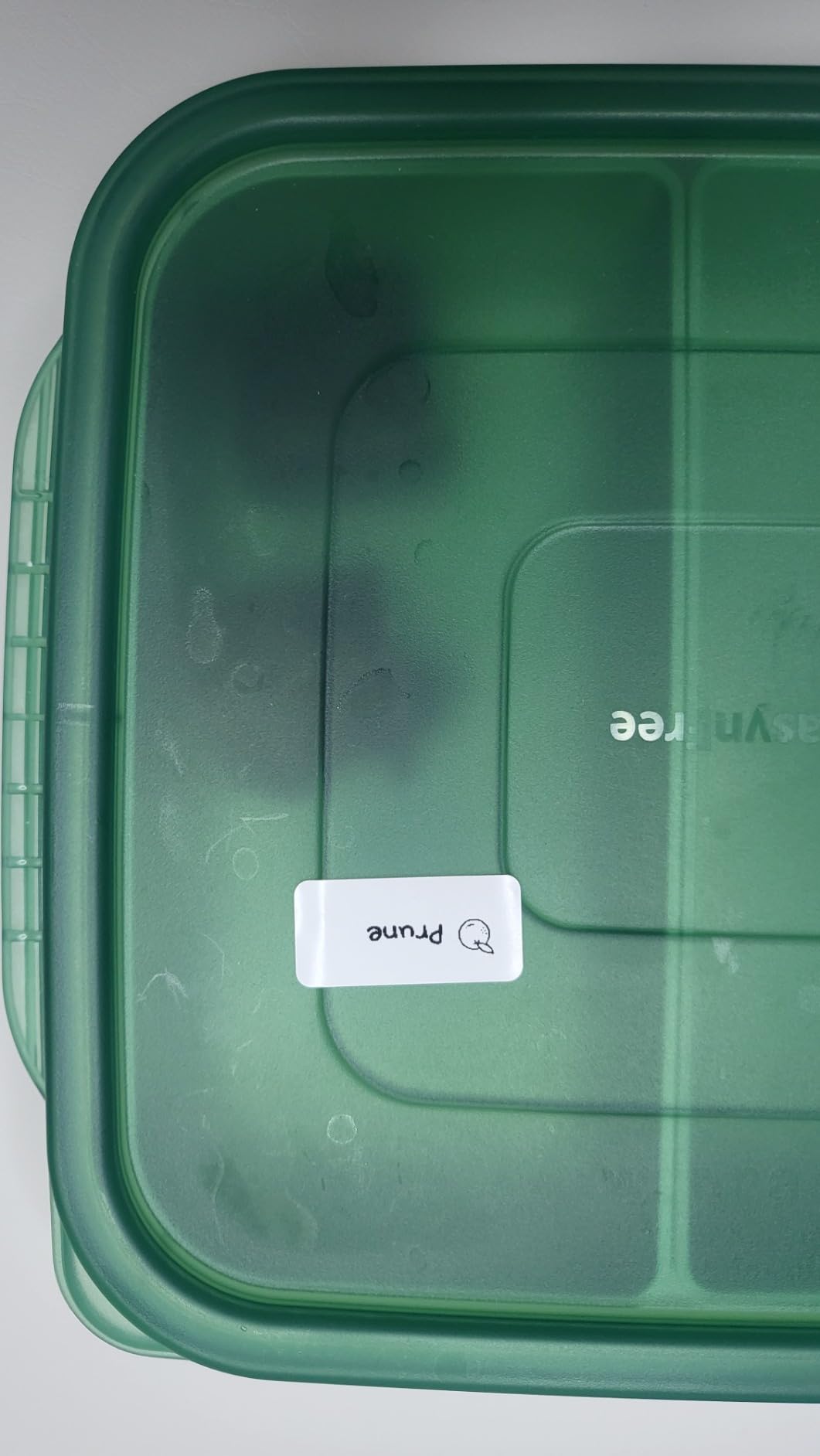
The Kodak Label ERA M50 maker is an interesting concept and works with the caveat that the labels are small. I ordered the package that came with 30mm, 40mm, 50mm, and continuous length labels (25.4mm = 1 inch) with all of them being 14mm or 1/2 inch wide.I tested it using the 30mm labels and was able to create two lines with 9 characters each including spaces. It is usable for making price tags, short names, abbreviations, or using more than one label.The technology is fascinating that it pairs with my phone and allows me to type what I wish or insert one of the many emojis that are in its library. The app that operates the label printer is not user friendly and the instructions are pictures only that cover the very basics. I have a S23 Ultra cell phone which has a large screen, but the area to type in the app is very small and difficult to see. I wish it could be resized to take advantage of my larger screen. Once the label is typed I have to move the image around with my finger to get it to print what I want. What you see on the screen is the way it will look on the label, so if the words are not centered well they will be cut off.The app also tells me every time I connect to the label printer that it can?�t recognize what size label I am using and wants me to press the on/off button. When I do it prints out one label with the size and one blank label.I think it will be handy for some things but it is very limited with what it is capable of printing. It is a great start for this type of machine and I imagine future versions will be better.
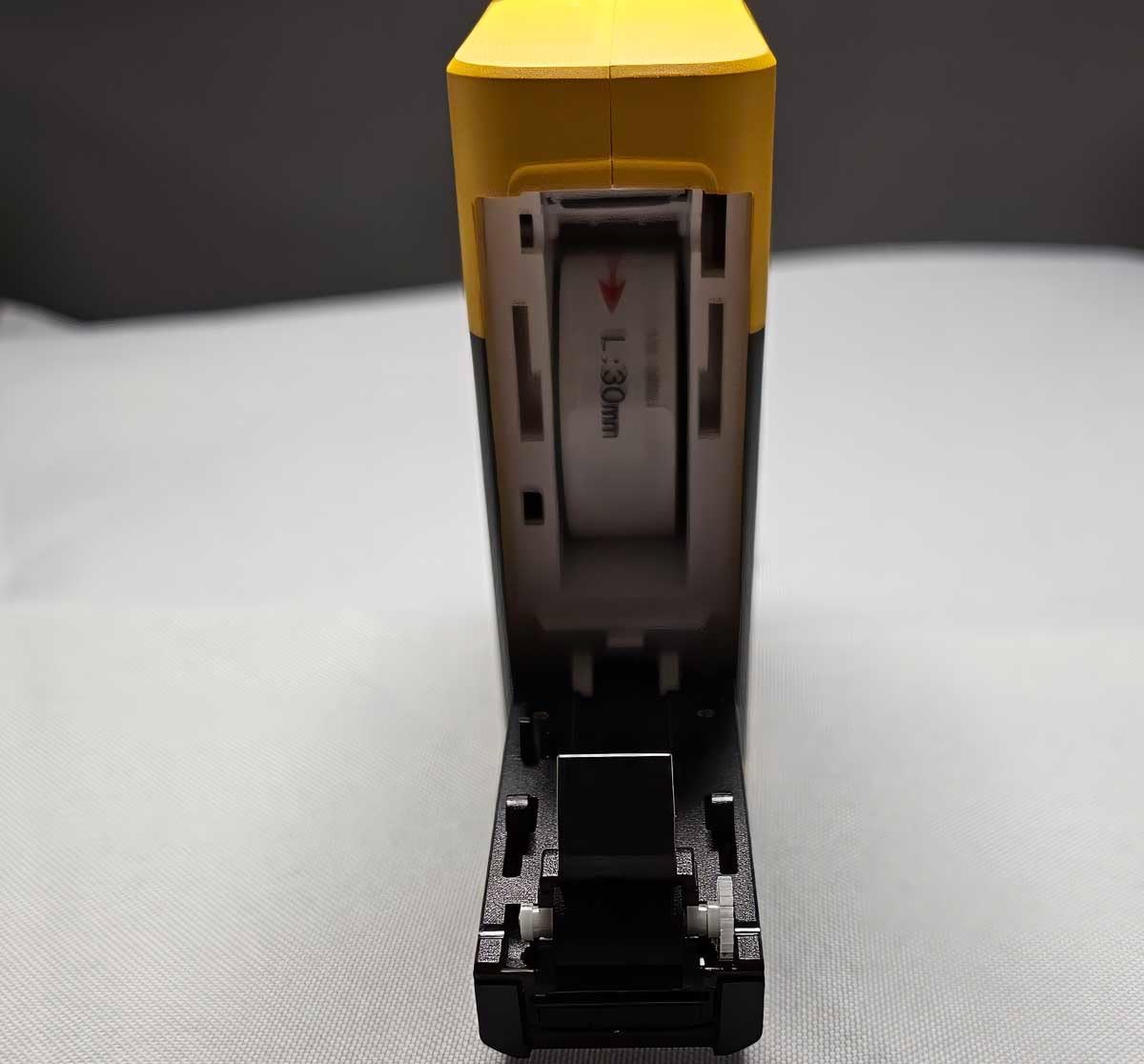
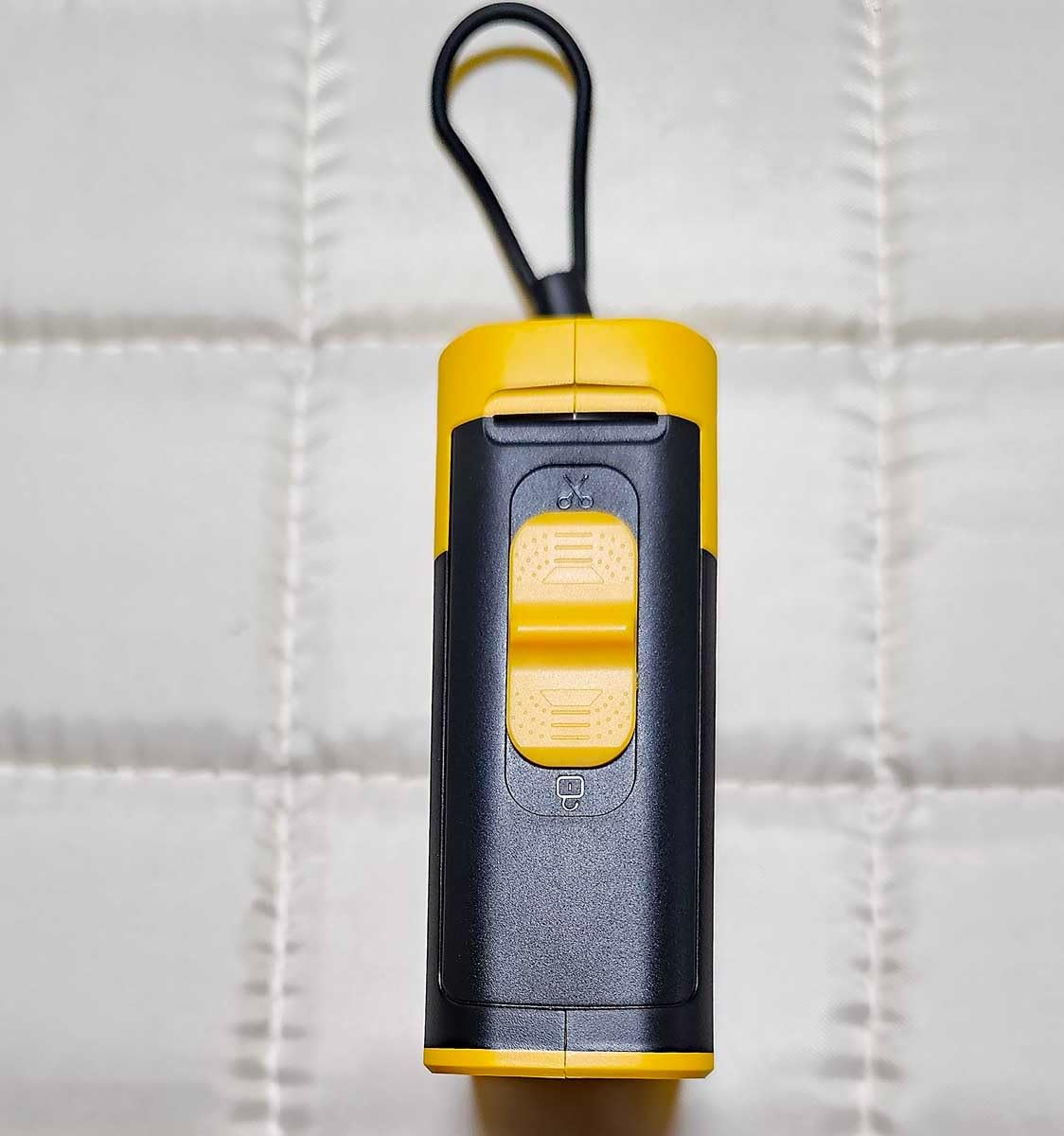
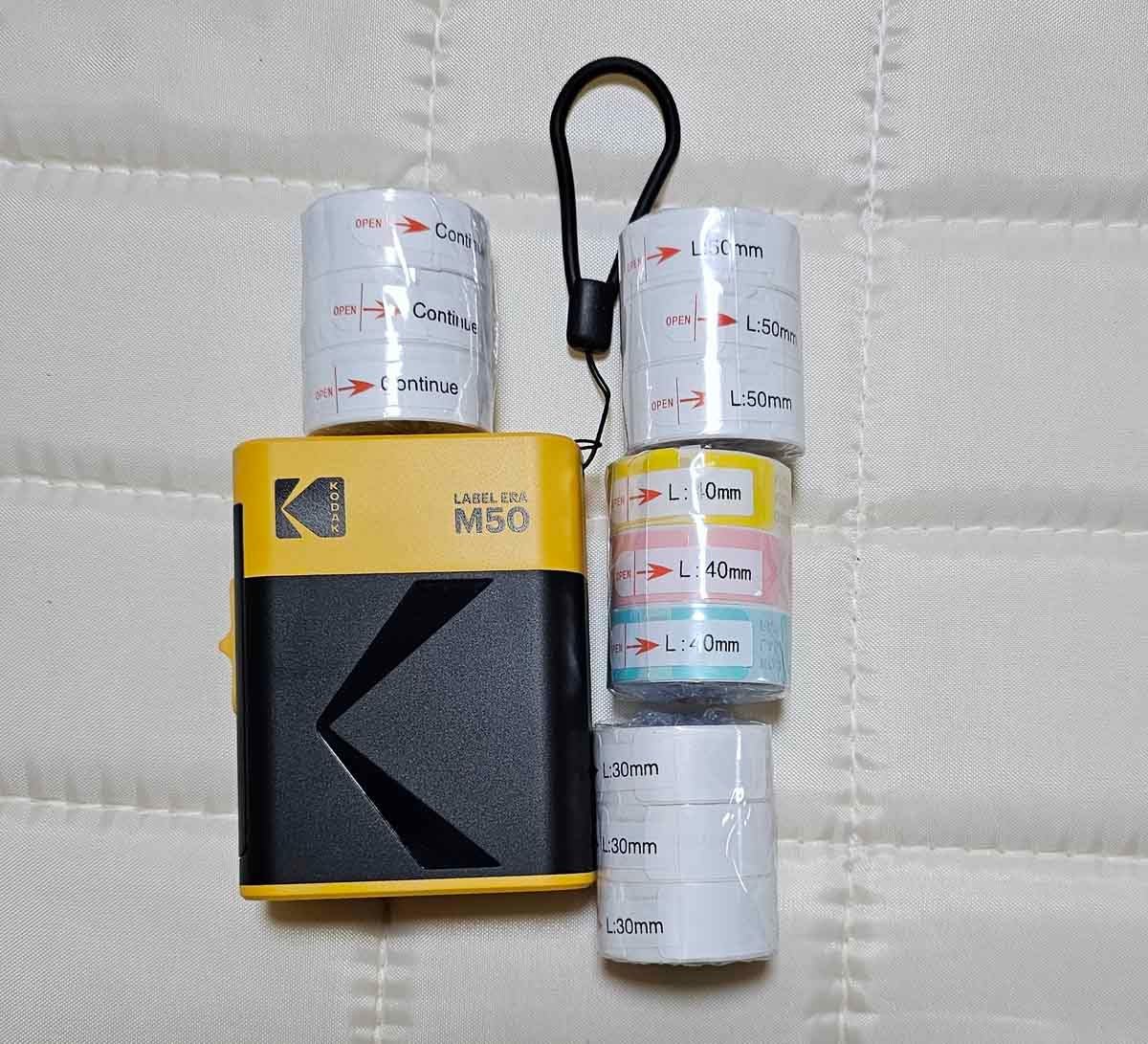
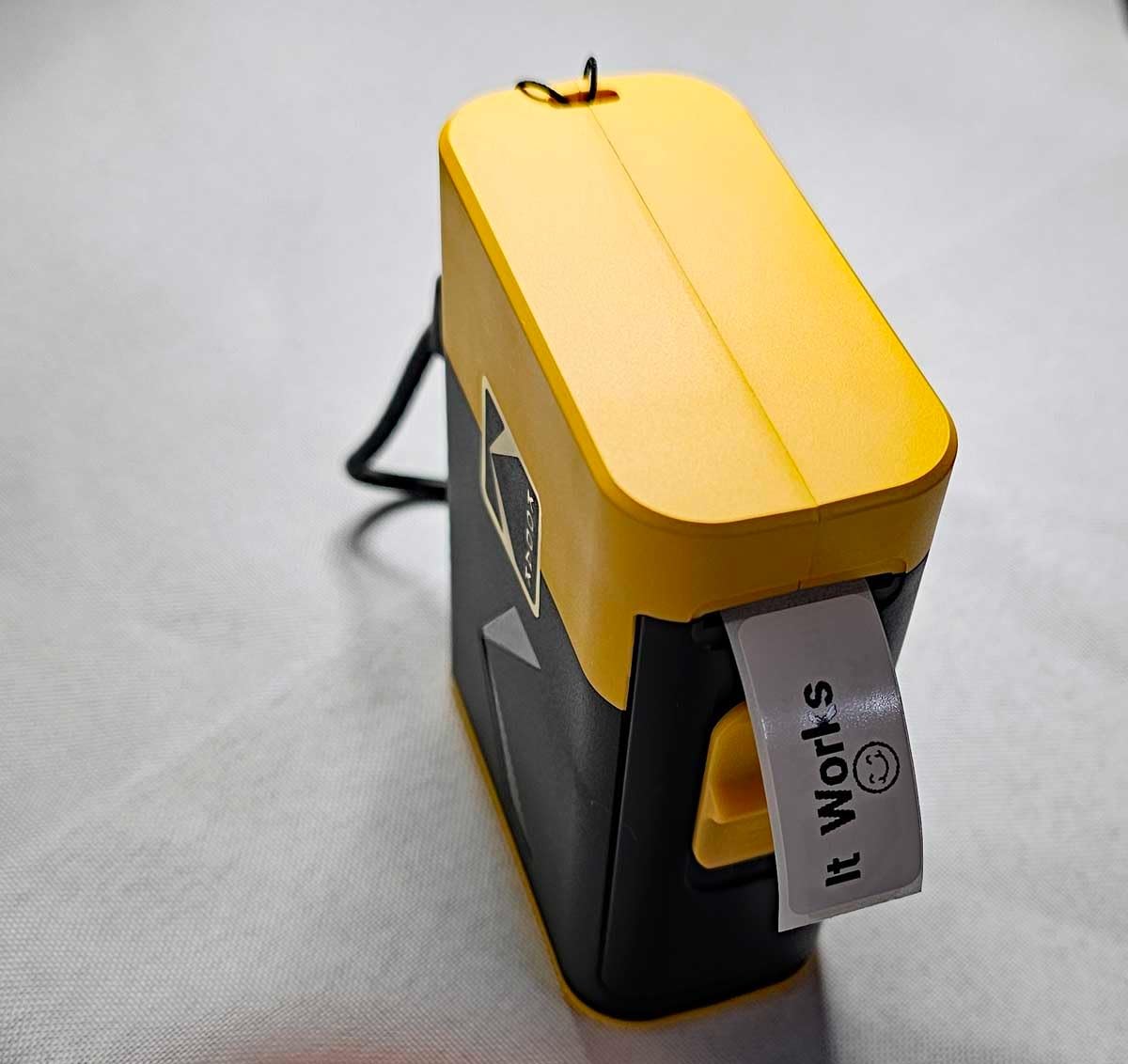
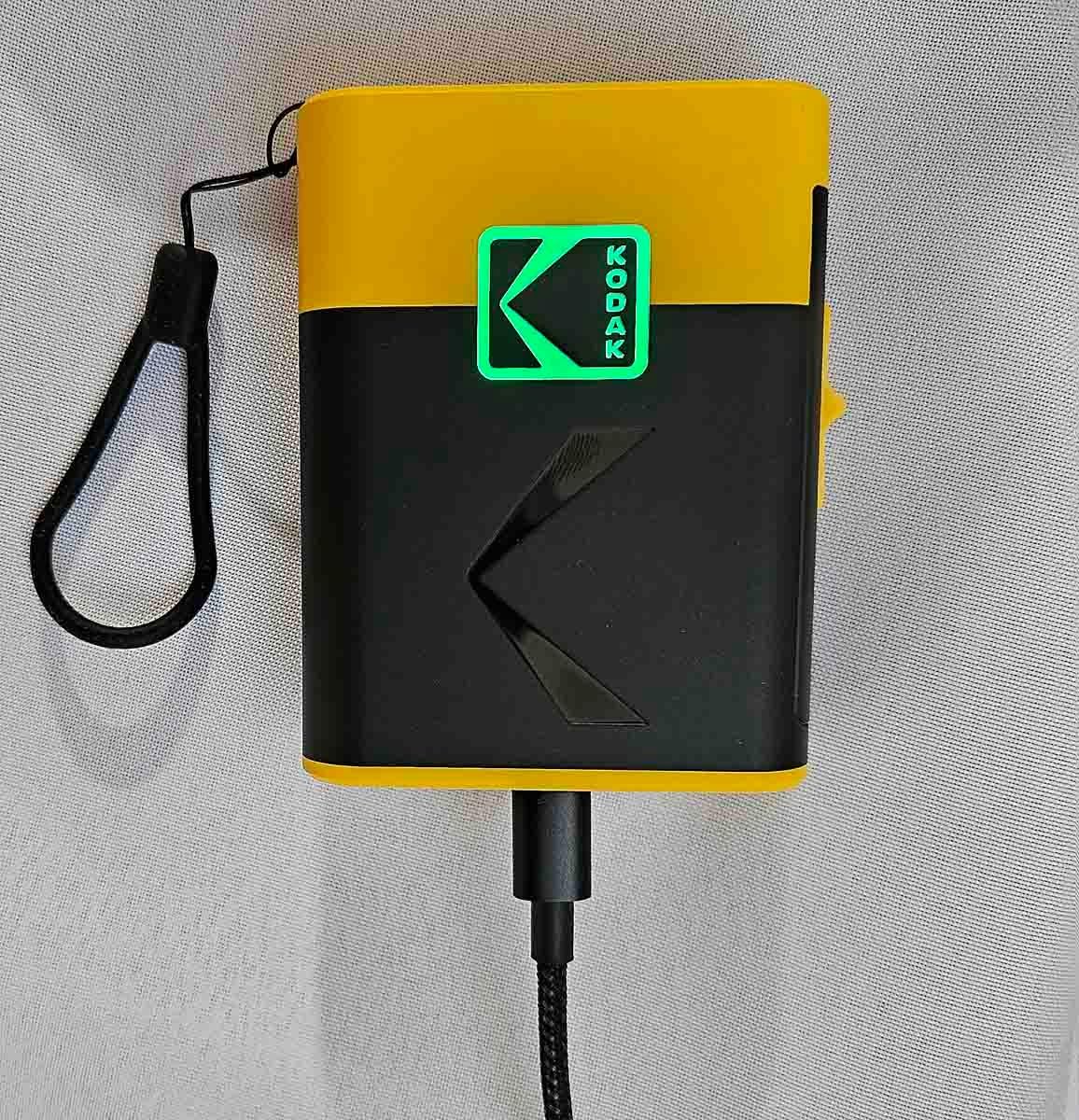
I am loving the fact that I can finally make personalized labels with my chosen font using my cellphone. This label maker is so easy to use, and is very efficient. It comes fully charged and with extra papers for the label. Instruction included plus you will be guided by the app once downloaded. This is definitely a good buy. Also a great idea as a gift. Price is right for the great quality you get! Highly recommended ?��?��?��?��?��?��
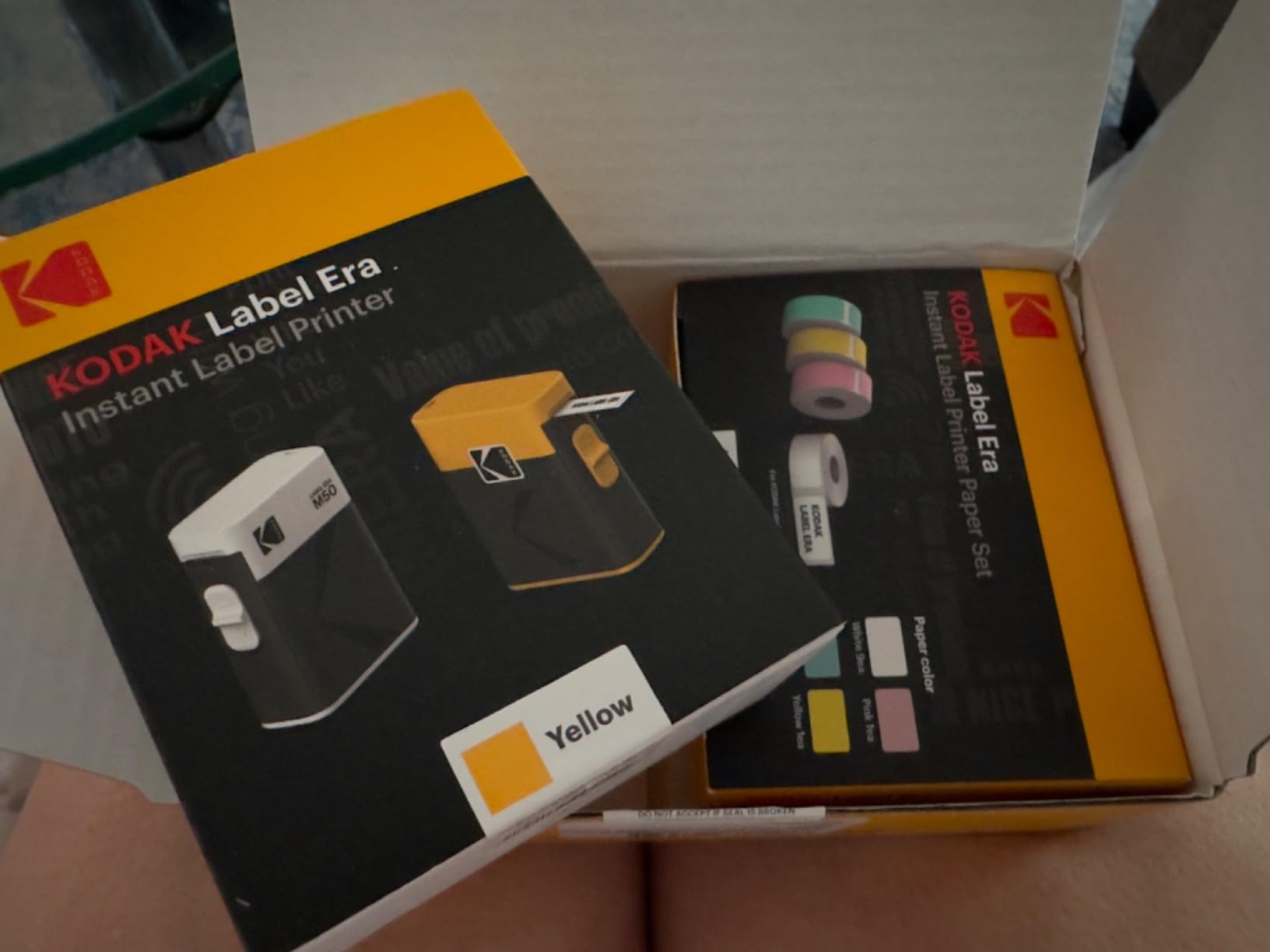
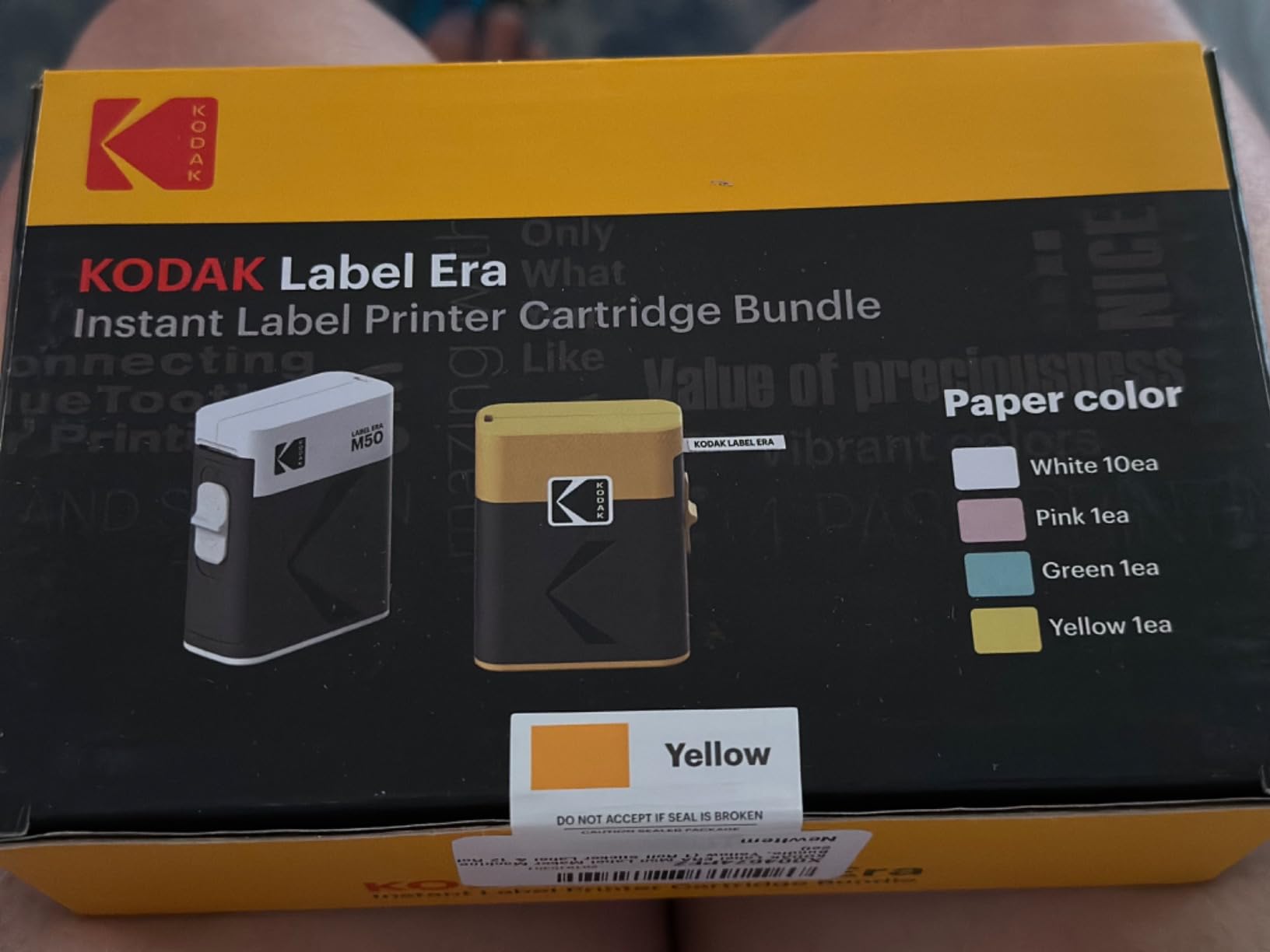
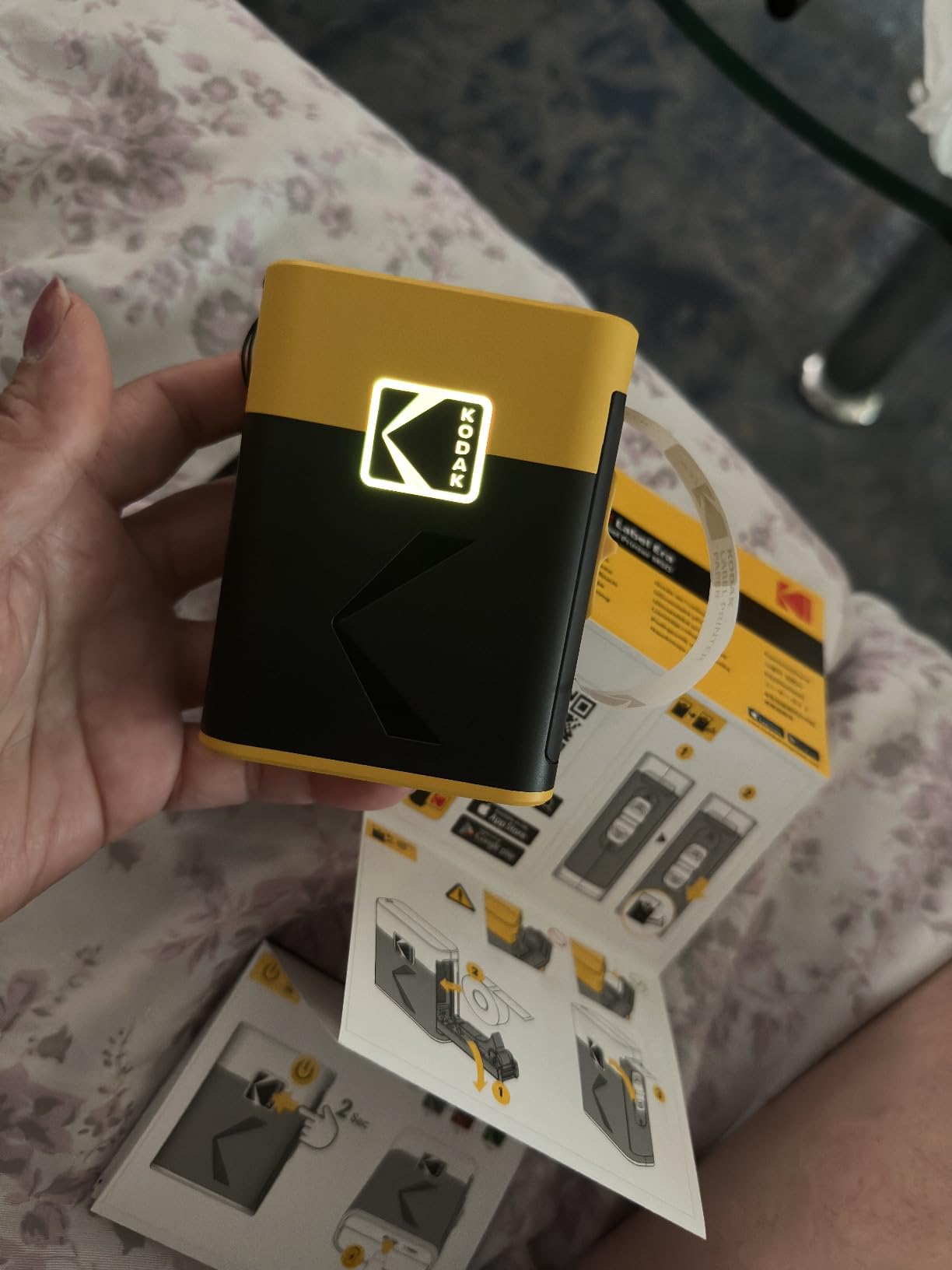

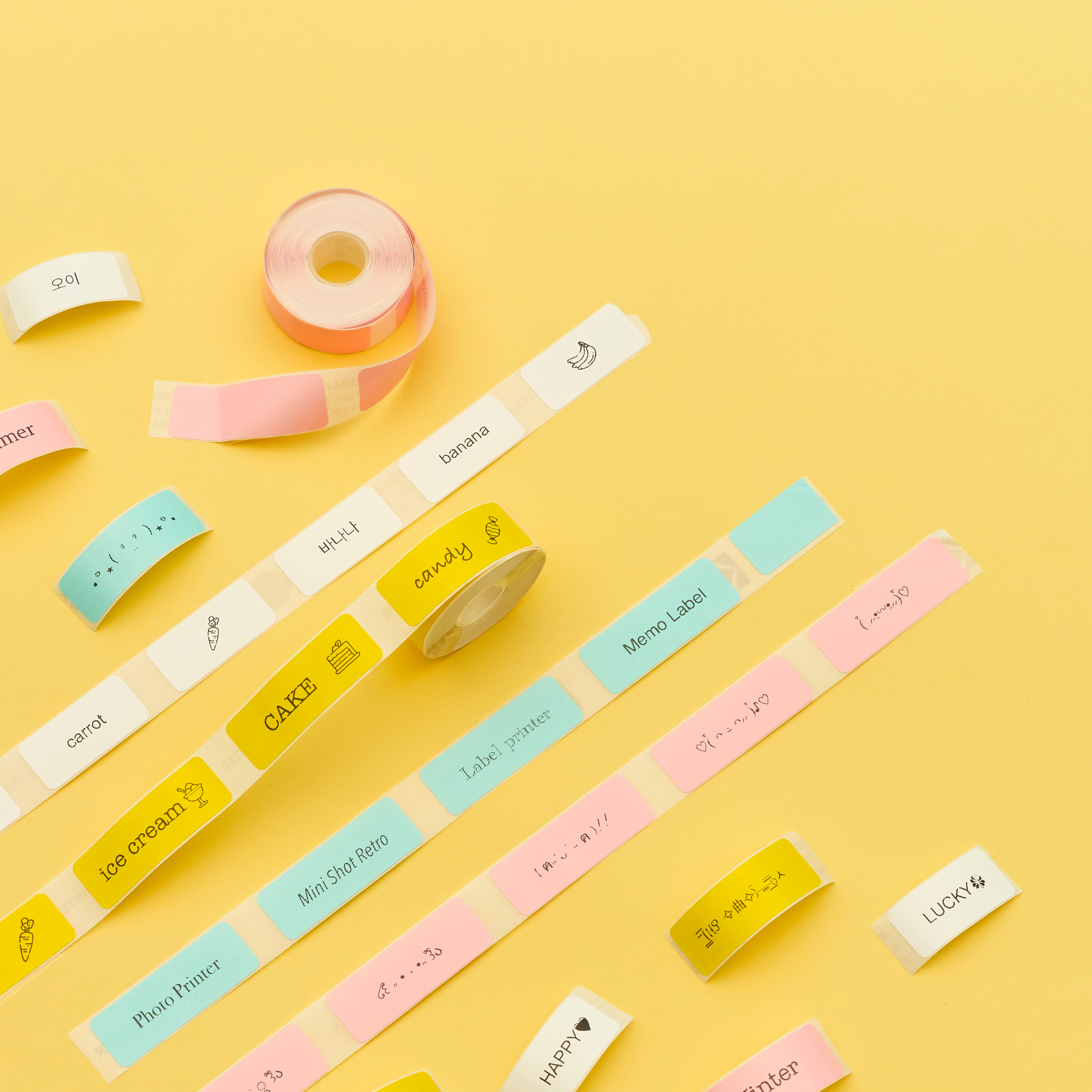
This is a MUST-HAVE item at work and at home!Its very portable so you can take it anywhere and it is easy to use! All you need is your smartphone and youre ready to go:)It has different colors of roll stickers.And what i like the most about it is it has all the fonts and sizes, and emojis as well.I think It is useful..1. when you want to keep track of the purchase date of your makeup or food2. when you want to organize things by labeling them3. When you want to label your belongingsI highly recommend this product. Money well spent. :)
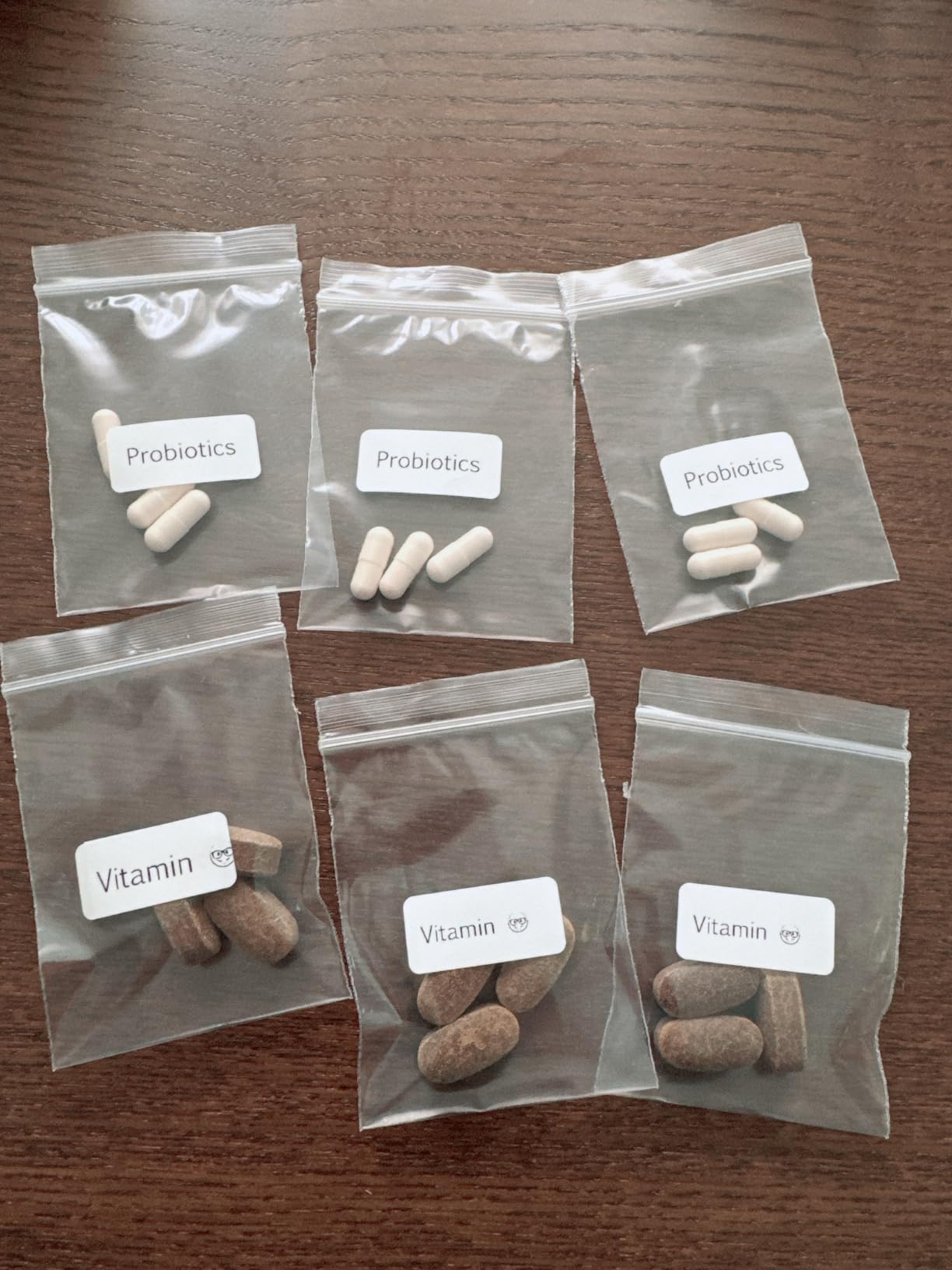
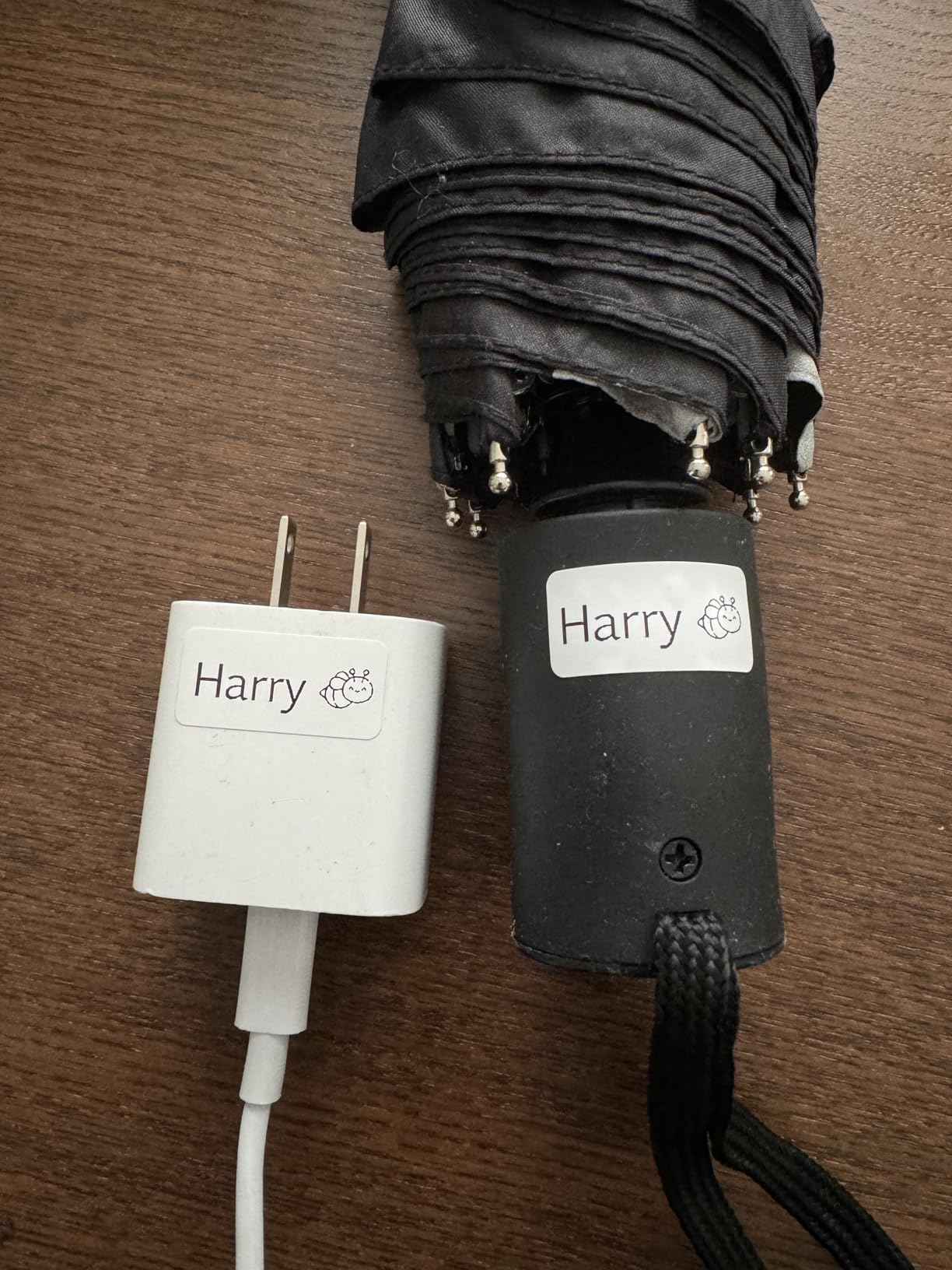


Just got it so far so good.
KODAK Label ERA M50 Bundle
Very good
Really good and working fast. Easy and simple. I wish paper was little bit longer.
I Love it
The KODAK Label ERA M50 has turned out to be a fantastic addition to my home organization setup. It?�s super compact, doesn?�t take up much space, and is really intuitive to set up and use. One of the biggest pluses is that it comes with 12 extra rolls, so I don?�t have to worry about running out of labels anytime soon ??perfect for someone who goes through a lot of labels! Printing is fast, clear, and crisp, and the labels have a decent adhesive that holds well on various surfaces like plastic and cardboard. A minor downside is that the app can occasionally be a bit glitchy and could use a bit of a polish. Sometimes it takes a couple of tries to connect, but once it?�s up, it?�s smooth sailing. Overall, it?�s a solid little machine for both home and small business use. I?�d definitely recommend it for anyone looking to streamline their organizing process.
Great compact label marker that?�s easy to setup, load and use. App comes with many fonts, images and everything you need to get going fast. Pretty handy when you need to quickly make labels for kids!
Item arrived very quickly.It's very compact and lightweight. Works as intended.Perfect for printing label for small businesses or as christmas tag. We use it for our boardgames
This label maker is a breeze to operate, with no tech headaches in sight. It?�s all about simplicity and efficiency. ?�� Safety First: With an internal cutting blade, it?�s a worry-free gadget that?�s safe around your curious little ones. ?�� Design & Portability: Its compact size means it fits just about anywhere, ready to tag along on all your organizing adventures. ?�� Creativity Unleashed: While it sticks to monochrome, the creative possibilities are still vast with personalized texts and cute emoticons. ?�� Cost-Effective: The bundle comes with a generous supply of rolls, making it a wallet-friendly choice for label lovers. ?�� Verdict: The KODAK Label ERA M50 may not be the flashiest out there, but it?�s a solid, dependable choice for everyday labeling tasks. It gets the job done with a dash of yellow cheer! ?��
Works for low traffic labels, ones that get touched often will quickly wear away. Wastes one label to calibrate every time you turn it on. Calibration often doesn?�t work on first go. Good enough for what it is.
Can't do colour or put your own images. But perfect for simple labels
Easy to useLiked the design too.Using it to label all of my kids stuff.And mine too
Such a small device and easy to use! It?�s small enough to take anywhere, making it a great choice for portable label printer! And design is great! I like the logo button.
This label maker is easy to use and small enough to keep in a clutter-free area at home! Love how you can choose different fonts for each label
I have been looking for a reliable label printer and I found the right one.This is a reliable tool to print names and label for my children for their preschool tools.
This product works as advertised. The app is a bit klunky, but that's the case for other phone-based label printers I've used, too. Note that it's a thermal printer, so don't plan on using the labels on things that are going to get very warm or be exposed to bright sunlight.
My wife and I have been utilizing the Label Maker extensively for labeling our baby food products. This device has proven itself as a reliable tool in our daily routine, offering a range of fonts that enhance the aesthetic appeal of our labels. Its capability to print multiple labels has significantly boosted our efficiency, while the ease of cutting each label ensures a seamless user experience.Recommendation:We highly recommend the product for anyone looking to streamline their labeling process. Its combination of versatile font options, efficient printing capabilities, and user-friendly functionality make it an invaluable tool, especially for organizing baby food products or any other labeling needs.