


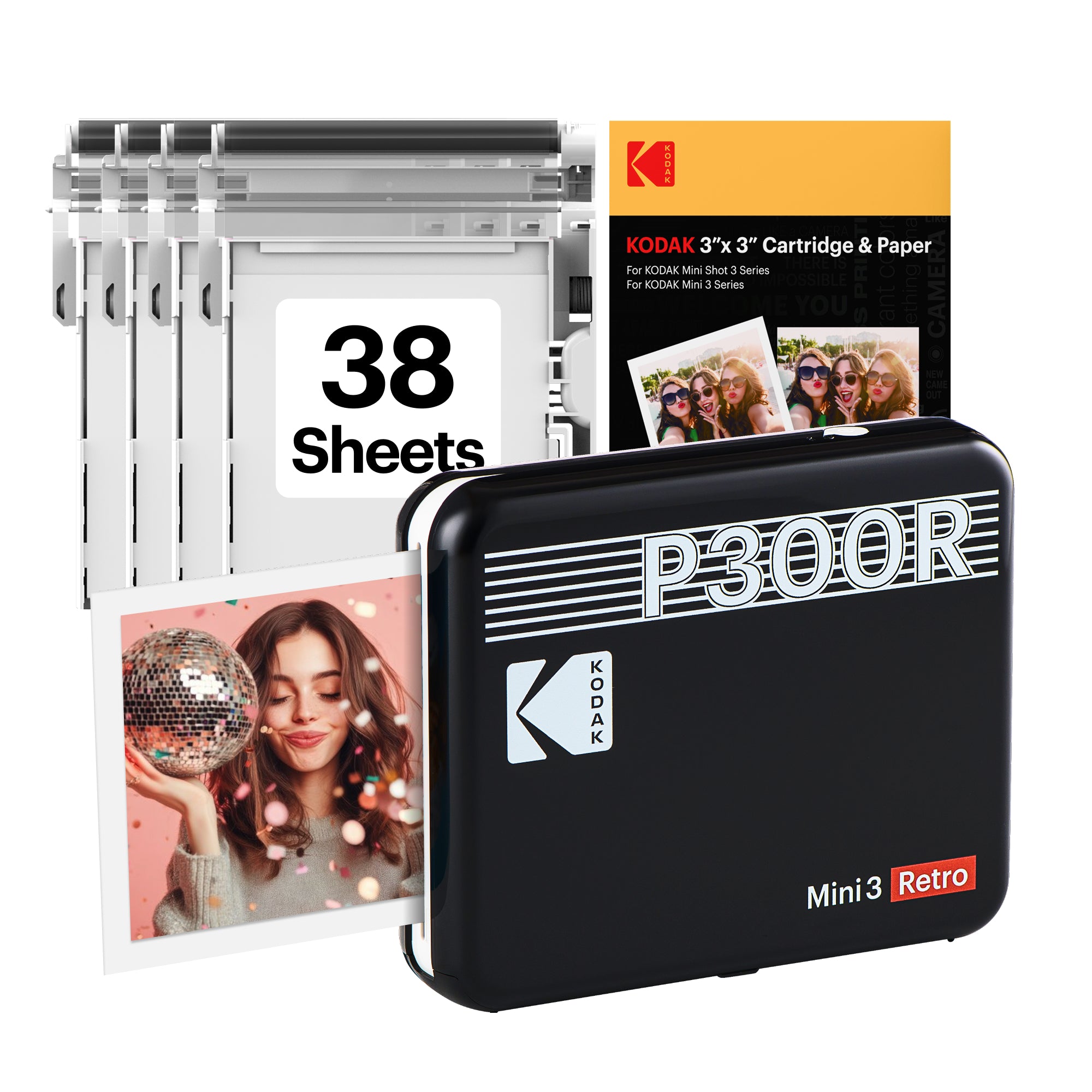
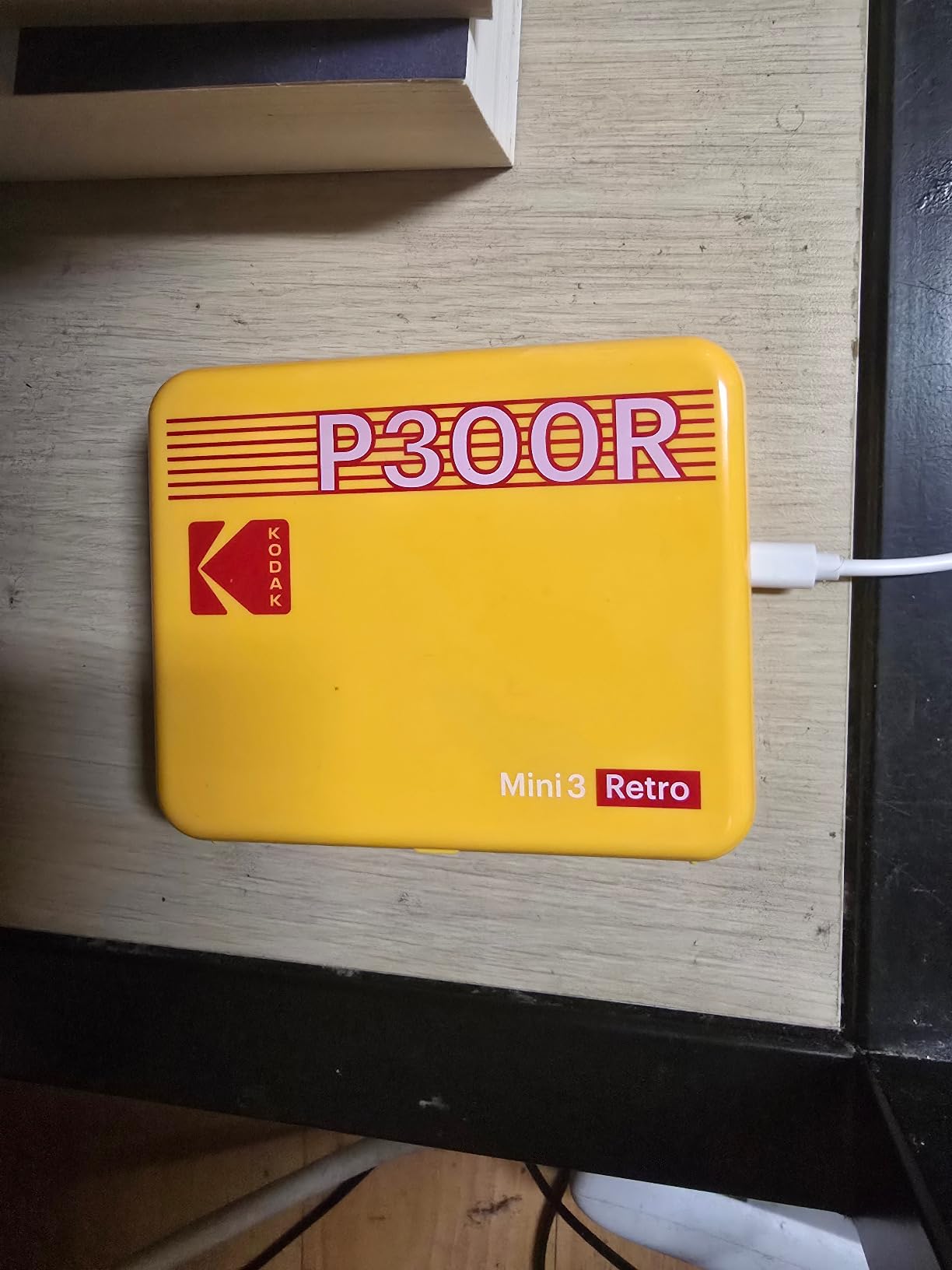
KODAK Mini 3 Retro 3x3 Inch P300R 38 Sheet Bundle
KODAK Mini 3 Retro Portable Photo Printer
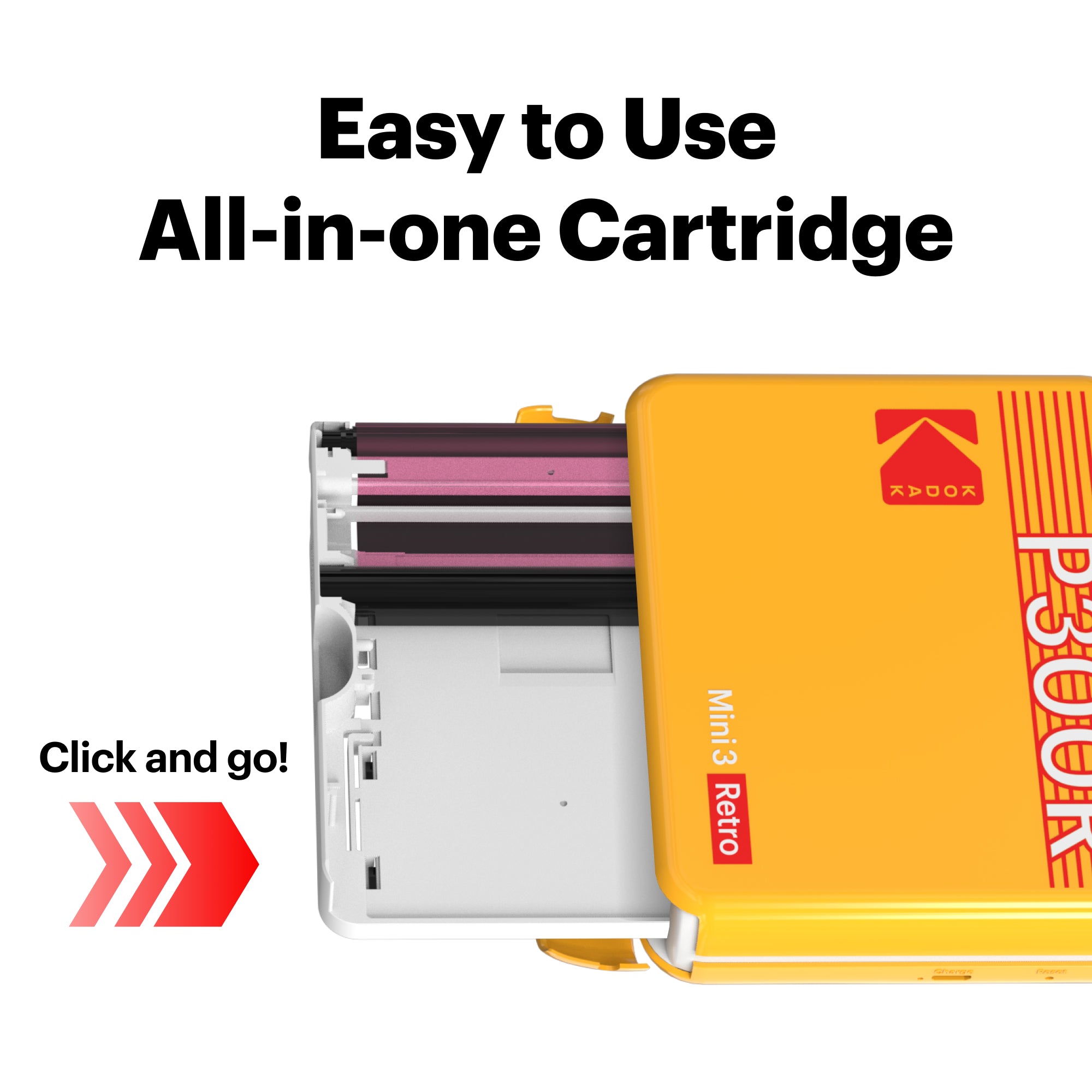
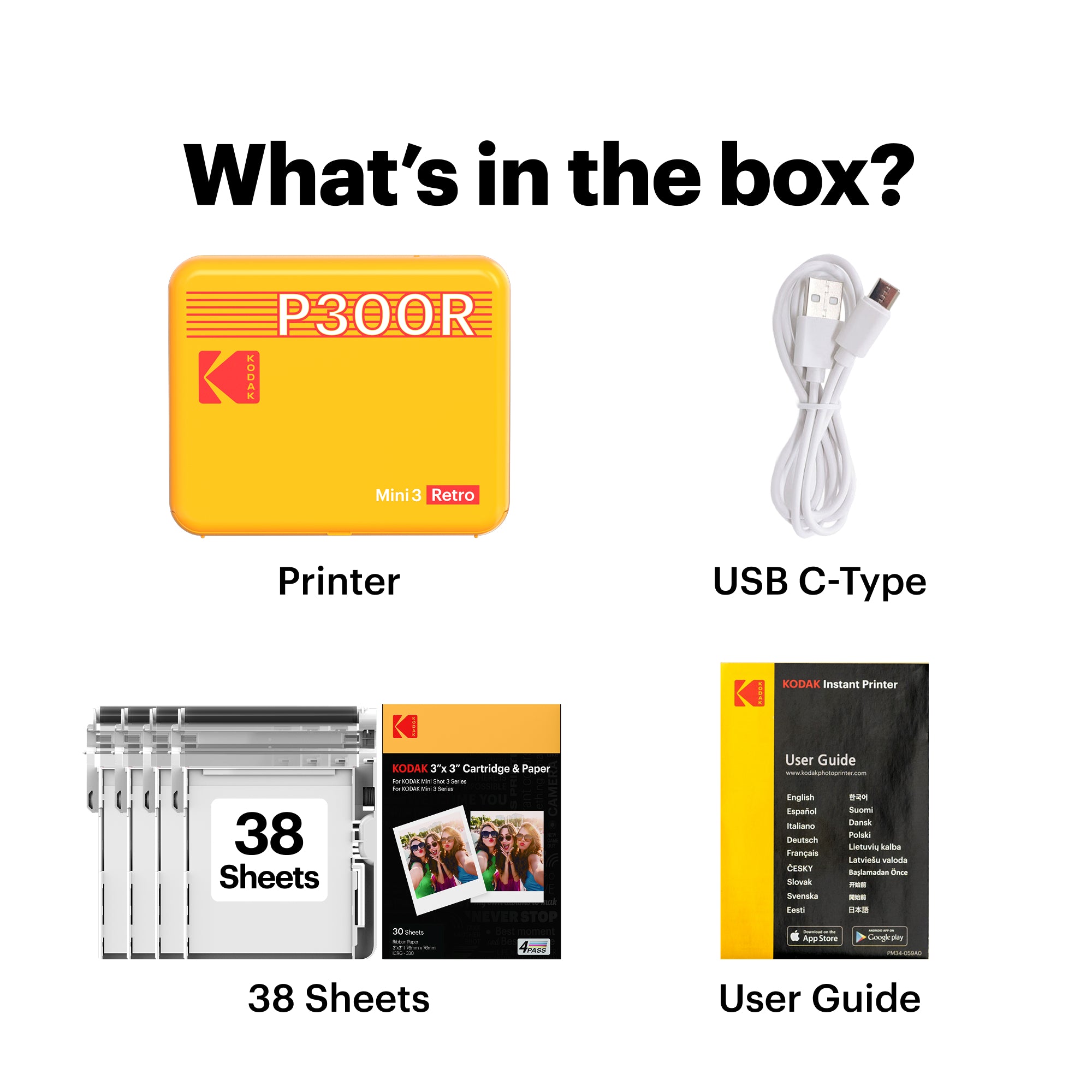
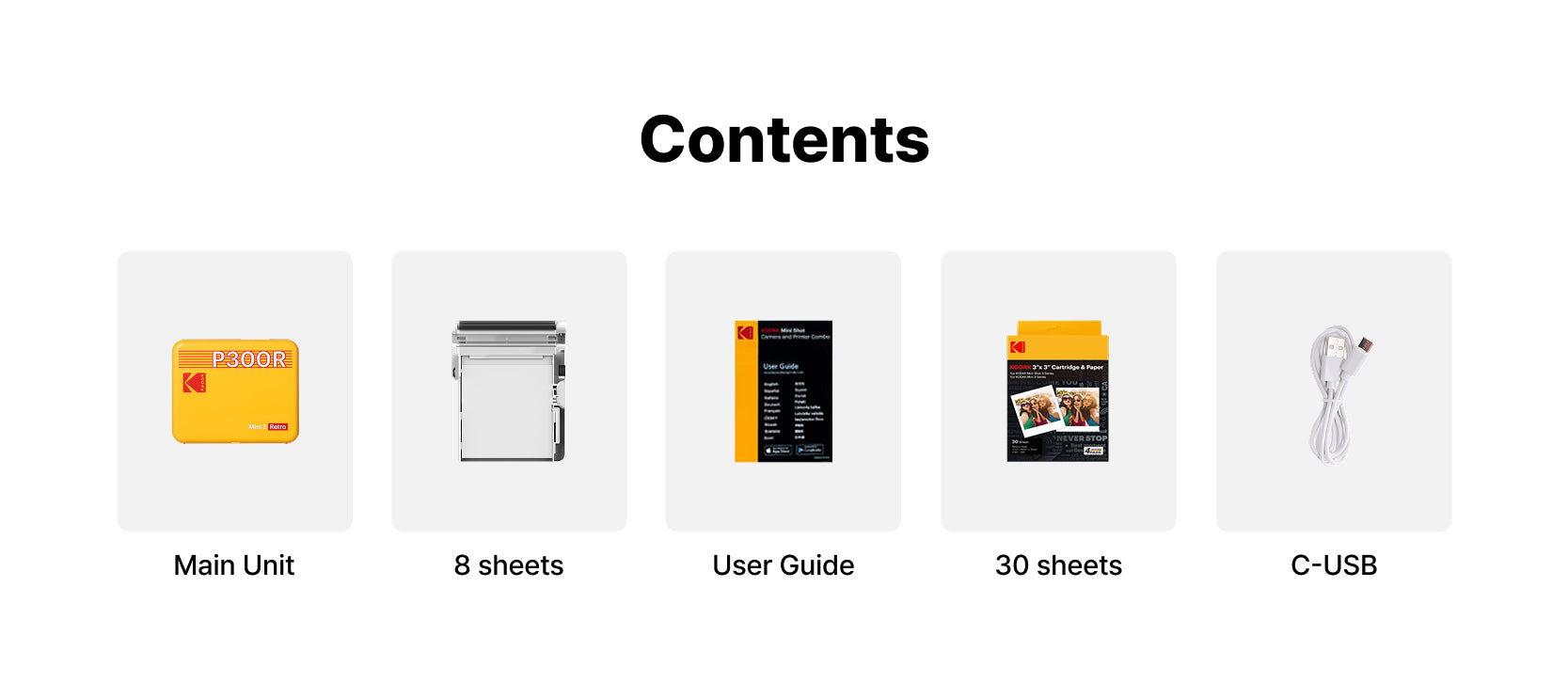
Printer with 8 initial sheets + 30 sheets pack
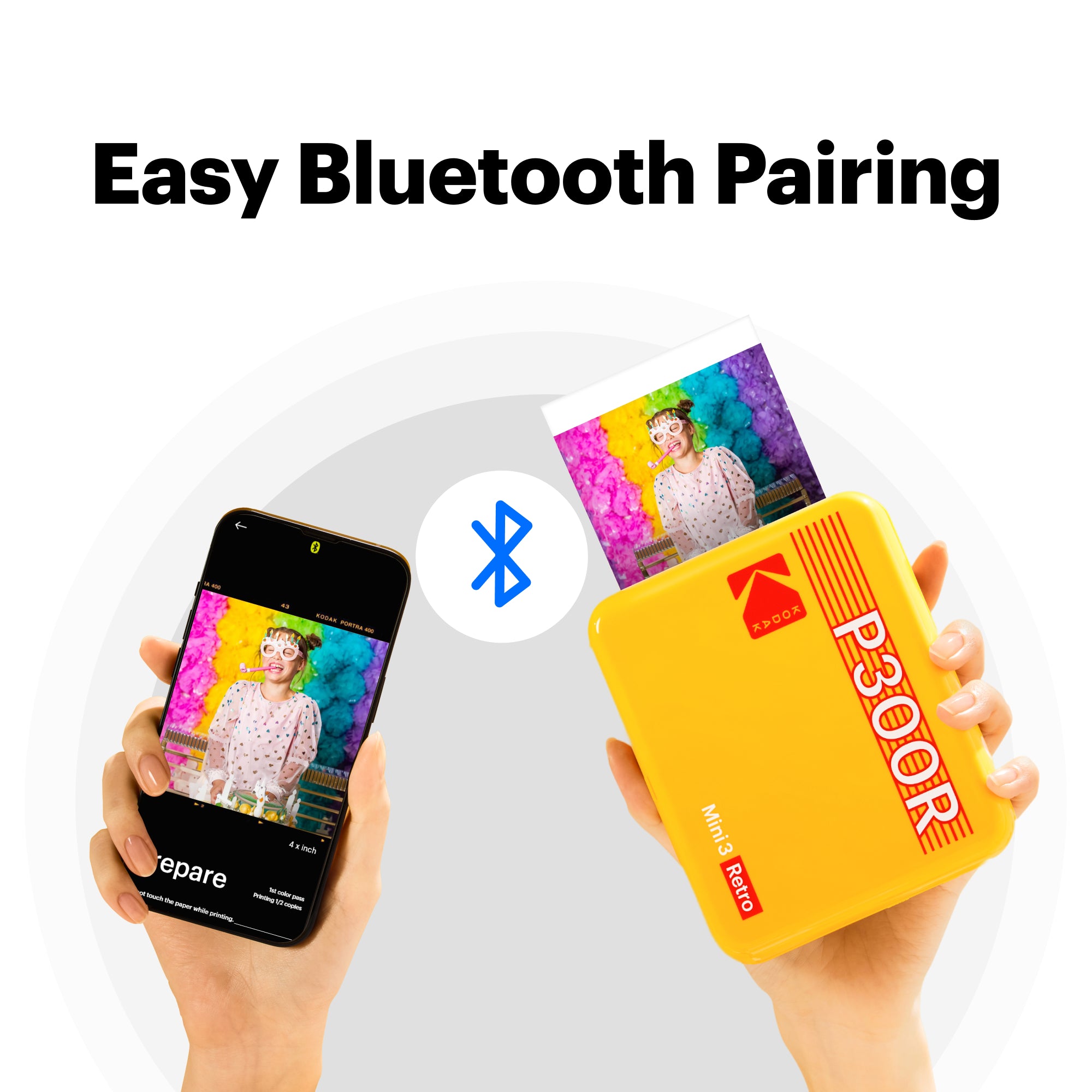
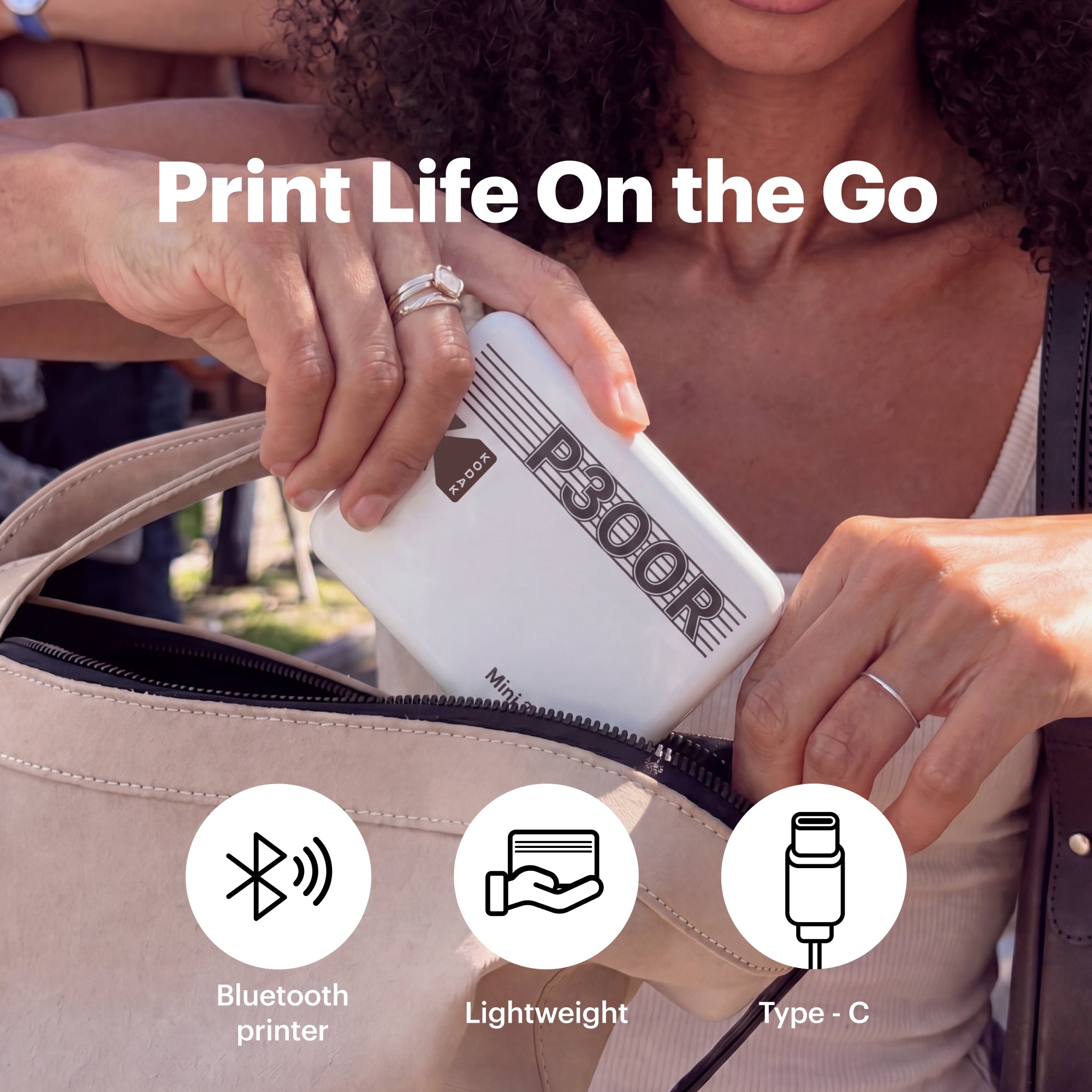
Bluetooth
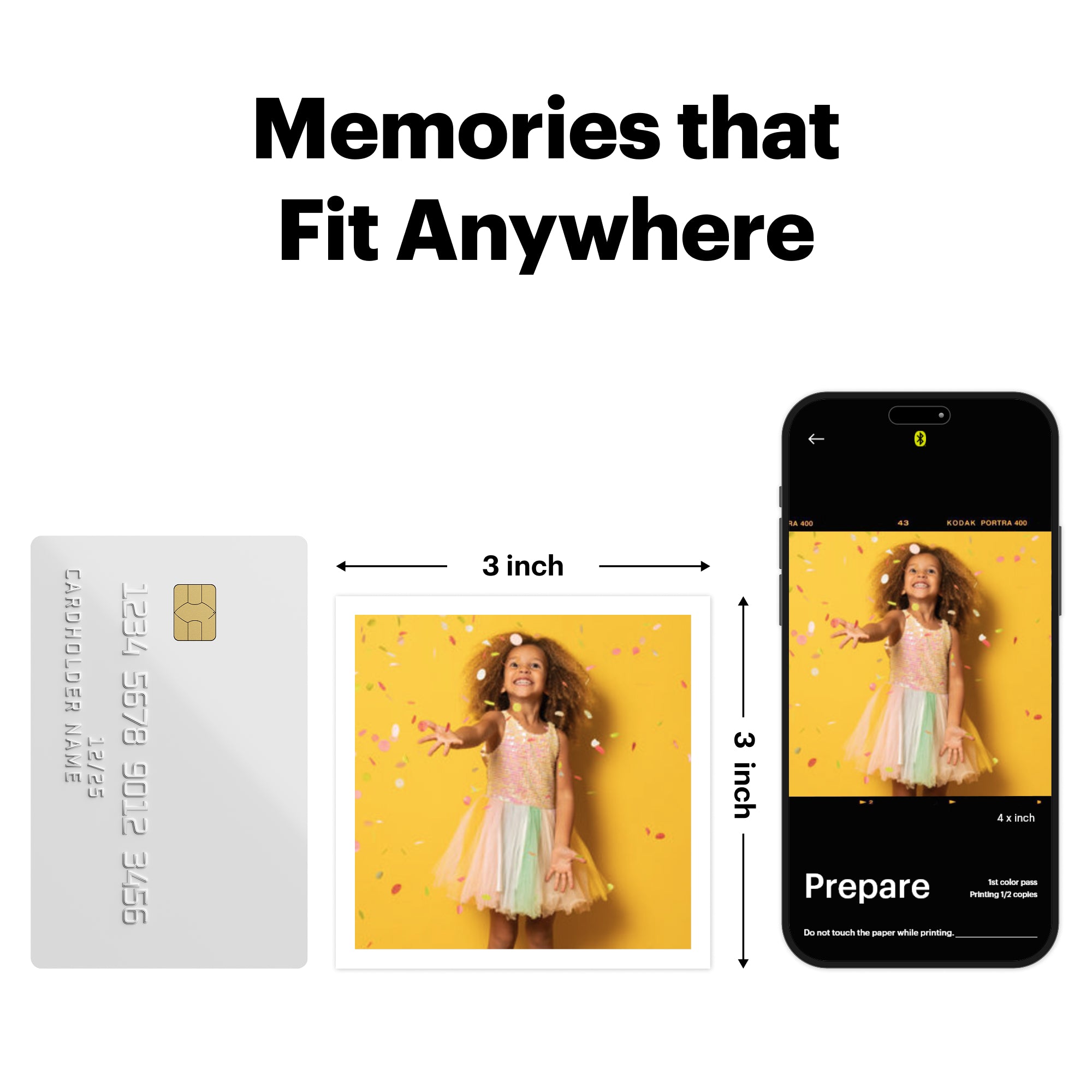
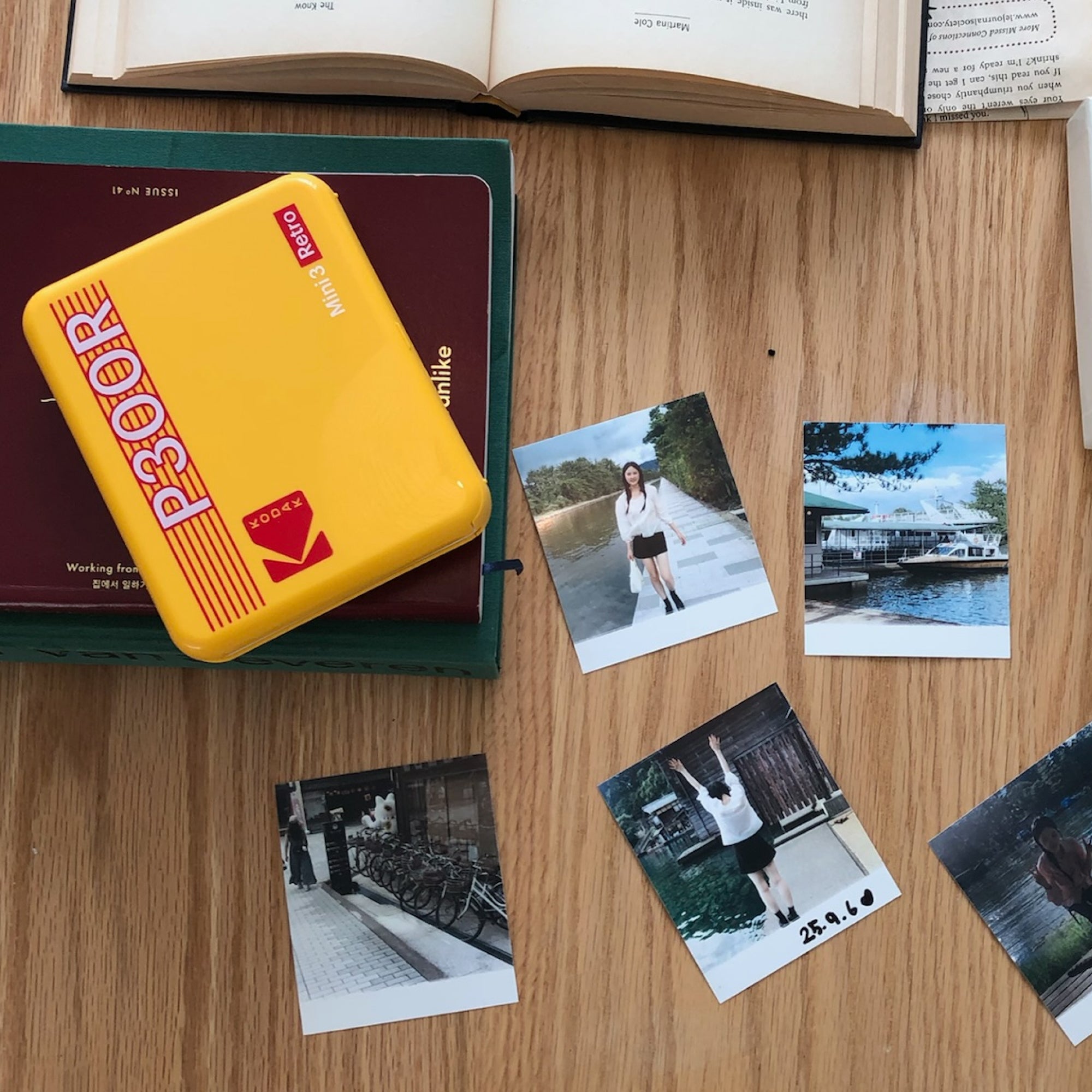
3"X3" Photo
Rechargeable
- Mobile OS: iOS, Android
- Connection: Bluetooth, USB-C (Lightning pin adapter included)
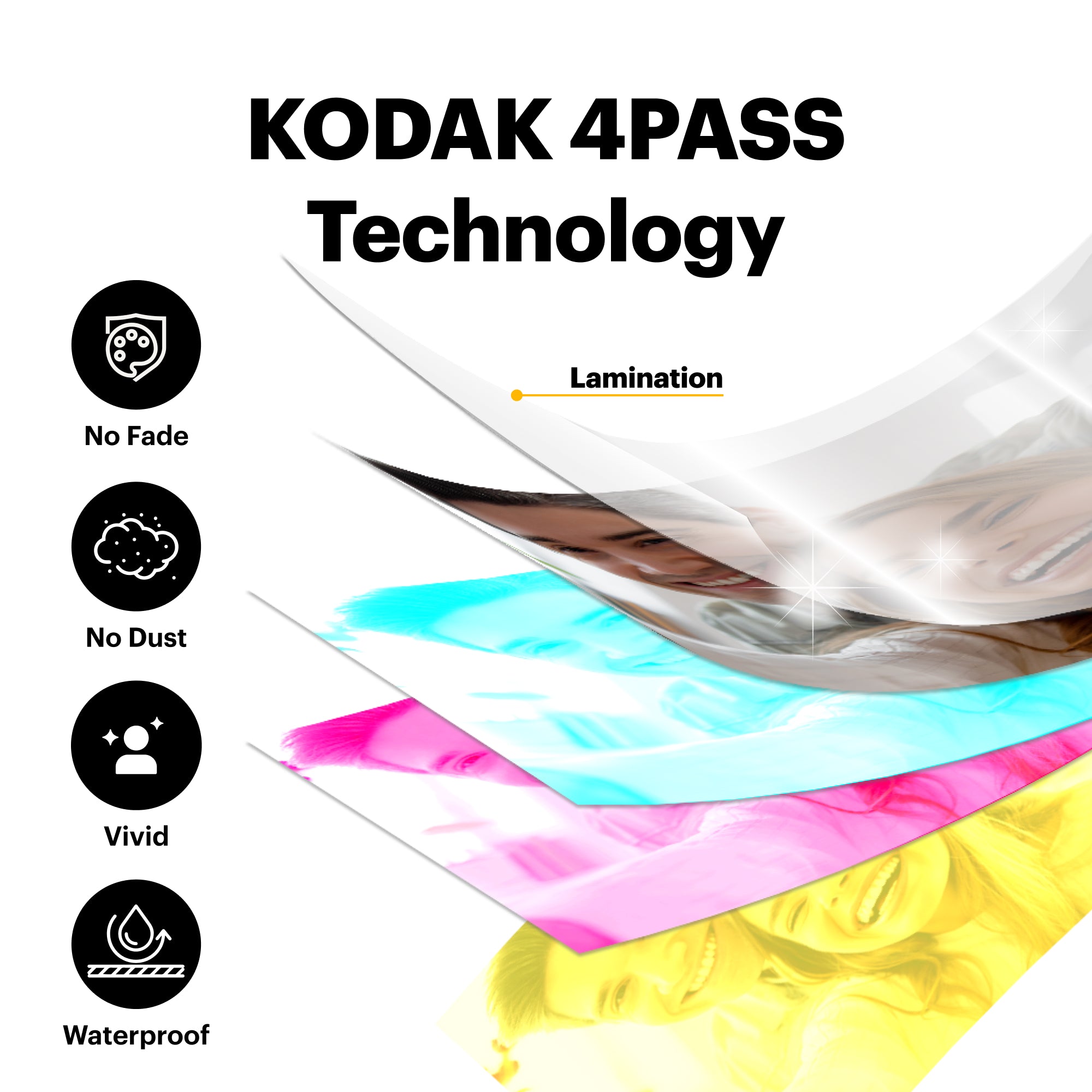
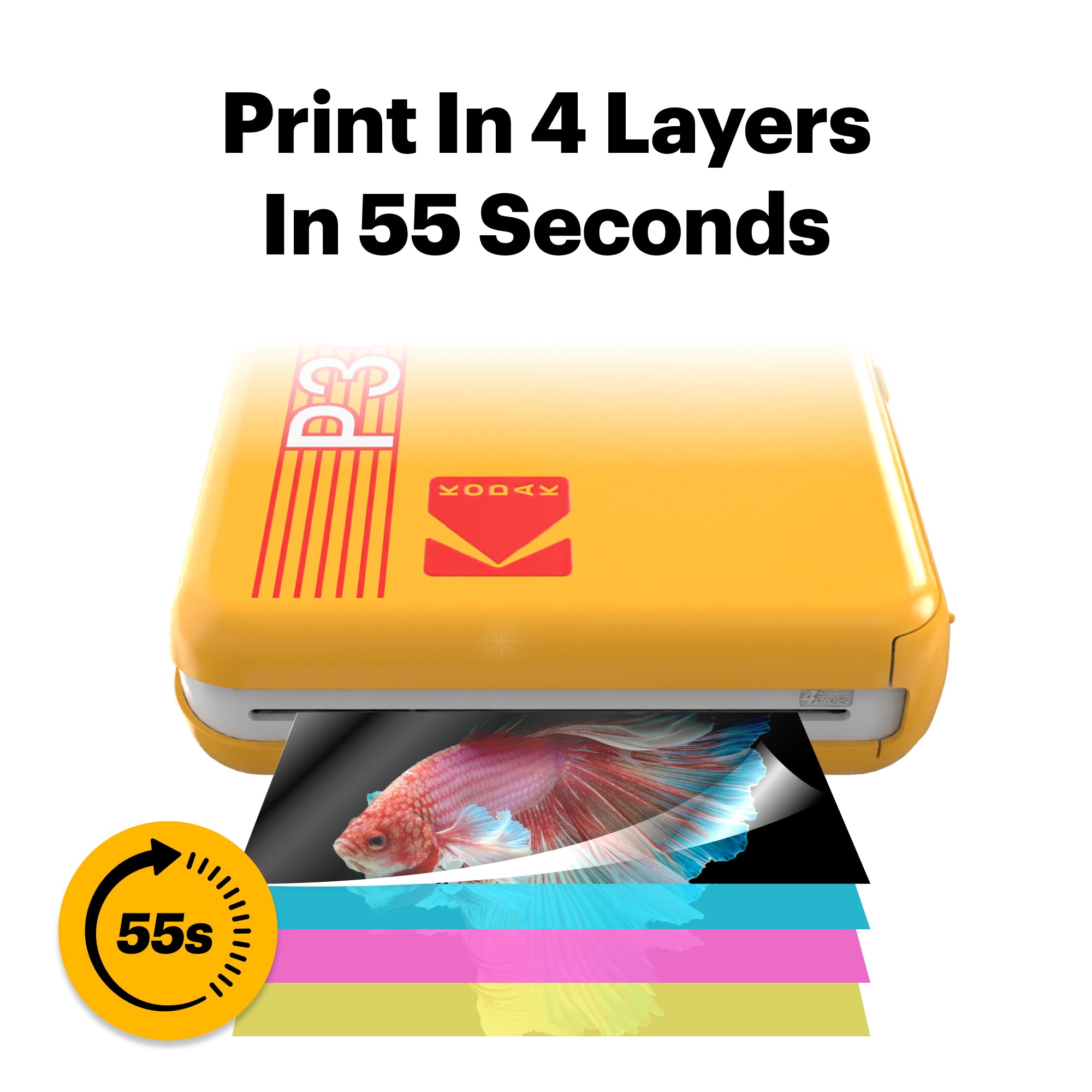
Printing Technology: 4PASS™ dye sublimation
Printing Resolution: 291 x 300 dpi
Photo Size: 3×3 inches
Paper Type: Single-sided, non-sticky photo paper
Dimensions: 134 X 104 X 30 mm
Weight: 370g
Choose options



The product is nice and meets expectations, however, the installed cartridge wasn't able to print correctly. I thought the product was defective in the beginning and then I thought about replacing the cartridge and bang it works fine.
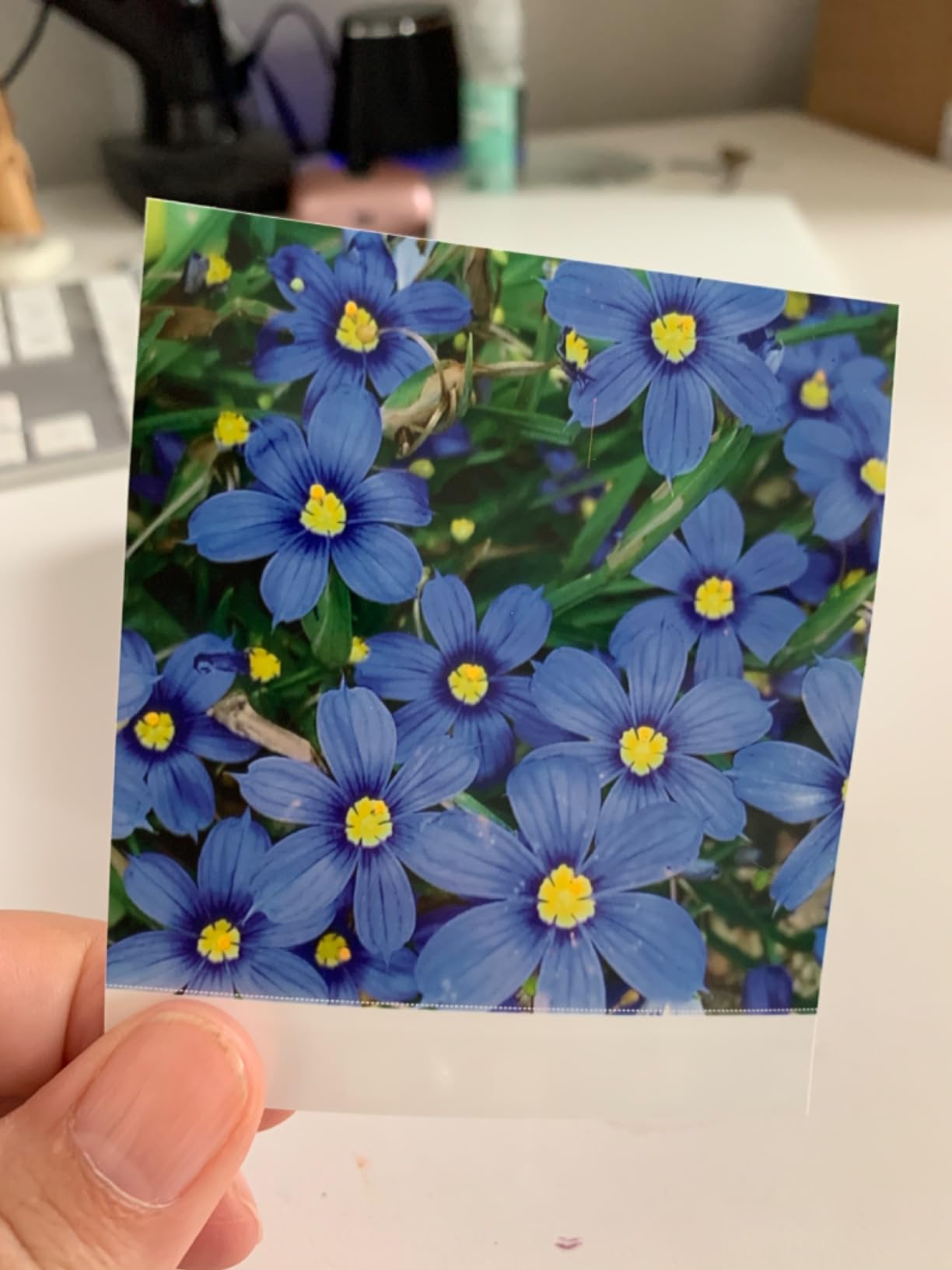
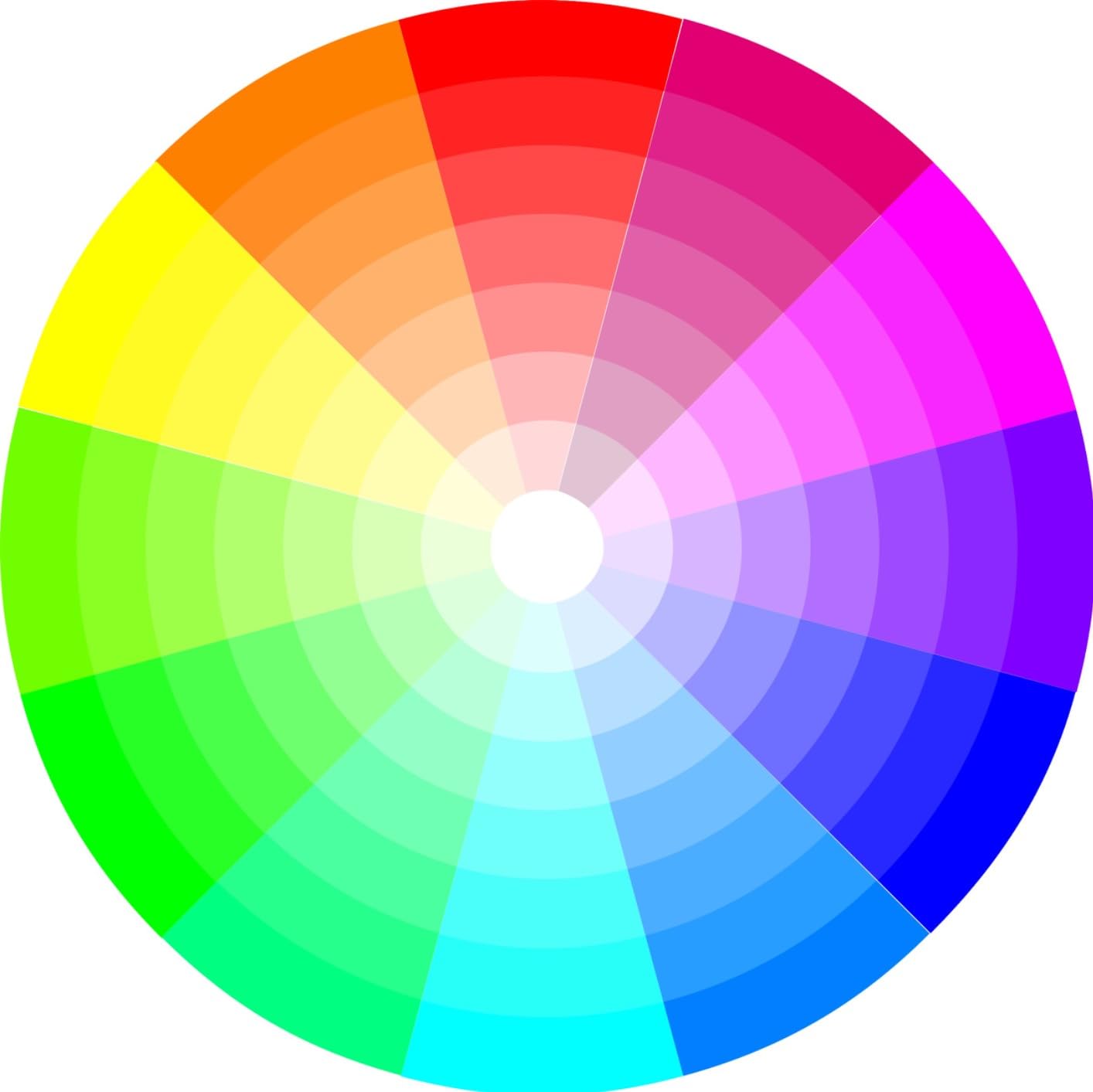
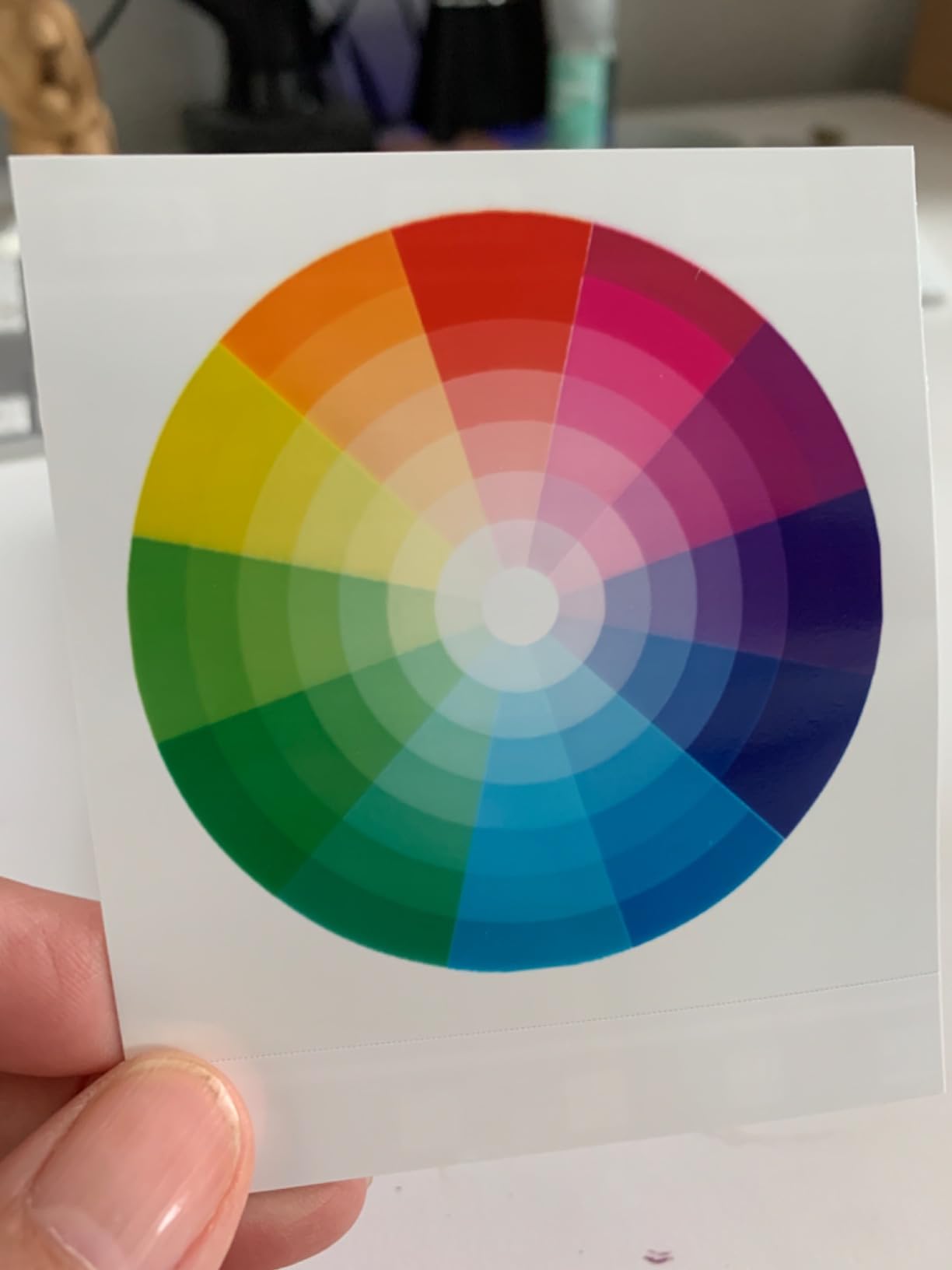
Overall, I'm very pleased with this little printer, which I purchased to take on our upcoming vacation for visual journaling. As others have experienced, my first print jammed, then the color film was ripped and the first cartridge that came in the print was a waste. See last image of the mayhem that resulted. That was a helpful experience, however, because it helped me understand how the printer works. Because there was a fragment of film stuck in the rollers, I had a tough time getting the second cartridge installed, but with a lot of care, got it to work.My first print was a batch of purple flowers. The resulting image was very disappointing. The original image is the third one attached, and the print is the fourth image. I tried another image that also had a kind of rose/lavender background on a graphic, which was also a bit disappointing. So I decided to find a color wheel image and test print that. The original color wheel image is the first image attached, and the print is the second image.My conclusion from that test is that this printer will not print red, magenta and purple as well as I would like. That's not a deal-breaker for me, even though it is disappointing. Because dye sublimation is a heat-transfer process, it's possible that color rendering will change over time as the machine is broken in.If I were doing this all again, I would remove the first cartridge that came in the printer and reseat it. My thinking is that the printer may be jarred in transit and slightly misalign the printer. I'll probably wrap my printer in bubble-wrap while transporting in order to avoid that issue again.


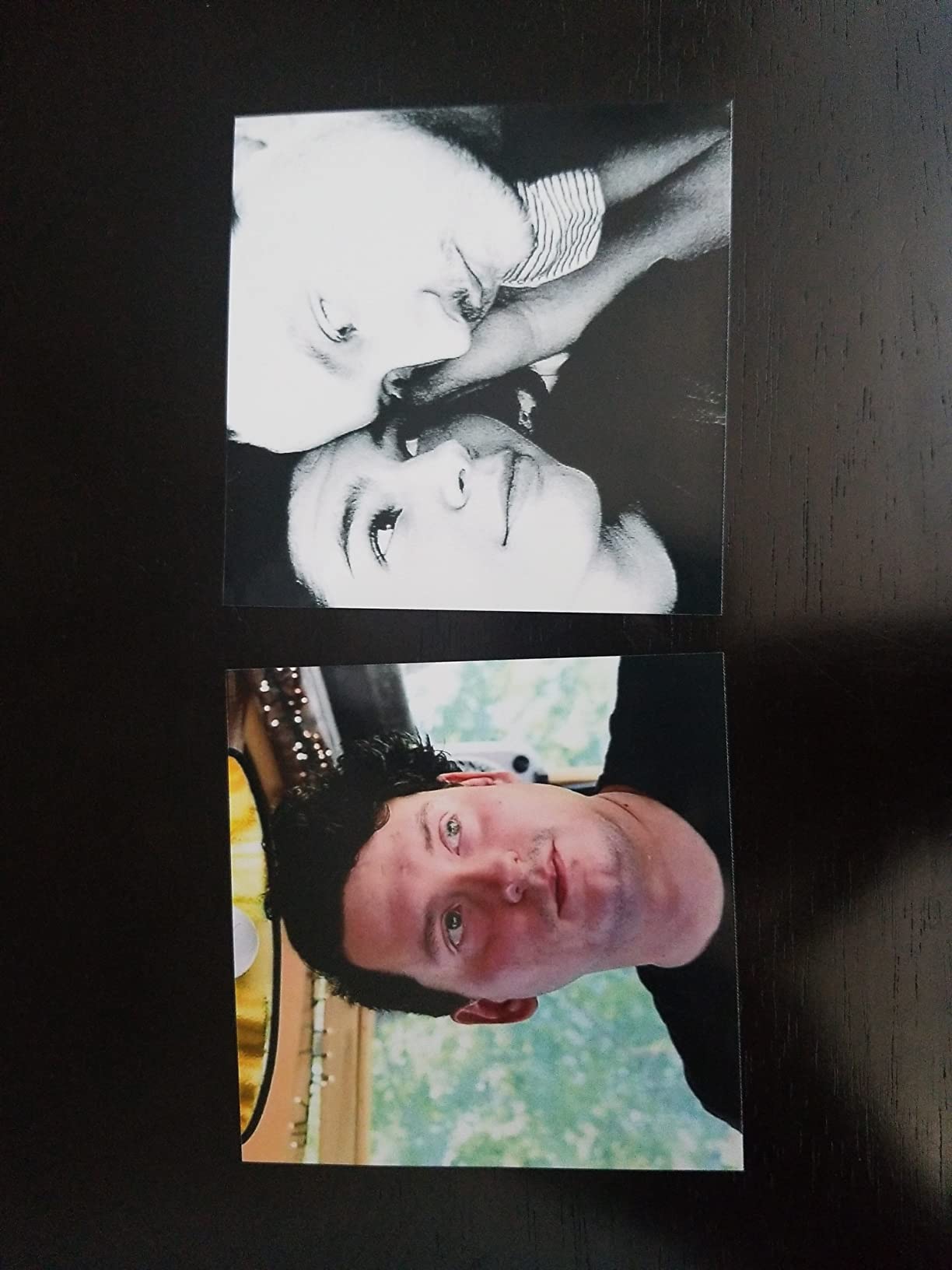
When I bought this printer, I read through a lot of negative reviews that said you would maybe get 2 good pictures out of the 8 that come in a cartridge. And a lot of people were complaining that it's not user friendly and it would repeatedly give you errors with no way to fix them. I was really nervous about potentially buying something that was supposedly a waste of money. But after receiving the product, I am leaning more toward the idea that most of the negative reviews come from people who did not read the directions when setting it up.I did find a few issues with the product & app. First, the directions that come with the printer tell you to install the Kodak Instant Print app. Once you install it, the app will give you a message that a new app, Kodak Photo Printer is needed instead. That is kind of annoying to install one app, only to uninstall it and download another. However, the directions that come with the printer are printed in multiple languages, so I can understand that it's easier to keep the old instructions with the old app and just put the update on the old app rather than rewrite and re-translate the instructions.My first print was a little difficult to get going. My phone connected via Bluetooth just fine. I did get the error about the paper being misaligned. I bought the package that has a cartridge included with the printer plus extra cartridges. At first I tried to make the one that came in the printer work, but then I just tried replacing the cartridge. The replacement cartridge works perfectly on every print. It's a bummer that the first one wasn't working, but I saved it and will try it again to see if it might work later.I read a lot of reviews that said the print quality was terrible, and that they printed super dark. I tried to lighten my first print because of this, and it ended up looking overexposed. When I didn't touch the brightness tools, the prints came out exactly as they appeared on my phone. I wonder if other people had blue light filters and brightness settings on their phones that distorted the image, but the printer couldn't recognize the phones settings, and could only go off the settings from the printer app. The original image quality probably factors into it.So all in all, the printer is a little slow, the app is a little bit finicky, and sometimes it runs into errors, but it is by no means a waste of money. I've printed several prints that all look amazing (I've included examples, the black & white one was taken on an older smartphone camera, so it looks a little grainy, but that's how it looks on the phone, too; don't blame the printer for your bad photos! I knew that photo had bad quality before printing). I love the size and the shape of the prints. I love the perforated bottom edge to give you the option of writing a caption or just having the picture. If you want extraordinary prints, make sure the quality of the images on your device are extraordinary. I do think the printer and app could be more user friendly, but if you read through the instructions while it's charging and re-read them as you're setting it up, it works pretty much as described in the directions. Overall, I'm very happy with this purchase, and I don't trust most of the negative reviews I read.
This is not my first Kodak printer I have purchased. I’ve had good luck with them in the past. My two stars is lack of follow-through on customer service. I purchased a printer with multiple sheets. I had to exchange the printer as it was not functioning properly, which did go sufficiently well. However, they asked me to return everything which I did. They also wanted pictures of proof of dysfunction, proof of purchase( I had already put the order number placed in subject line), picture of model number, which I felt was interesting.
It took about 10 days to get the new printer and no printing sheets. The whole point of buying the bundle was to get the sheets. I have since requested that the sheets in the bundle be also exchanged, crickets. Hence this review.
Easy to set up. Easy to use.
This little printer is so awesome! This is a great way to go old school land be able to hand my friends and family an actual physical photo of them or us together!!! It has so much more soul and meaning that flipping through my phone and hold Ming it up for them to look at for a couple seconds , just to disappear into a dark cold digital file forever!
I love this little printer!
So fast shipment
Print quality from my iPhone photos is really good. My only issue is the occasional problem of not recognizing Bluetooth so it takes more than one attempt to connect.
Outstanding results. But you need to adjust your picture in order to match your cellphone or computer screen "feel"
Hi Ignacio!
Thanks so much for your review! We appreciate your input and hope users take your advice, if needed. As well as hope that your product continues to allow you to print with happiness. Happy Printing!
This is a great little printer, its 3 x 3 size make it a better size then the 2 x 3 wallets sizez. Plus the value is great
Hi there! Thank you so much for your review. We're thrilled to hear that you're enjoying the compact size and value of the printer. We appreciate your feedback and hope you continue to enjoy using your product. If you need further assistance, please contact us at support.kodakphotoprinter.com. Happy Printing!
Very easy to use. It does sometimes get jammed but it is quick and the pictures look very good
Hi Megan!
Thank you for your review! We are delighted to hear that you find our product easy to use and that the picture quality meets your expectations. We apologize for any inconvenience caused by jamming and will certainly take this feedback into consideration for future improvements. If you need further assistance, please contact us at support.kodakphotoprinter.com. Thank you for choosing KODAK and Happy printing!
This is so fun and easy to use. I love it!
Hi Mam!
Thanks for your review! We're so happy to hear that you find it fun and easy to use. That's exactly what we were going for! We hope you continue to enjoy capturing memories with it. If you need further assistance, please contact us at support.kodakphotoprinter.com Happy Printing!
Easy to connect. The pictures are a little blotchy but fine for a portable printer.
Edit: I called customer service and they helped. The directions were wrong. Use the app. It will connect you to Bluetooth. I just had to give permissions through the app.I can't get the Bluetooth to connect to my phone. There isn't a good troubleshooting section on that. I've reset my phone, reset the device. I've turned off Bluetooth then turned it on before turning on the device. I then tried the other way. Really annoying.
Overall the printing is great, but the app could be better, for example, when making collages it is very unpractical. There are also some cartridge problem, I would say about 2-3 pictures fail when printing, waisting some paper and money.
Hello!
We are sorry to hear this.
Please contact us through the Support page on our website, or feel free to email or call us directly. Our team will be happy to assist you and respond as quickly as possible.
TLDR: overall 4/5 stars, only gripe is the app is the cant print edits from an iphone. there are some janky work arounds like making all the edits and then screenshotting that edit and printing it. Also the printer can be a bit finicky if you dont know what youre doing.pros: - literally fits in my back pocket, and wayyy smaller than even a 2x3 polaroid camera - good quality print for its size (be realistic, if you want high quality prints get a $300 desk printer) - prints pretty quick, once you select a picture it only takes about 50 seconds to print - lots of fun at parties, just had our Christmas party and printed about 30 pictures for everyone - cheaper than polaroids, at about $0.30 per picture its a lot cheaper than polaroids - its just flat out fun to take a pic and print it for people, and everyone like it at partiescons: - it "can" jam a lot, basically hold it upright while its printing and i had zero jamming issues. But it took me a few prints to figure that out - its not a fast as a polaroid, you have to take a pic with your phone, turn on the printer, wait for it to connect, select and print the picture. realistically its 2-3 minutes from the time you take the picture to the time its done printing. which isn't a big deal but don't expect an instant click & print like polaroidssidenote: the pictures dont look like a polaroid, if you want that just add a polaroid filter over your picture and then print it.
I didn't think that given the photo size that this would have much practical use. But I was mistaken! Sure, you have to fiddle with the photo because your phone doesn't take square pictures so you have to crop it so you get printed what you want.. but once you send it to the printer, it just works! I've gone through 3 cartridges so far and it's been flawless. I've given photos to family members and kept some for myself to remind me of fun times!
The reason for the 4 start is that the product is short on instructions. I wasted 1/2 of the 8 included pictures figuring out what to do. PRO TIP. Make sure when you take it out of the box, you remove the cardboard insert at the bottom. It is no where is the instructions. Watching a few online videos helps with reseting and some of the app functions. All and All it's great for what it is. Pictures are above average for 3x3 and the color is fine for 3x3 quick memory shots.
Very cool process to watch each colorway be added to the photo but the photos come out a little fuzzy or blurry.
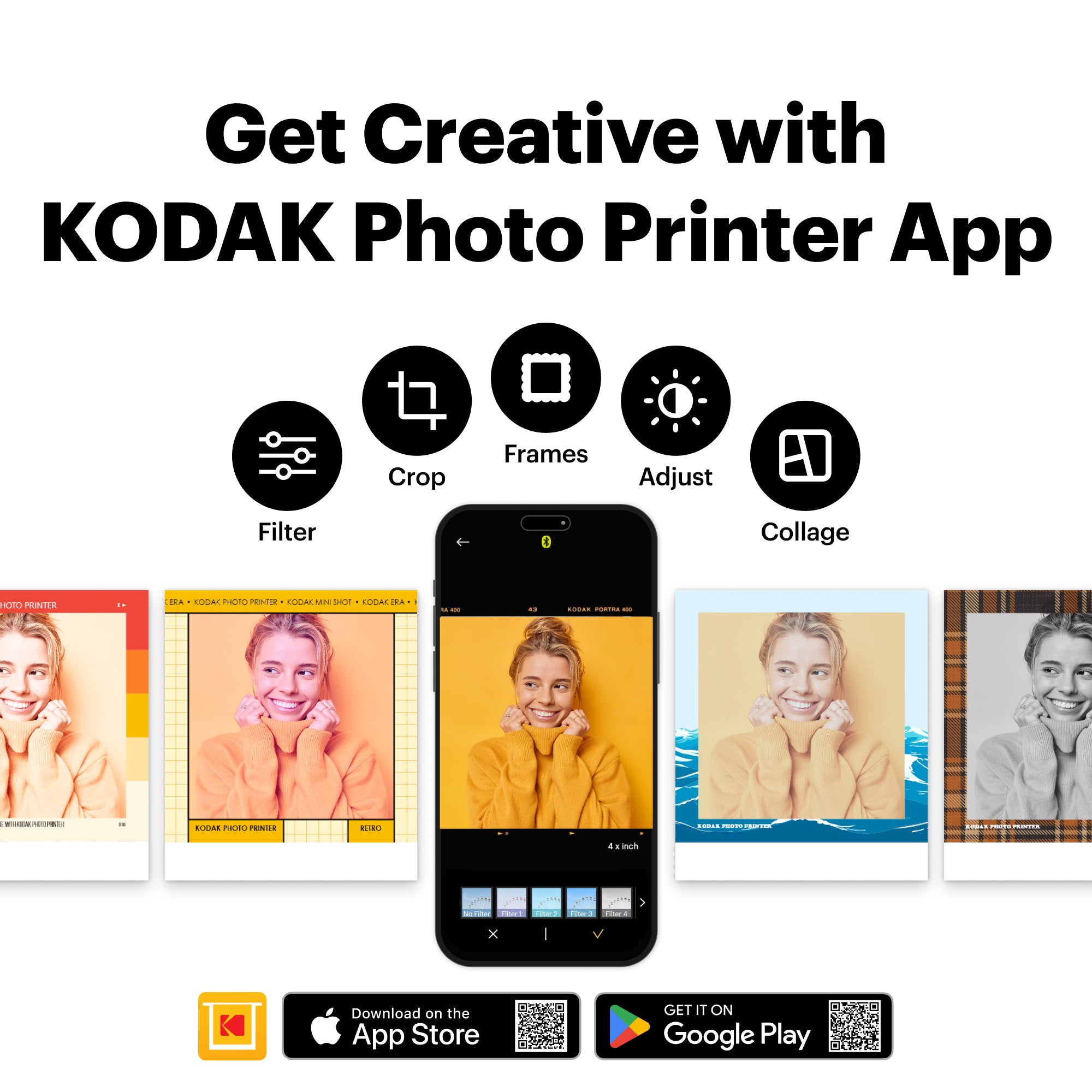
I found the printer easy to set up and get going. It’s easy to edit photo, add frames and such. I did have a new cartridge jam on me so I pulled it out which ruined it because it pulled the film out. Found a piece had tore off on the inside so I fixed and put another cartridge in. Good to go.
Love this mini printer, great for capturing moments and being able to print photos out immediately to share
KODAK Mini 3 Retro 4PASS Portable Photo Printer (3x3 inches) + 68 Sheets Bundle
The first time I used the printer, the photo came out blank. The app said to remove the paper from the printer, but it won’t budge. Couldn’t get it out. Something was stuck inside. Tried the second time, incomplete photo process and paper jam. Wasted paper again. Tried the 3rd time, this time it worked. Photo came out really nice. I like the quality. Just not happy about the wasted paper.
I didn't know what the expect when I ordered this product, but I am pleased overall.
Ho regalato questo articolo alla mia ragazza per il nostro anniversario, di modo che potesse stampare foto in formato polaroid dei bei momenti passati insieme. E' stata felicissima e dopo una settimana di utilizzo ha già stampato almeno una ventina di fotografie. Le uniche pecche che posso riconoscere al prodotto è che pensavo che l'applicazione avesse più funzioni e che fosse più facile da gestire l'aspetto della gestione del bordo alla fotografia; la mia ragazza inoltre dice che la stampante si scarica più velocemente di quanto pensasse, ma comunque con una carica completa si riesce a stampare una decina di fotografie.