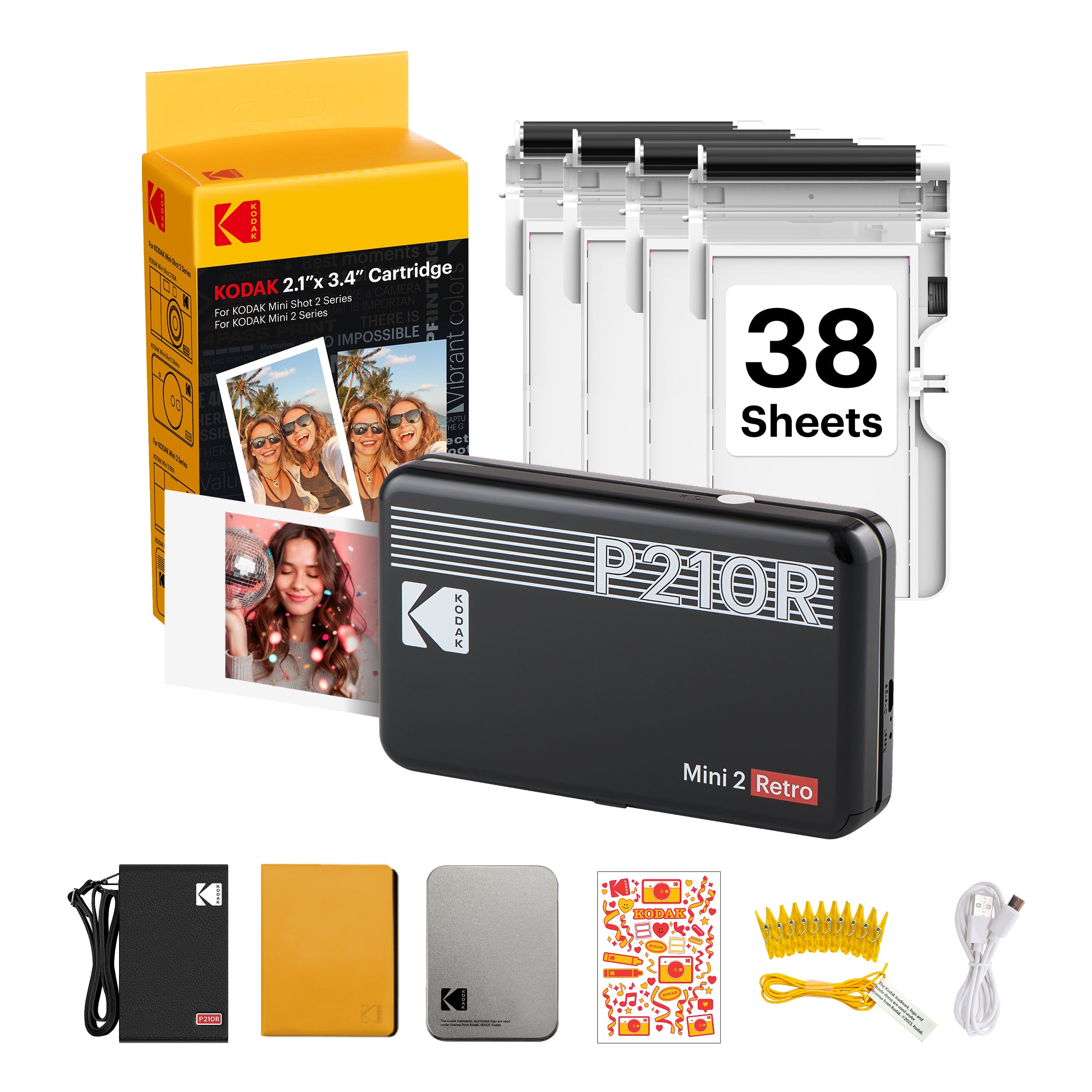


KODAK Mini 2 Retro 2.1x3.4 Inch P210R 38 Sheet Gift Bundle
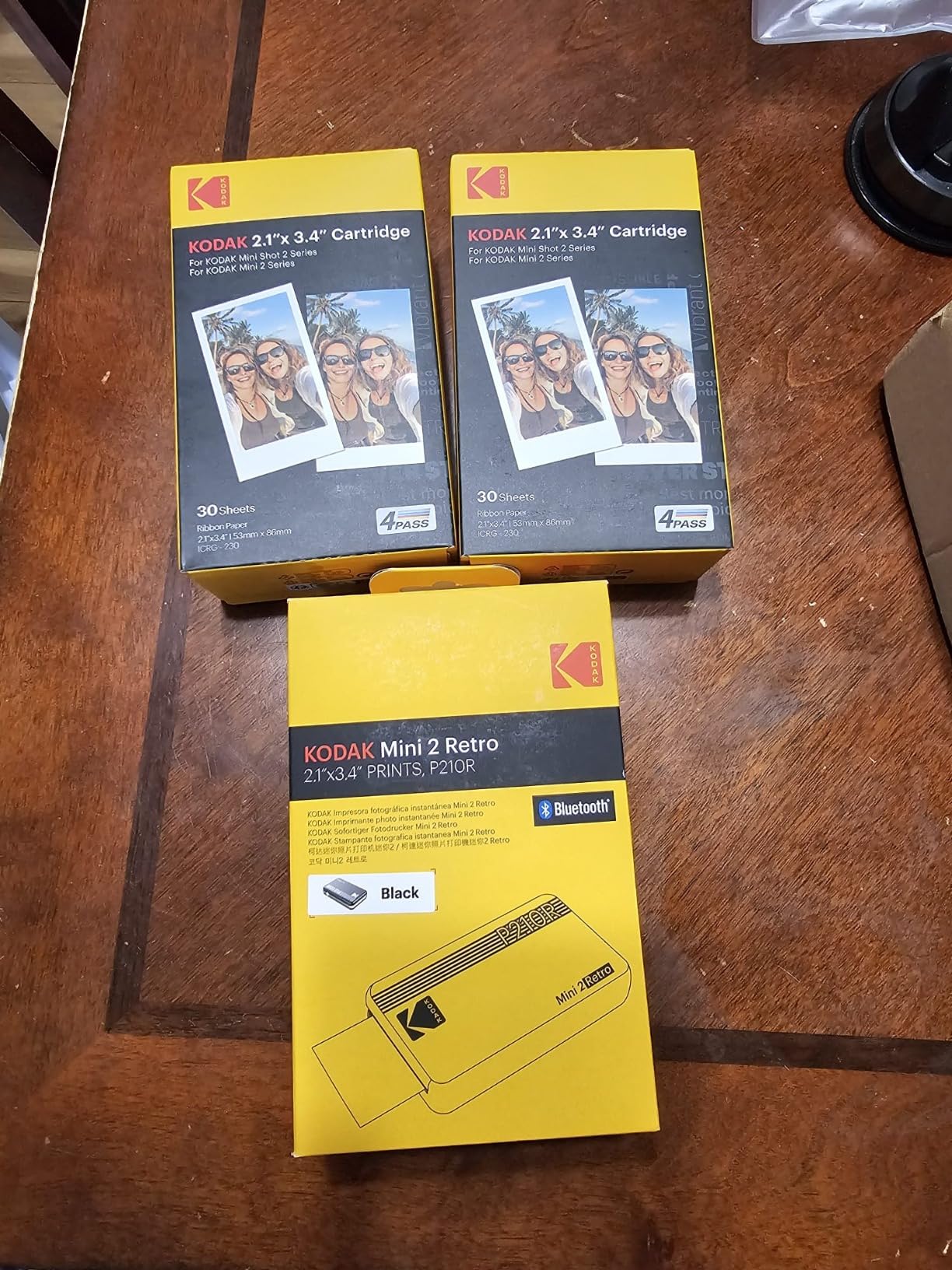
KODAK Mini 2 Retro Portable Photo Printer
Printer with 8 initial sheets + 30 sheets + gift kit
2.1x3.4 Photo
Bluetooth
Rechargeable
- Mobile OS: iOS, Android
- Connection: Bluetooth
Printing Technology: 4PASS™ dye sublimation
Printing Resolution: 291 x 300 dpi
Photo Size: 2.1×3.4 inches (credit card size)
Paper Type: Single-sided, non-sticky photo paper
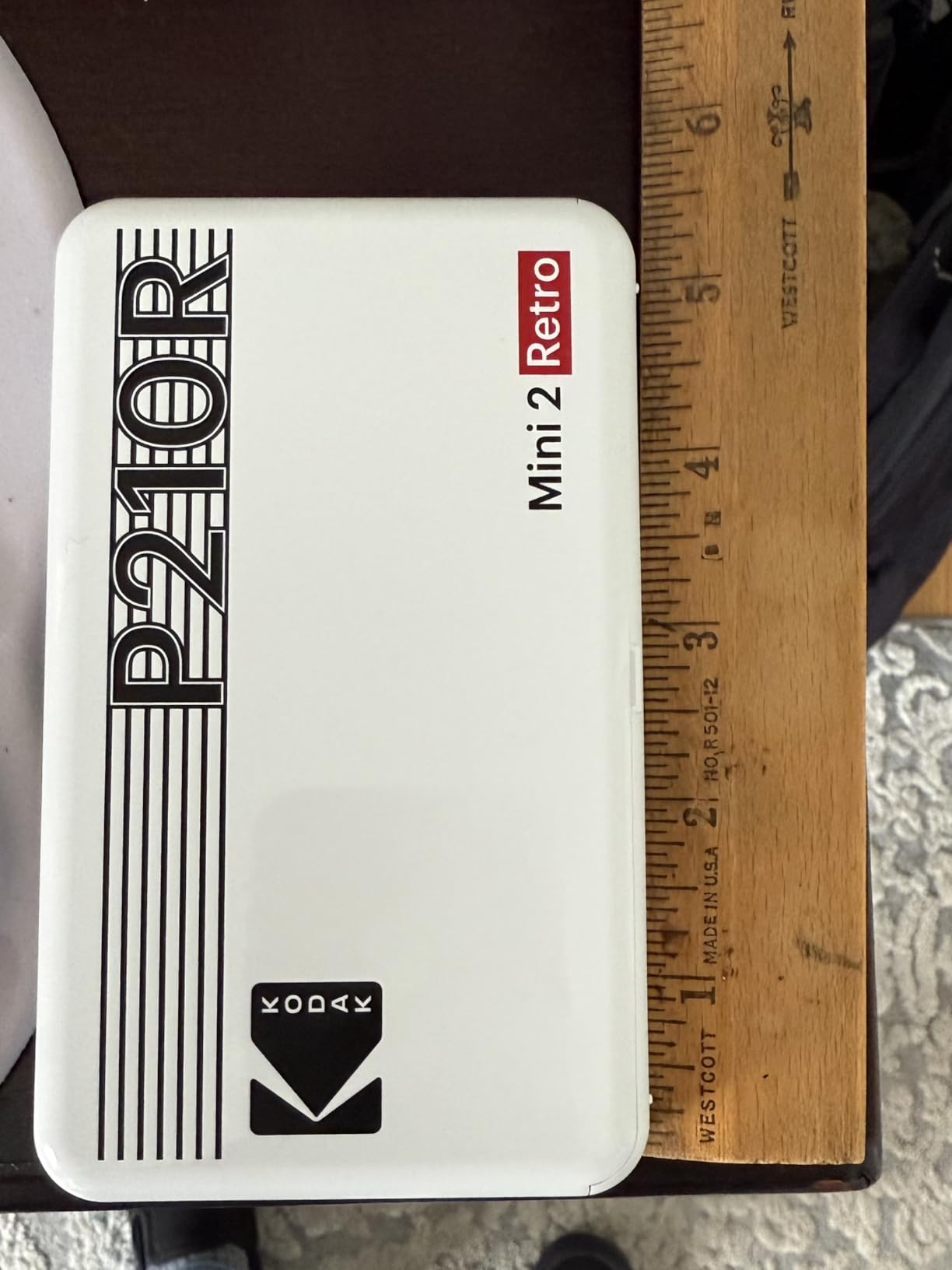
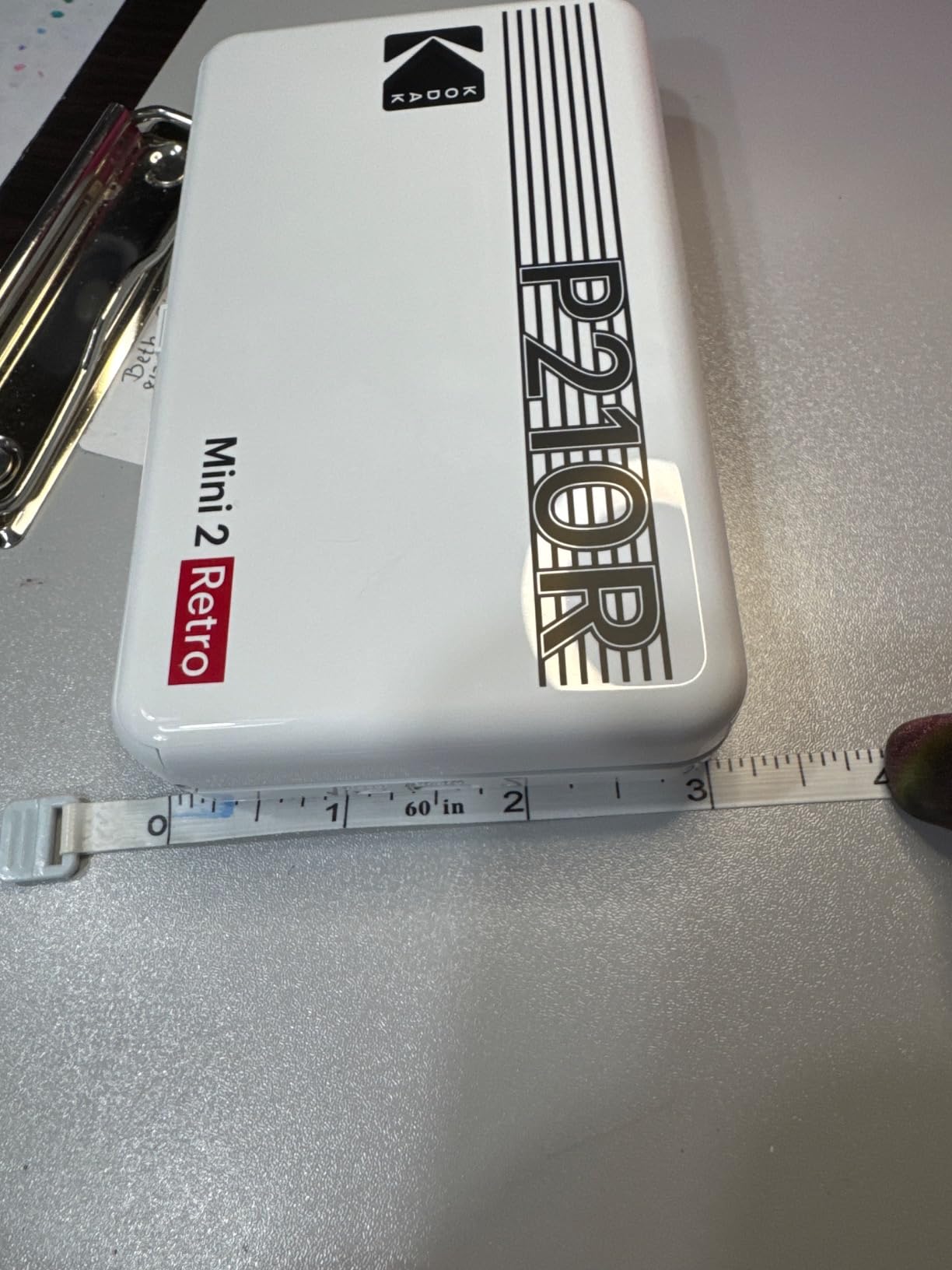
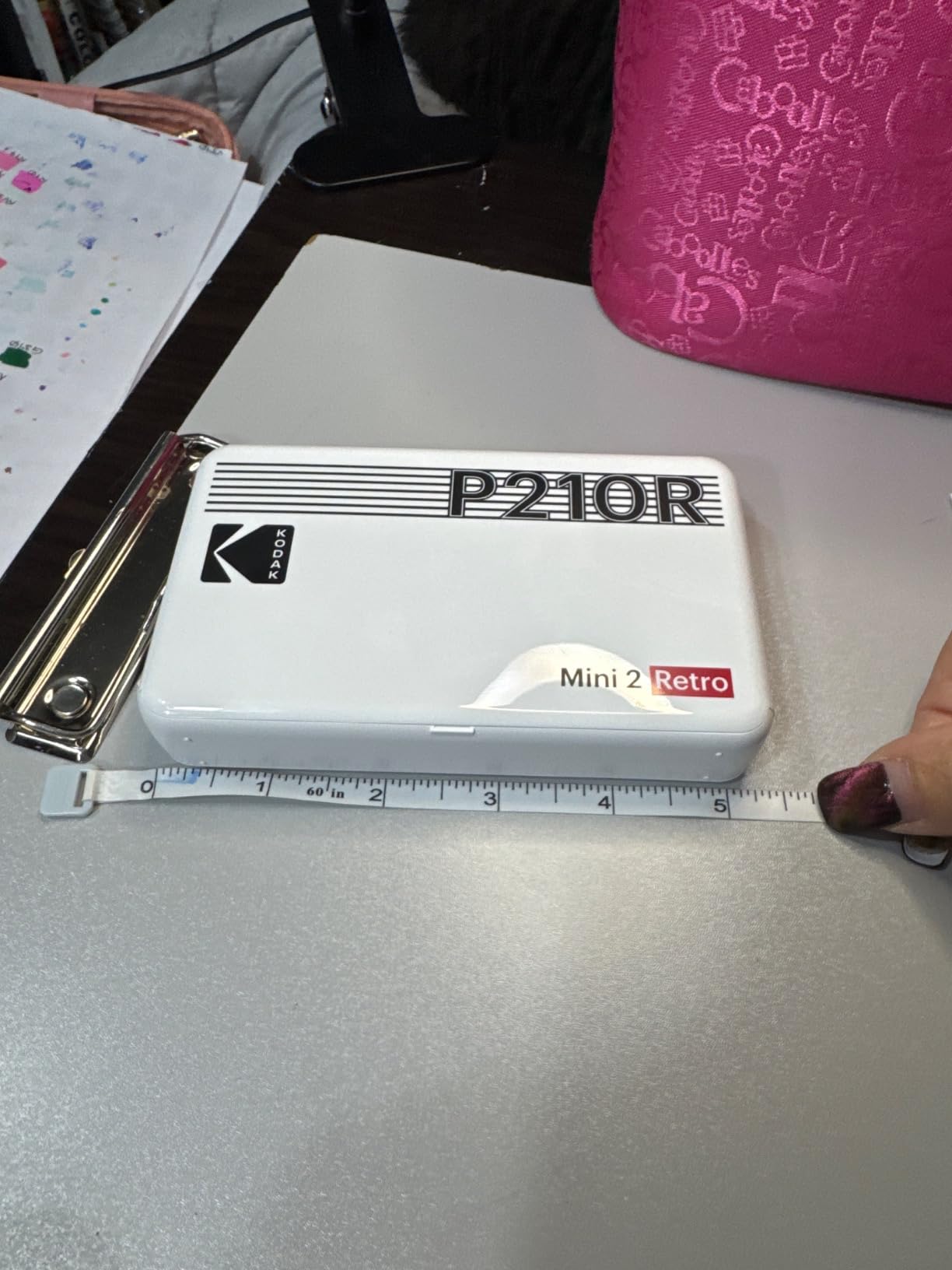
Dimensions: 132.4 x 78.2 x 25.8 mm
Weight: 255g
Choose options


Need help?
Frequently Asked Questions
Kodak photo printers and instant cameras work with a mobile app. To print photos stored on your computer, simply transfer the files to your smartphone and print via the Kodak app.
At the top of each product page, under the image section, you’ll find the "COMPATIBLE REFILL” guide. Please refer to it before purchasing.
Here’s a quick reference:
MINI 2 / MINISHOT 2
→ 2.1" x 3.4" KODAK 4PASS CARTRIDGE (ICRG-260)
MINI 3 / MINISHOT 3
→ 3" x 3" KODAK 4PASS CARTRIDGE (ICRG-360)
MINISHOT 4
→ 4" x 4" KODAK 4PASS CARTRIDGE (ICRG-4120)
DOCK ERA / DOCK PLUS RETRO
→ 4" x 6" KODAK 4PASS CARTRIDGE (PHC-80)
For cordless mobile products, a full charge takes about 90 minutes, and you can print up to 20 photos per charge.
No. Our 4PASS cartridge includes both ink ribbon and paper in one. It’s simple to replace and ready to go in seconds.
Never got my order and never received a call or email from Tommy who initially responded to my inquiry!
Hi Valerie, we're sorry to hear about the trouble with your order. Please contact our customer service team so we can resolve this issue promptly. Thank you for your patience!
Great little printer for small photos. I bought specifically for scrapbooking smaller albums or layouts! Easy to transport. It does not come with a charging cord, that?�s my only disappointment. Luckily I have a c port charging cord for another electronic. Printing is less than a minute and the app shows you exactly what?�s printing for colors and lamination. If you?�re a crafter this is a great little addition to your stash.
Hi Paula! Thanks for your review! We're so glad to hear that it's been a great addition to your crafting supplies and that you've found it easy to use and transport. We apologize for any disappointment with the charging cord, but we're happy to hear that you were able to find a solution with a c port charging cord! If you need further assistance, please contact us at support.kodakphotoprinter.com
Thank you for choosing KODAK and happy crafting!
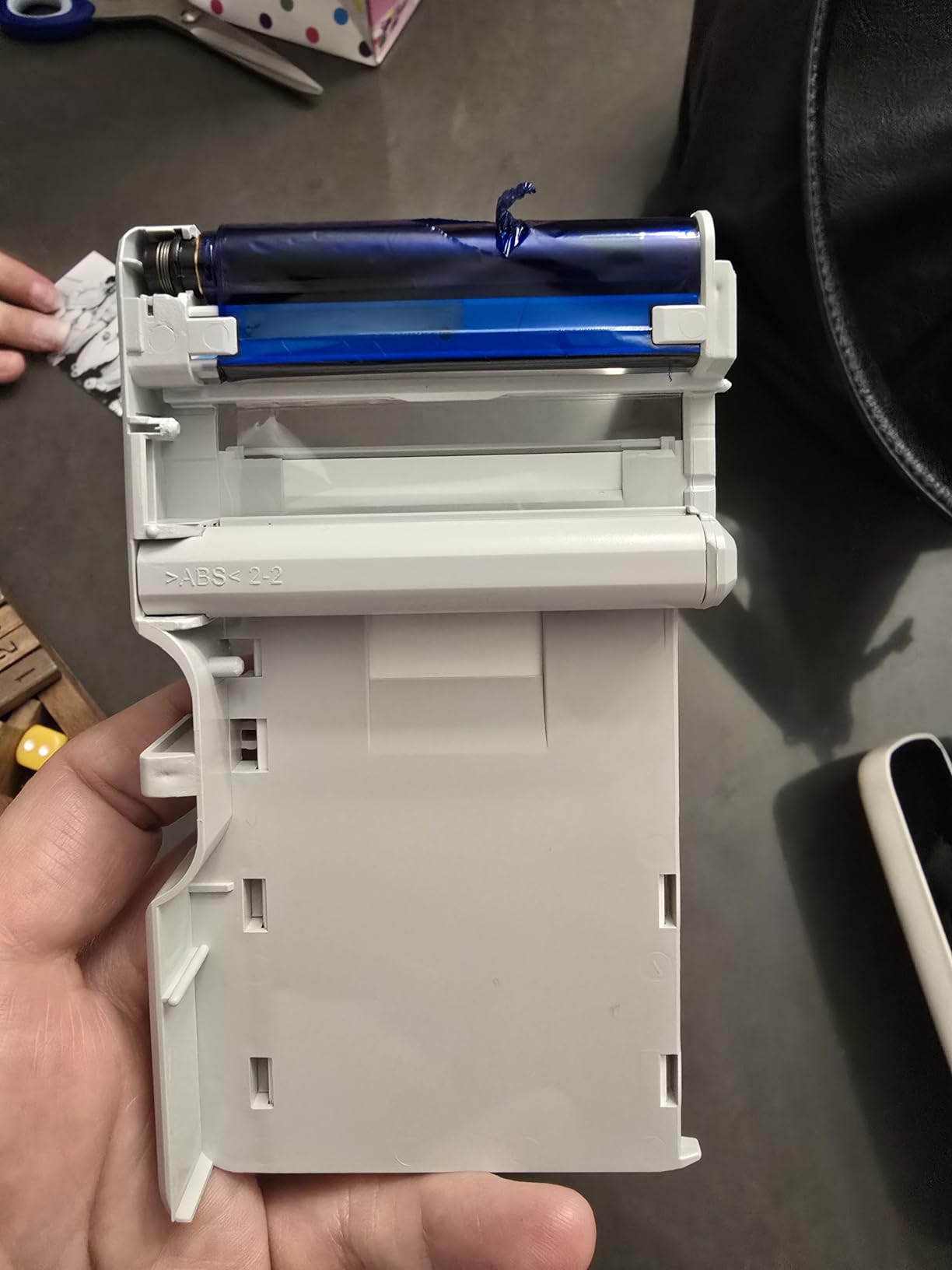
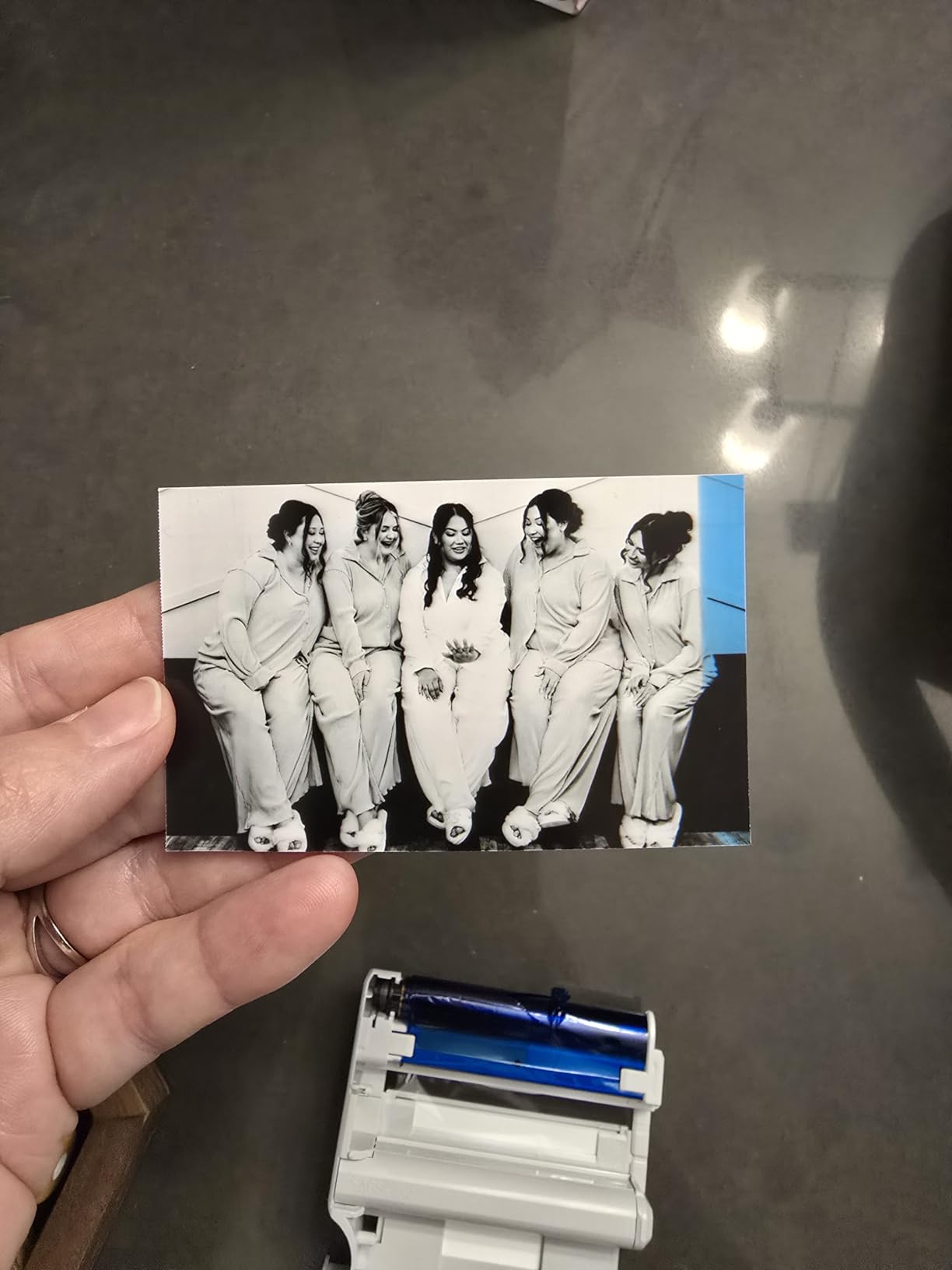
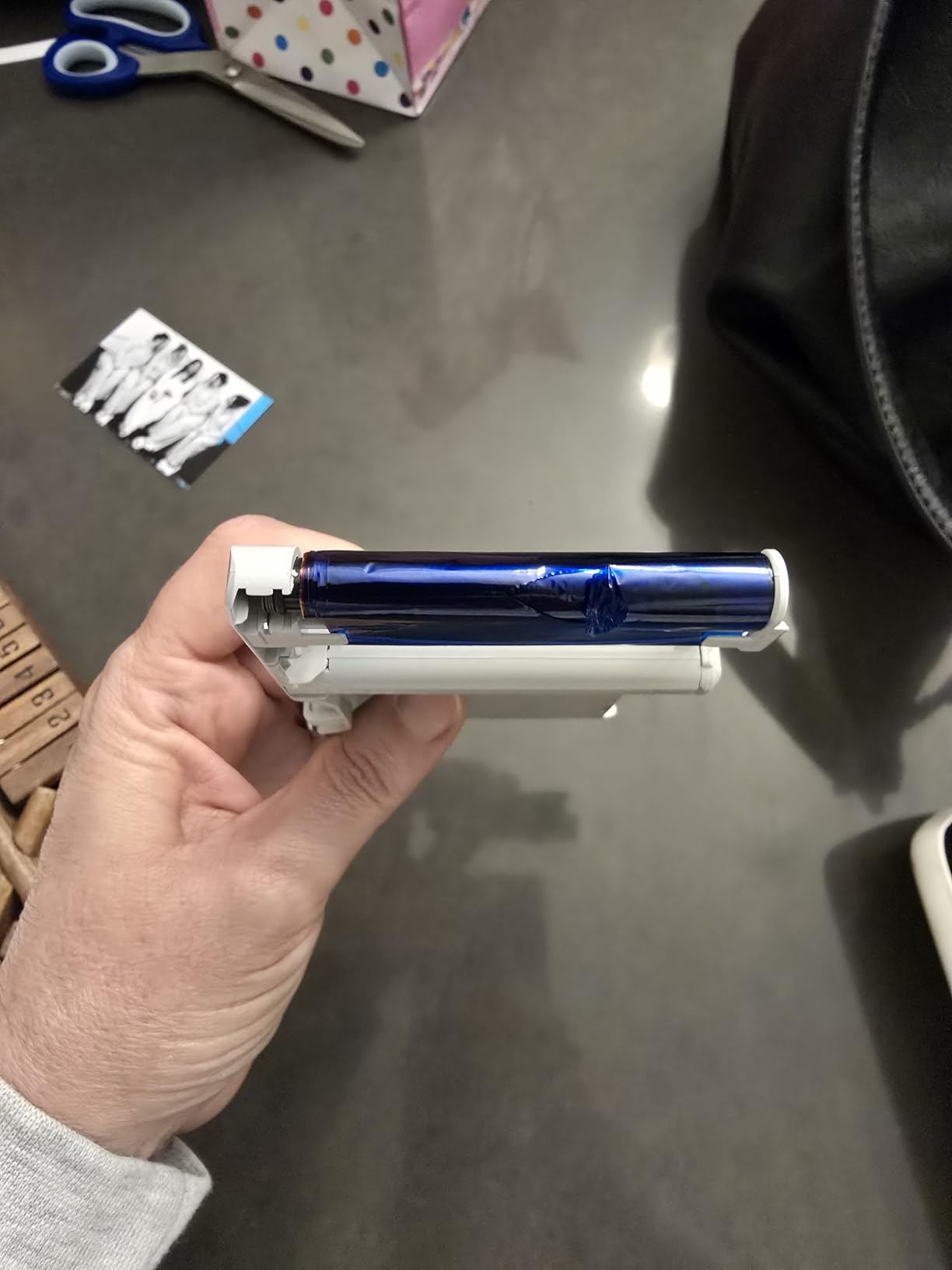
I bought this Mini2 Retro Printer as a birthday gift for my daughter. The Printer came with a cartridge already installed, and it also came with two additional cartridges. We charged and set the Printer up to use through the downloaded app. This was fairly easy. We attempted to print two photos, one in color and one in black and white. Both photos printed a wide blue line at the end. And you could see that at the end of printing that the printer was pulling the ink part of the cartridge through the end of the printer. Upon further inspection, we pulled the cartridge out of the printer and noticed that it was damaged. It was obviously damaged when it was installed at the factory. So, we had to discard a brand new cartridge. We changed the cartridge and the printer began printing properly. I am including a photo as reference. So, please be aware in case you have this same problem when trying to print.Overall, my daughter does love this printer. But we are disappointed that we had to waste an almost new cartridge.
Dear valued customer,
Thank you for bringing this to our attention. We apologize for the inconvenience caused by the damaged cartridge in your KODAK Mini 2 Retro P210R Bundle. We strive to provide high-quality products and we are sorry that this was not your experience. We will make sure to address this issue with our production team to prevent it from happening in the future. We are glad to hear that your daughter loves the printer and we hope that it continues to bring joy to her. If you need further assistance, please contact us at support.kodakphotoprinter.com. We appreciate your feedback and support.
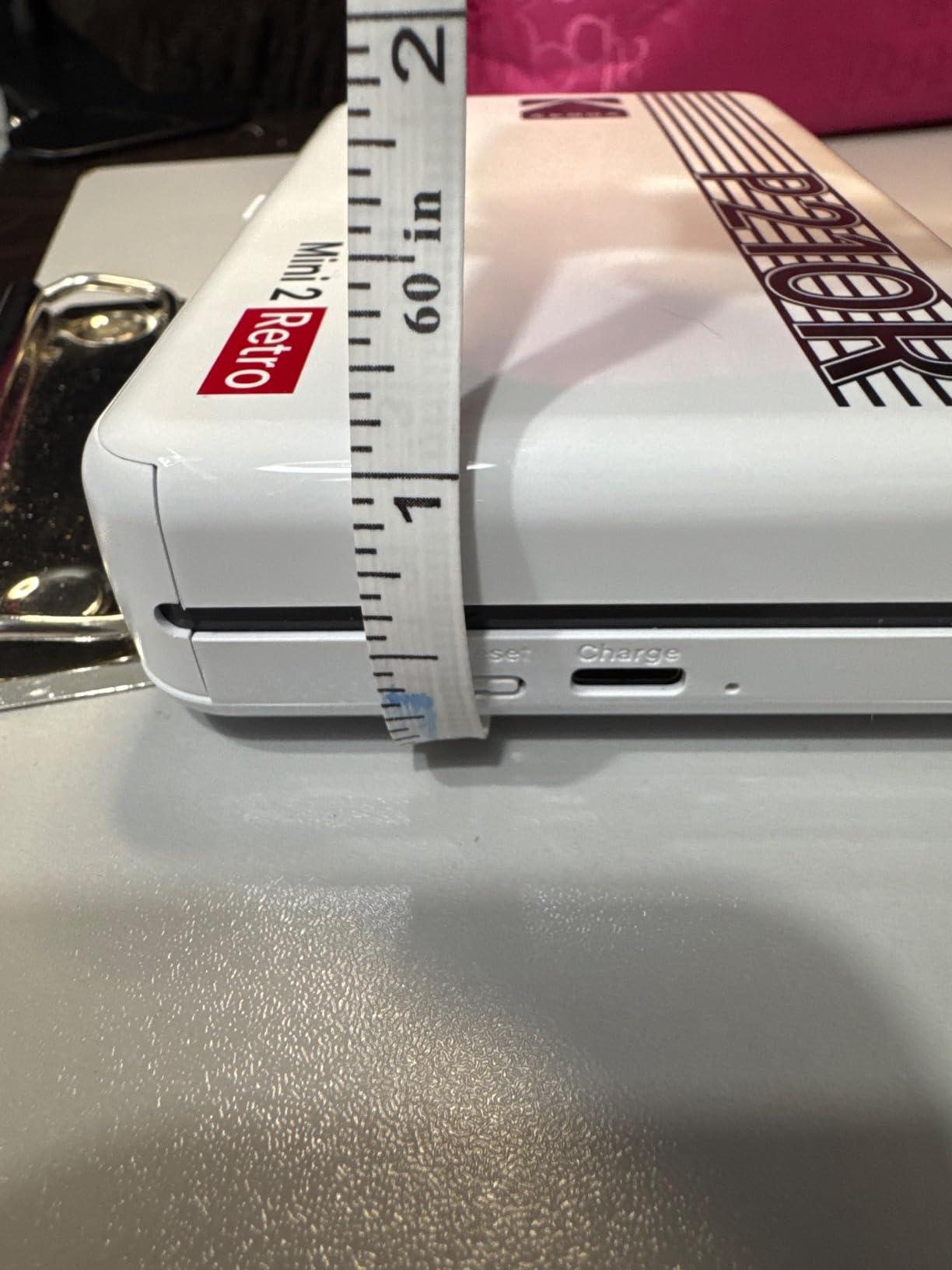
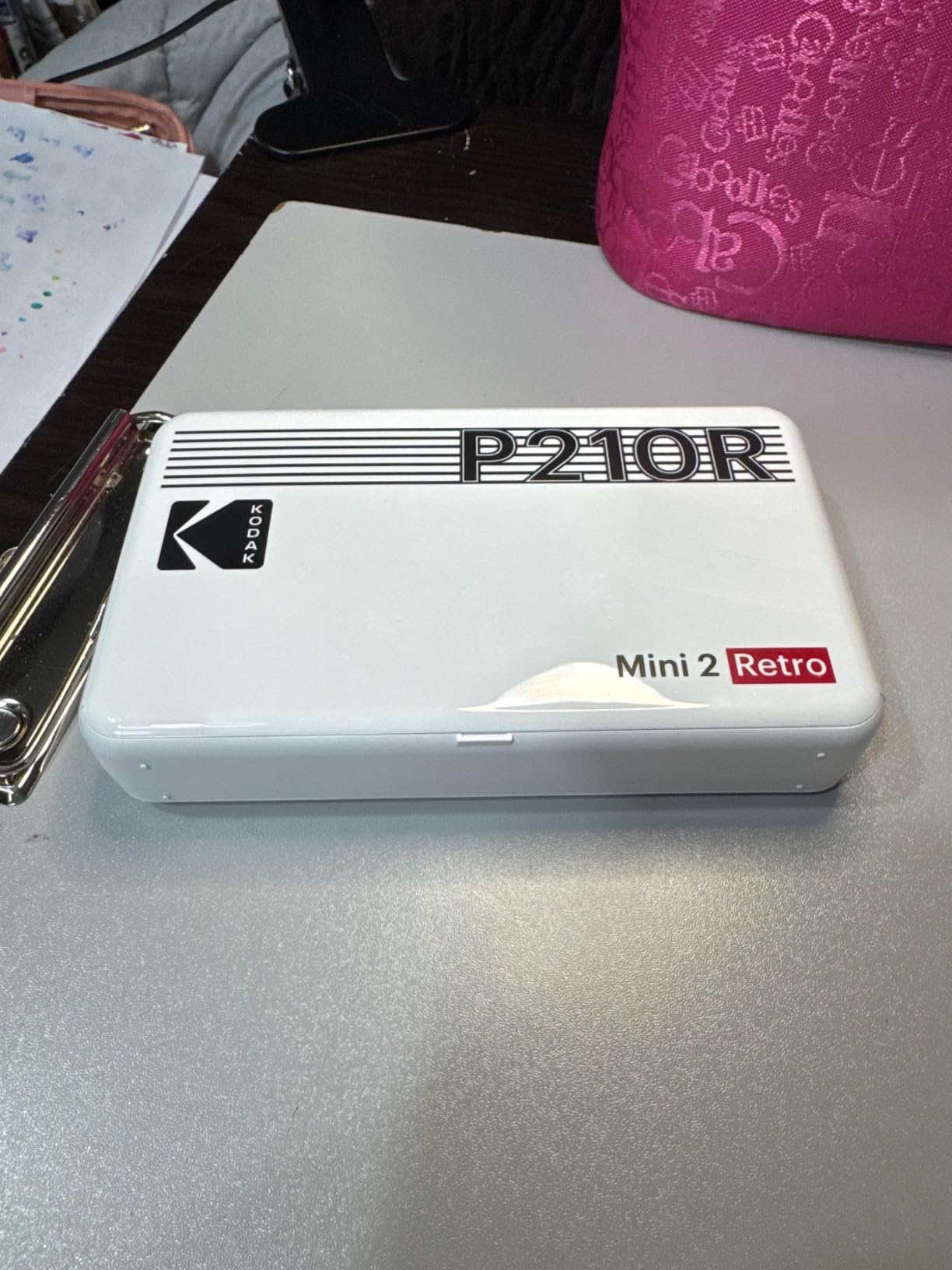
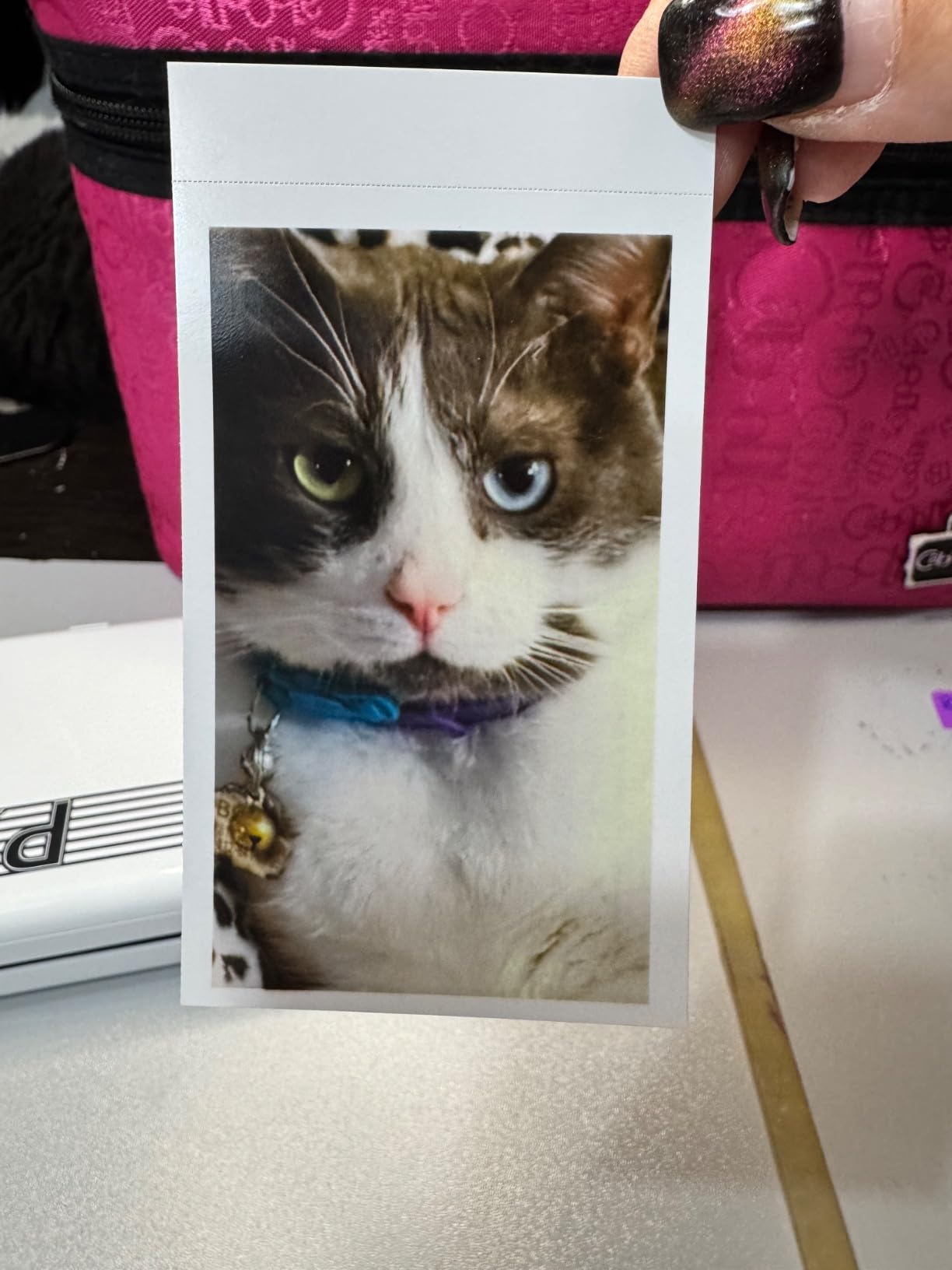
I?�m very happy that I went with this Kodak Mini 2 Retro photo printer instead of any of the others. I spent hours researching all the different brands of these little fellas, watching videos, reading tons of reviews, etc??I purchased this printer to take on our cross country road trip & cruise from Los Angeles to print out pics along the way for our travel journal. Of course, price was also a factor as I couldn?�t see spending a huge amount for something that I wouldn?�t use on a daily basis & only on our travels which equates to about 4-5 times a year. One of the main differences with this one vs some of the others is that it?�s not a ?�sticker?��?which is happily okay about as I have double sided sticky tape that easily fits into my bag. I will admit that getting it on sale for $85 & that it came with the 3 cartridges that totals 68 photos also helped in my decision to buy this one. I also looked at the price of replacement film cartridges for in the future & how much each photo would end up costing. (Replacement cartridges were just under $18 for a total of 60 photos??two cartridges of 30.) This Kodak Mini 2 Retro ultimately ticked all the boxes - economical replacement cartridges, photo quality & overall price. The app was easy to add & connect via Bluetooth to my iPhone 15 Plus. Upon trying it out, print speed took less than a minute for it to print out. And as you see, the photo of my husband?�s cat ?�Bowie??printed out quite beautifully! I wasn?�t expecting a professional photo by any means but it turned out much better than I expected!! The picture quality is really quite good! The app also allows you to add a border (as I did in my photo) as well as adjusting colors & do some editing. I did absolutely nothing to this photo as I just wanted to print out a basic photo to check it?�s overall photo quality. (I am ?�technically challenged???�� Which is another reason why I wanted something easy/simple.) The size of the printer is also nicely compact & will fit in my small carry-on bag. It came with the cord that you need to charge it but not the block??which is fine as I have a drawer full of those things. I would definitely recommend this photo printer??whether you want it for scrapbooking, photo journaling or just to print out photos on the spot to share. I am very happy with this little photo printer.
Hi Beth!
We're thrilled to hear that you are happy with your purchase of the KODAK Mini 2 Retro P210R Bundle. We pride ourselves on providing high-quality products at an affordable price, and we're glad to see that it met your expectations. We hope your road trip and cruise were amazing, and we love that you were able to easily print out photos for your travel journal. The app is designed to be user-friendly, and we're glad it was easy for you to connect and print from your iPhone. Thank you for choosing KODAK and for taking the time to leave a review. We appreciate your support and are always here if you need any assistance. Happy printing!
If you have any questions or need support, we’re here to help: support.kodakphotoprinter.com
great little printer! I wanted an easy way to print photos for wedding invitations and starting my new family photo album. you need to have a USB c charger, I was a little surprised it didn't come with one but I have plenty. the pictures came out great! it was fun watching the different colors print out one by one on the app and in real time and love that it has a little tab that snaps off. my partner and I are really pleased with this purchase especially when deciding between this or the instax mini. happy with our decision.


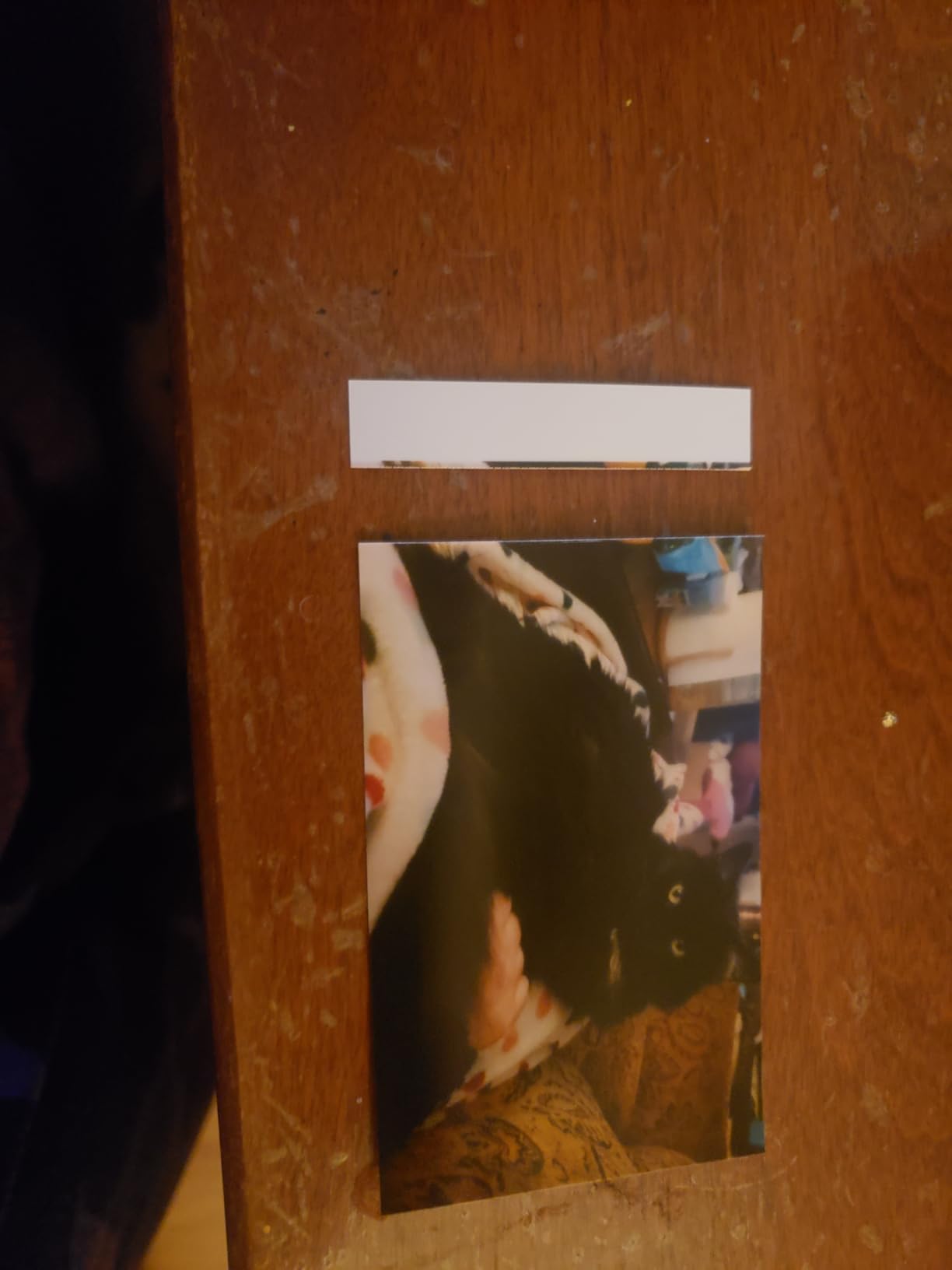
?�� recommend, definitely worth the moneyPrints clear pictures and editing options
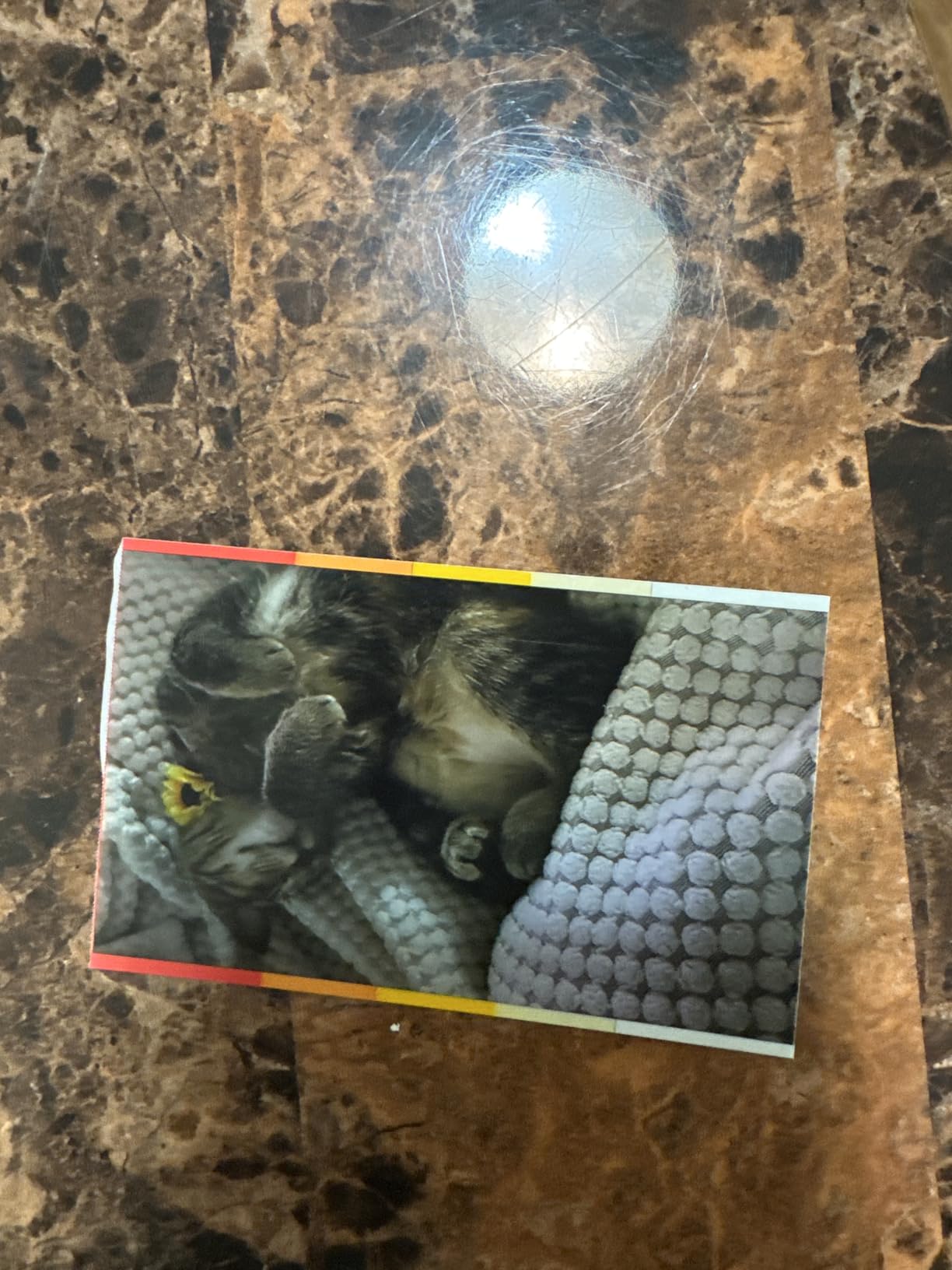
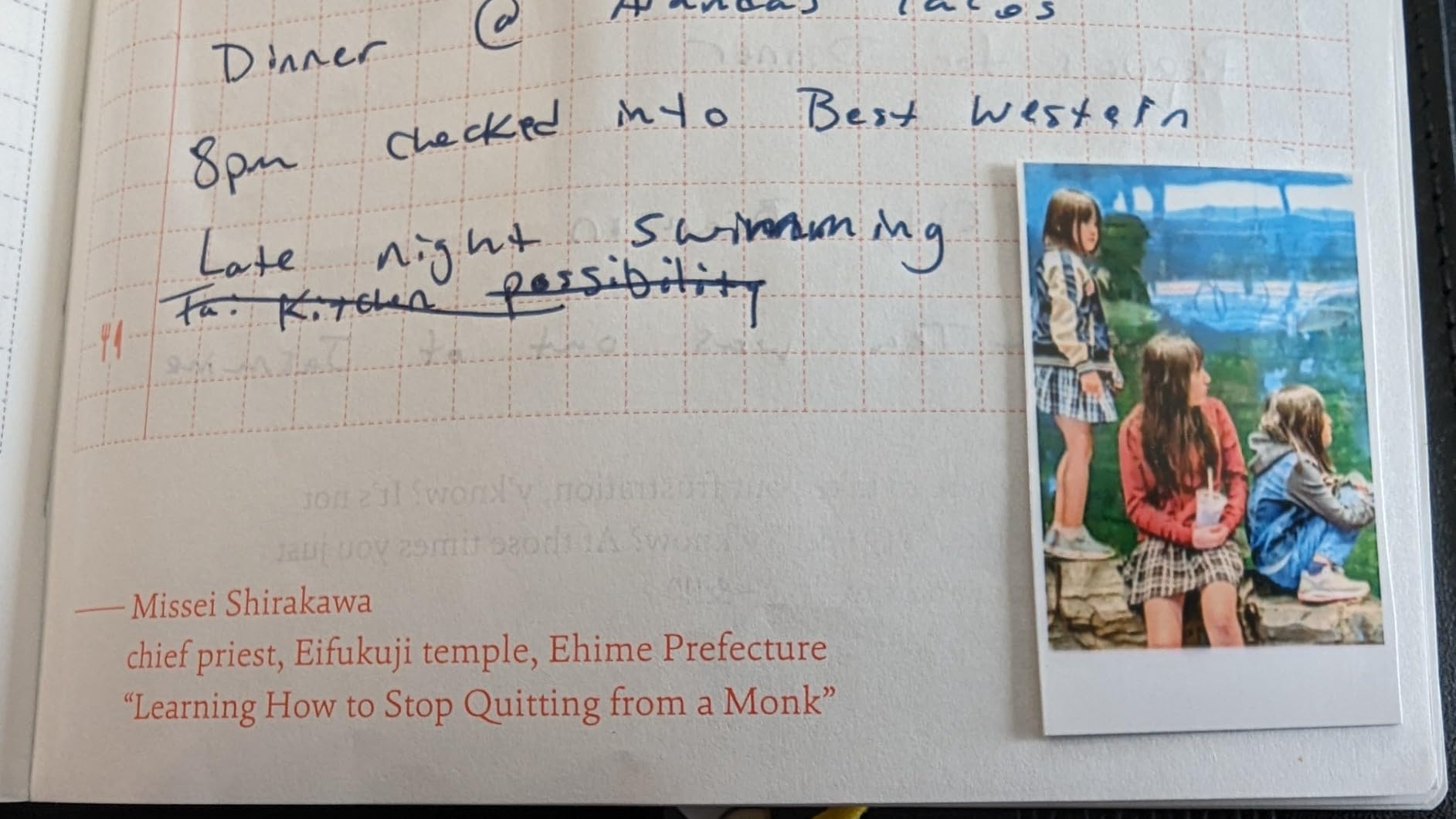
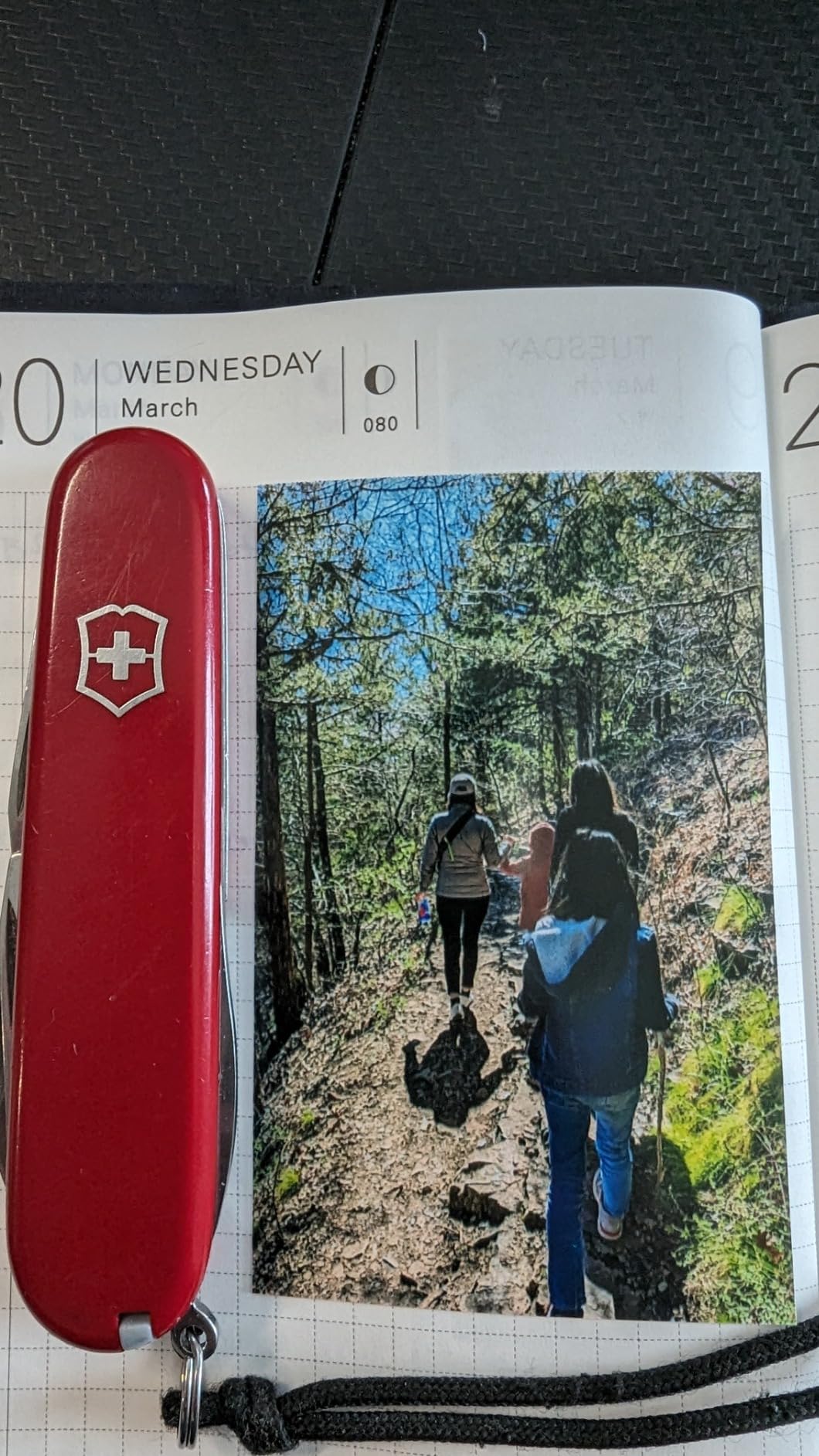
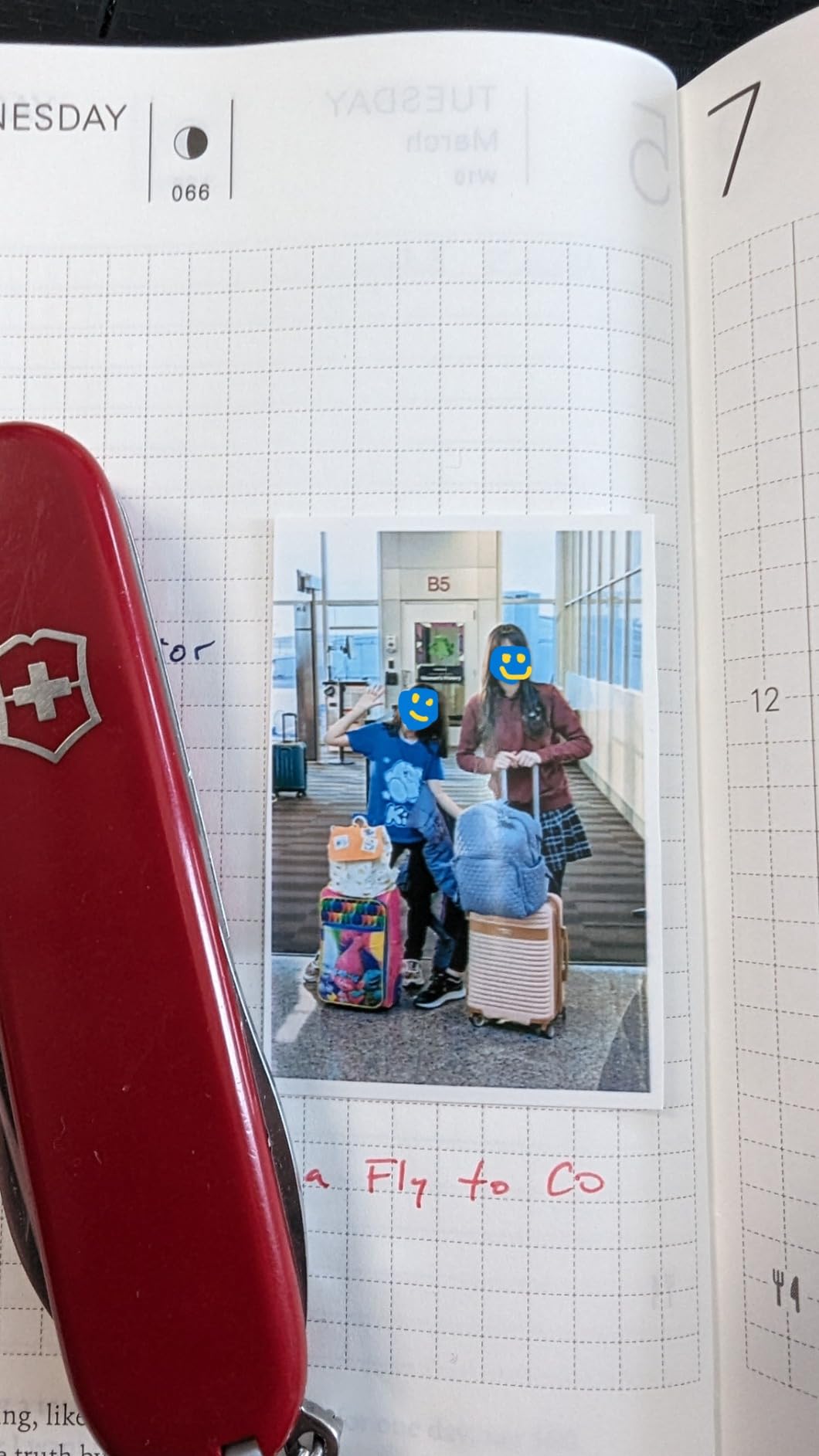
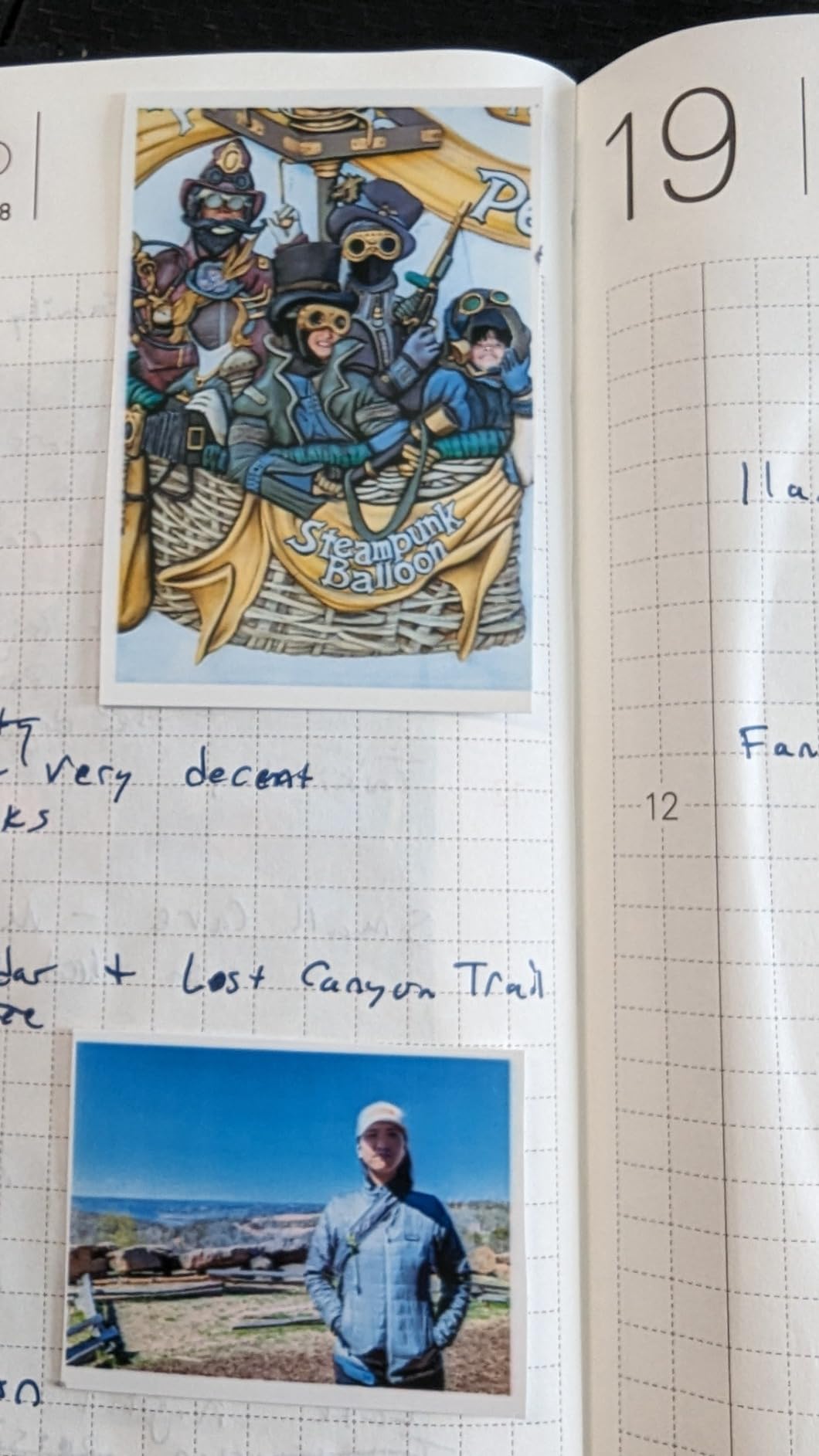
This has been the best mini printer that I have found to use for my bullet journal. I tried the HP sprocket and it was too pink or purple on the photo so I returned it and purchased the Kodak mini 2 retro. The print quality is almost perfect, which is by far the best I?�ve seen. I also have the Fujifilm mini Evo Polaroid but the Polaroids are too thick to paste in my journal. I would give it five stars, but there is very limited options in the paper. I would prefer the paper to have a sticky back so I can instantly put it in my journal. Bluetooth connection was really simple and downloading the app as well. I wish there was a way to also utilize the whole paper instead of having that white border at the top of the photo.

I purchased this mini Kodak photo printer for Journaling/Scrapbooking. Works great, exactly what I needed. It's small/compact, fits comfortably in my purse or bag if I need it on the go. Easy to use and setup, all I needed to do is download the app needed to use it, connect via Bluetooth and print. Comes in a bundle, the printer that already comes with 8 Sheets inside, plus 2 packs of 30 sheets(60 total). Great quality pictures, great value, comes with a good amount of papers and ink also looks great, Definitely recommend.
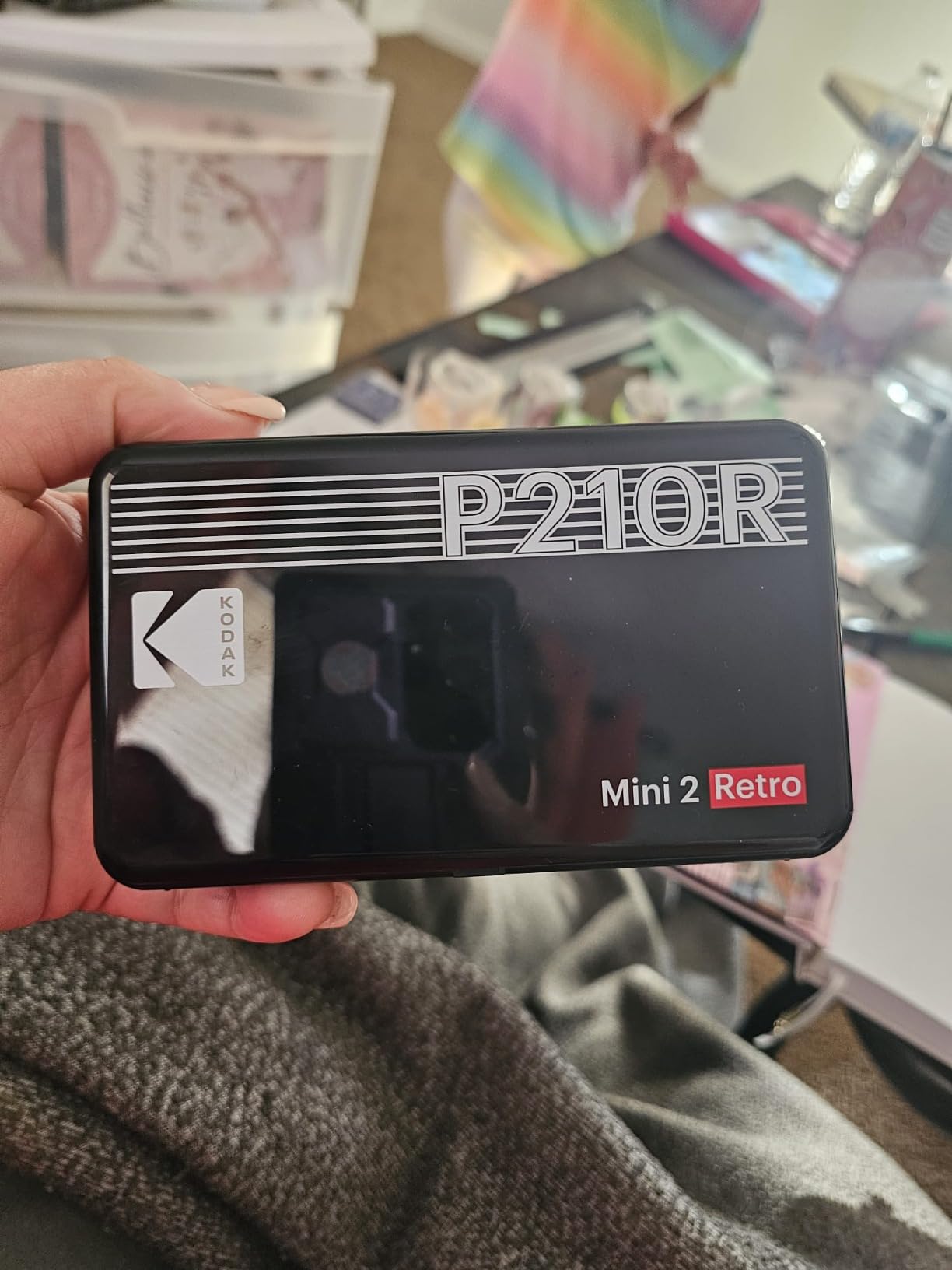
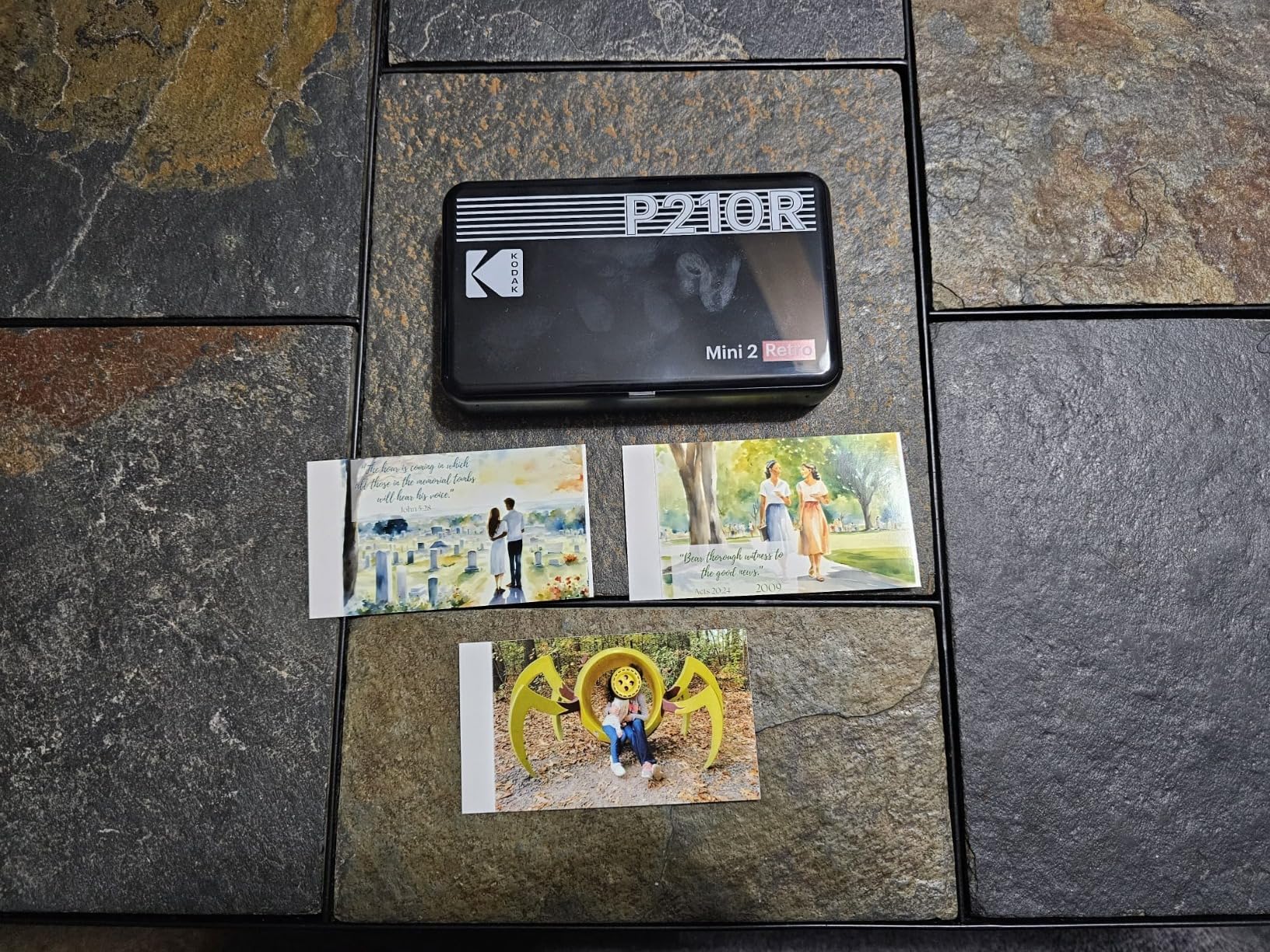
I needed a small printer for my new bonsai journal. I have a fujifilm instamax that works okay but the image quality isn't great when photographing small items. So I starting shopping around. This printer has the smaller photos but with the same detail as the images on my phone. I am actually really impressed with the photo quality. The only drawback is the app. It can be quite frustrating on occasion. It frequently disconnects from Bluetooth or cannot locate the printer. It's not a deal breaker for me since I am not usually in a hurry when working on this journal, but I would like them to try and improve the app. I'd likely print a lot more pictures if I didn't have to repetitively close and reopen the app to print one photo. Also I have given up on trying to use their image borders other than the white. If I try to add any of the decorative borders the app crashes and I have to start all over. This is a new purchase for me so I will update if anything changes in the near future.
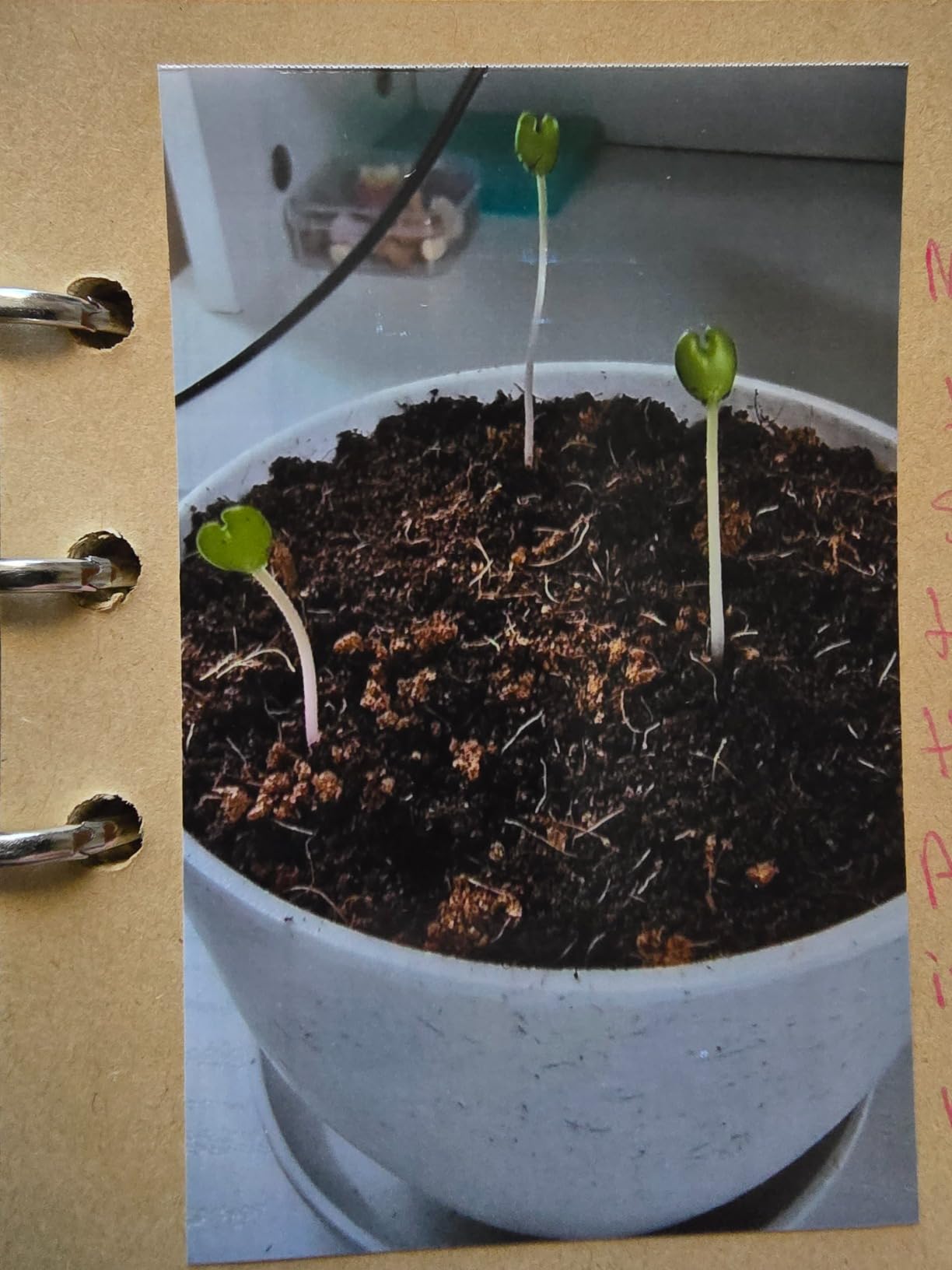
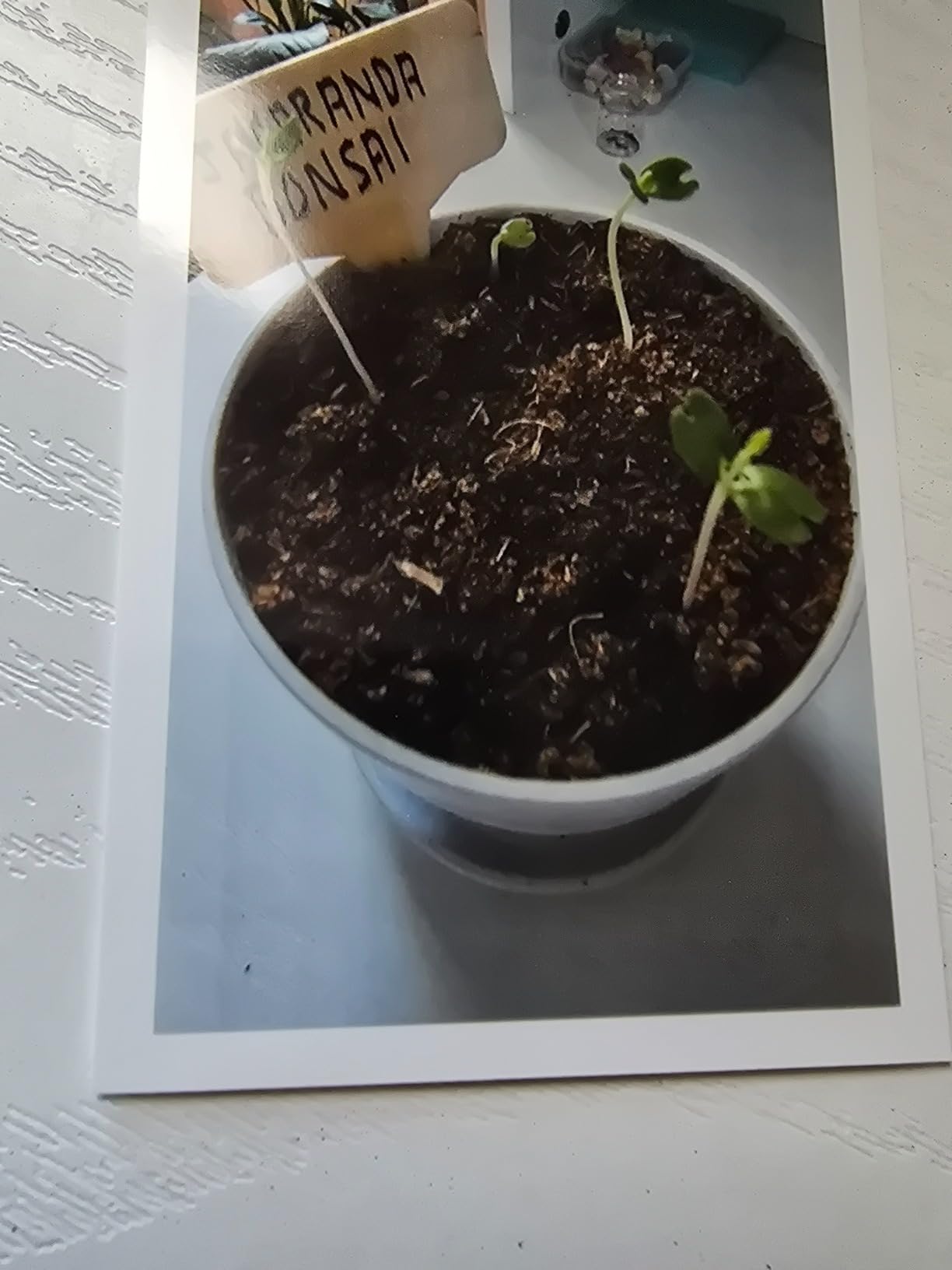
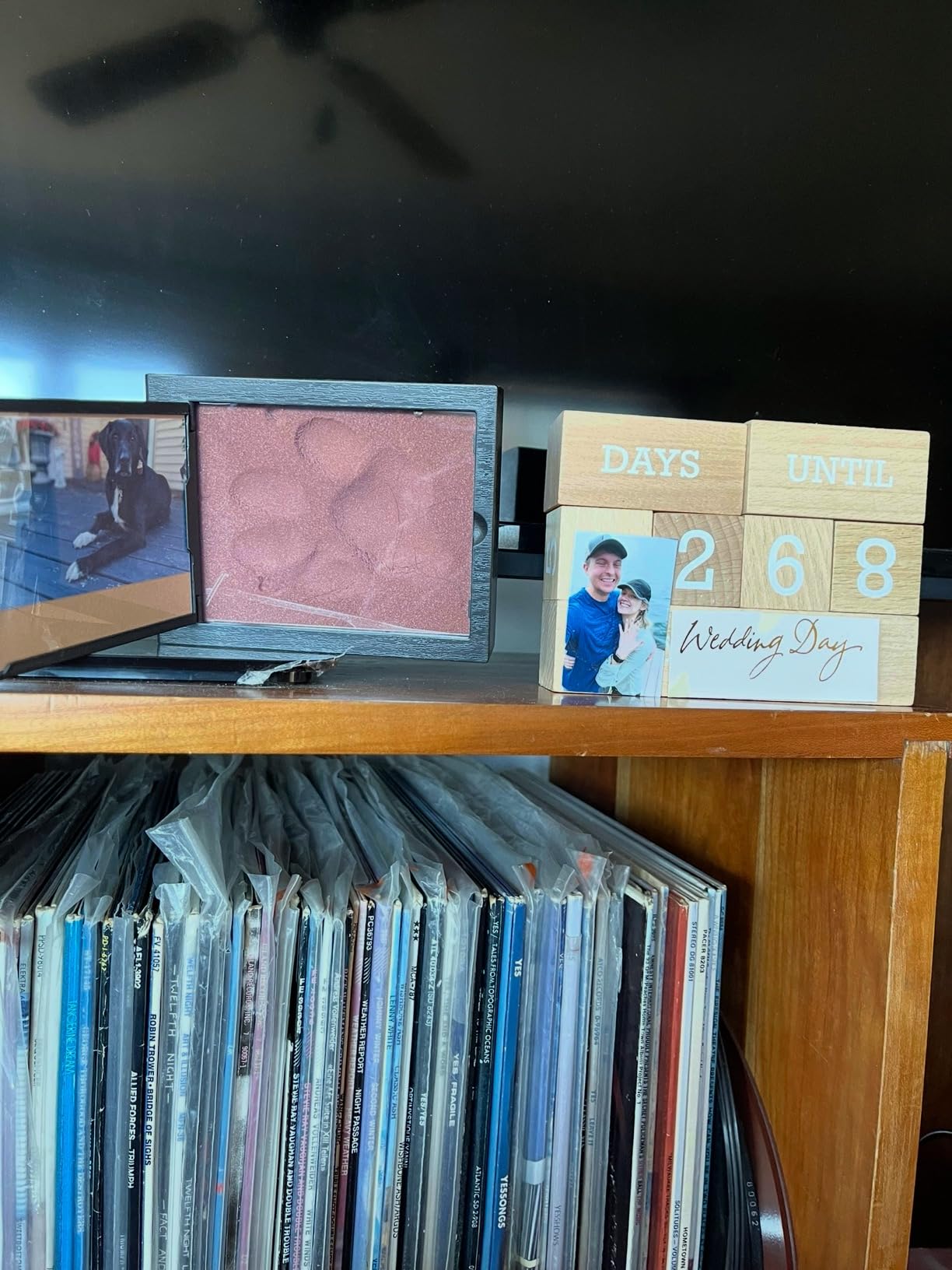
What a nice little gem. Photo printers are tricky, especially tiny pictures. I initially got to make a travel journal from our vacation earlier this year ( which I still haven?�t done) but instead I?�ve used it to identify to violets that I made cuttings from and gave away, the veterinarian gave us a impression print of our dogs paw pad when he passed a month ago and their is a small picture frame above it that I made a photo. Now I just made a countdown calendar. My only problem I?�m having is since the firmware update it has trouble keeping the Bluetooth connection.
Es muy fácil de usar, lo que no me gustó es que no es muy nítida las fotos.
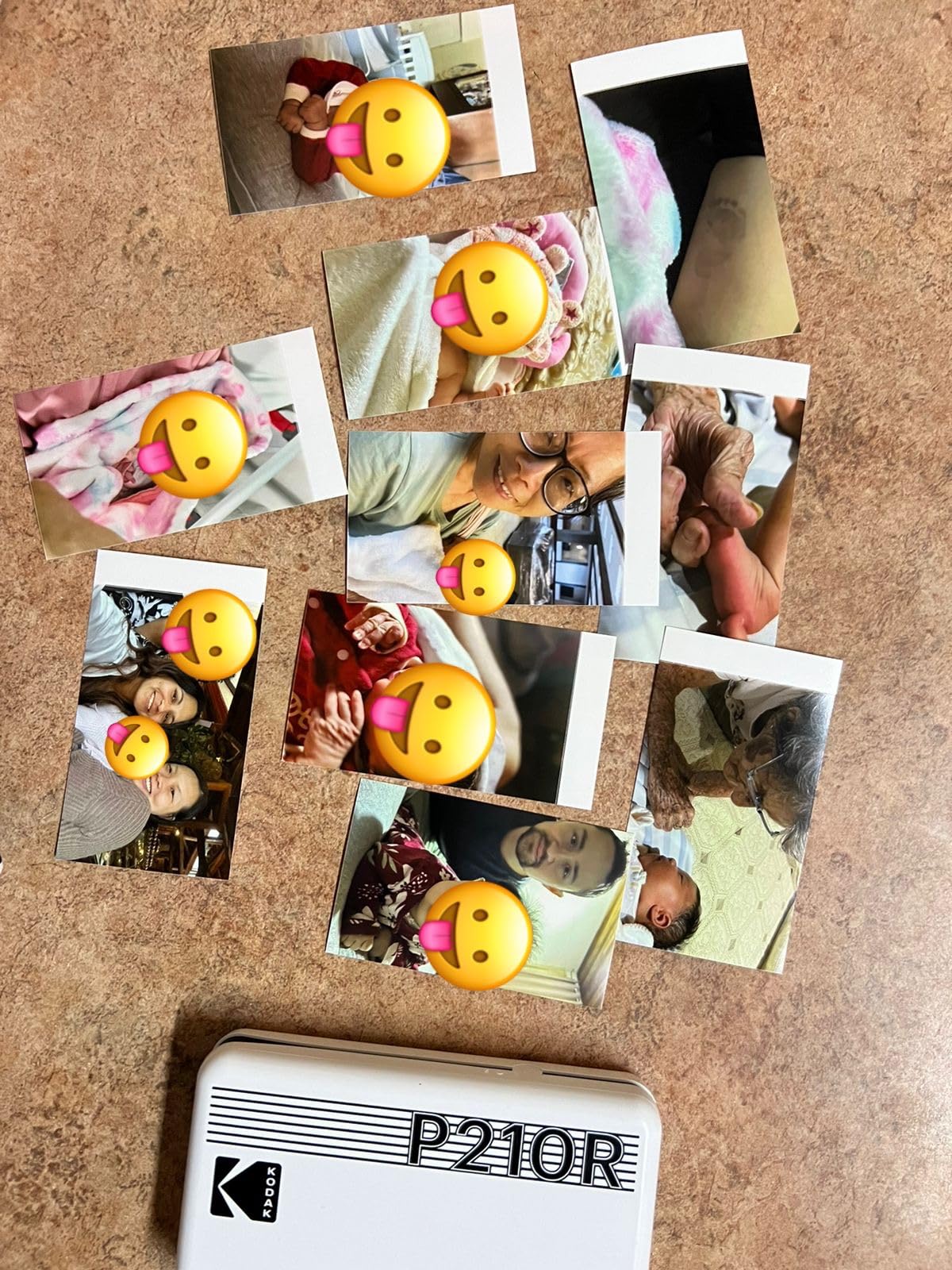
This is a nice Bluetooth printer, the quality could be better but overall I am happy with my purchase and it?�s perfect for my junk journal
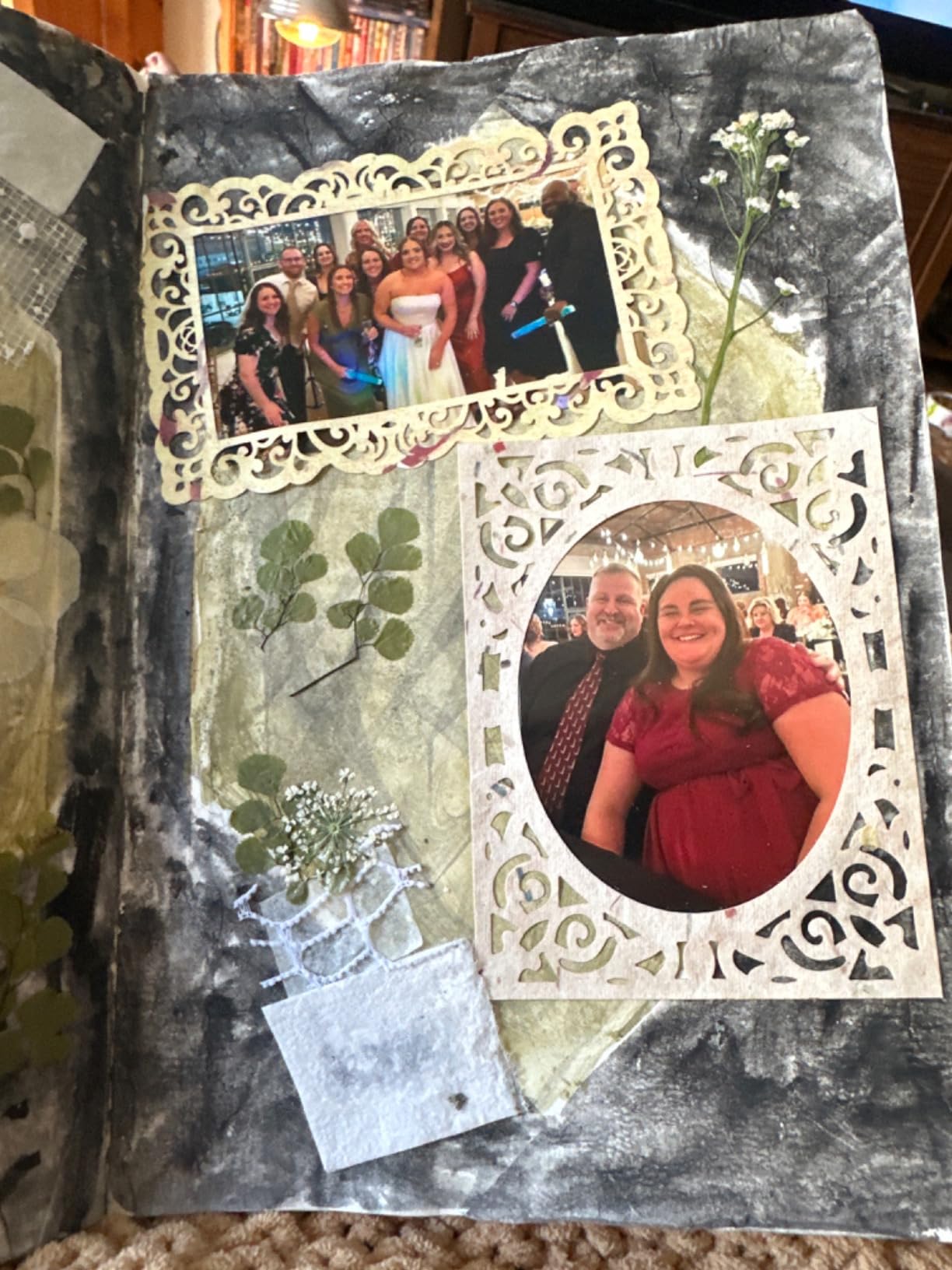
20+ years of photography experience. My first try of a 4pass photo printer. Easy to set up and carry around, works well and quickly. However, the printing quality, especially the resolution, is very far away from commercially printed photos. For what it is, a great product though!
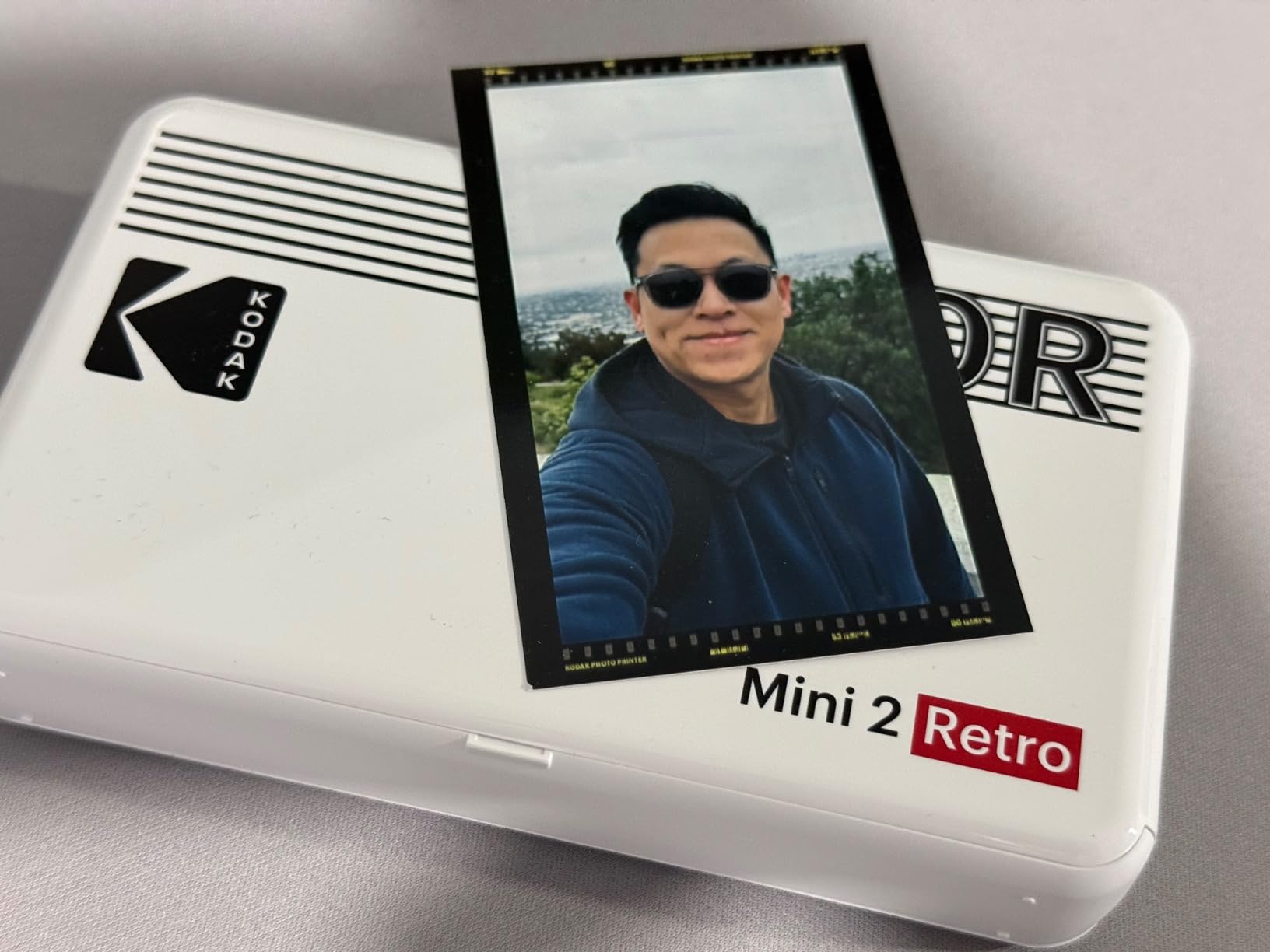
So I?�ve recently gotten back into reading. I decided to keep a book tracking journal for my reads since I have selective memory. I searched on Amazon for photo printers. Then I went to TikTok, scrolling for hours for those honest reviews. I also made sure to read the reviews on Amazon.I love how this prints photos from my camera roll. In some reviews users said the printer only holds a charge for one print. However, I have been able to print at least 4 pictures before needing to recharge the device.If you?�re looking for sticker backing paper prints you might want to try another device such as an HP sprocket. This retro printer uses zero ink photo paper. It?�s not a big deal for me because I use double sided tape to keep my prints in place in my reading journal. The best part was this whole bundle was on sale! So it was a pretty good deal for a beginner.
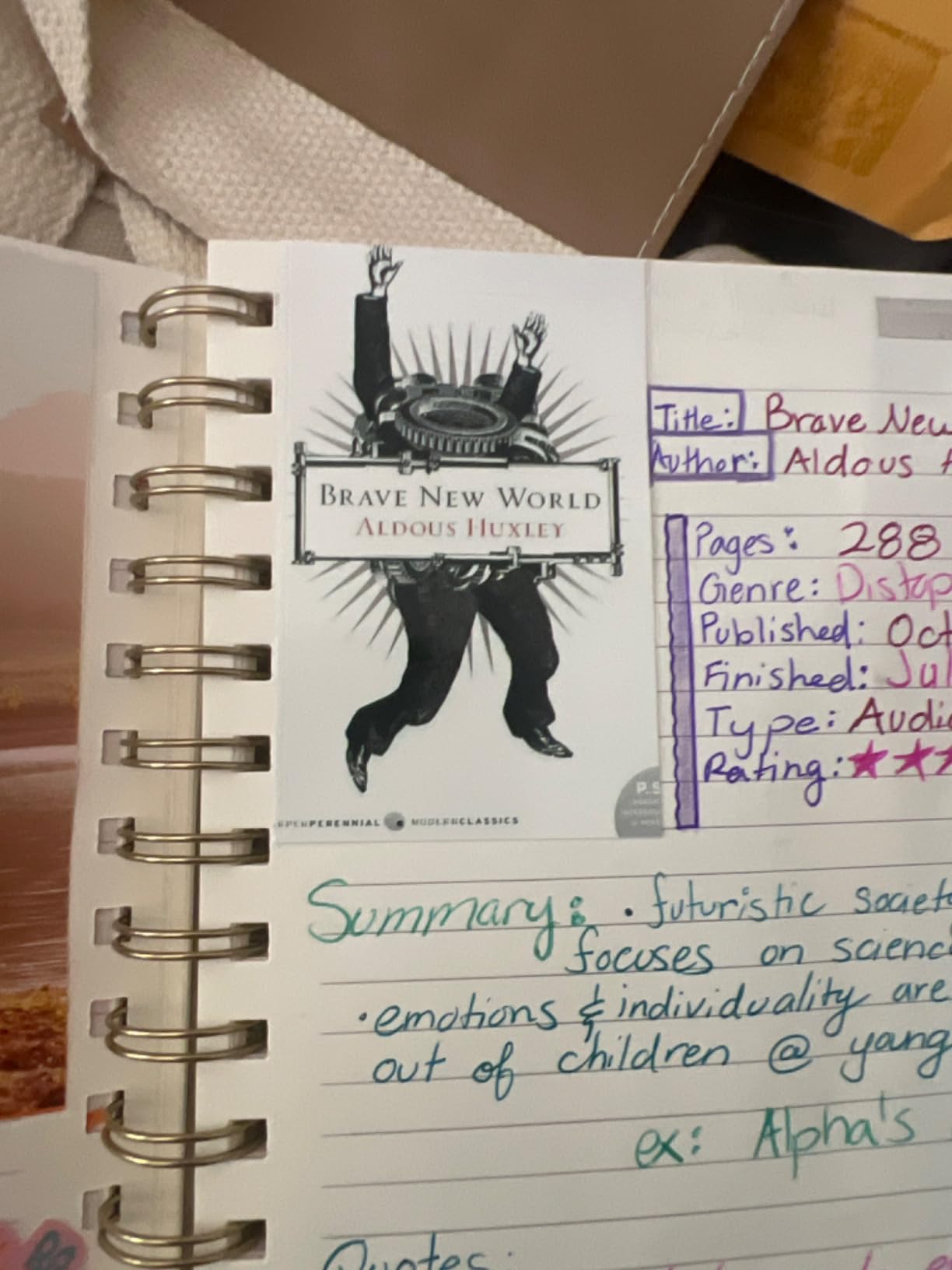
I was amazed at the photo quality! I also have The Polaroid portable printer as well. The photo quality of the Kodiak mini to retro is far superior to the Polaroid portable printer! The only downside is the Kodiak is louder.. I imagine taking this printer with me to coffee shop or sandwich place in Journal, but it would be loud so I would have to sit outside if I went to those type of restaurants.
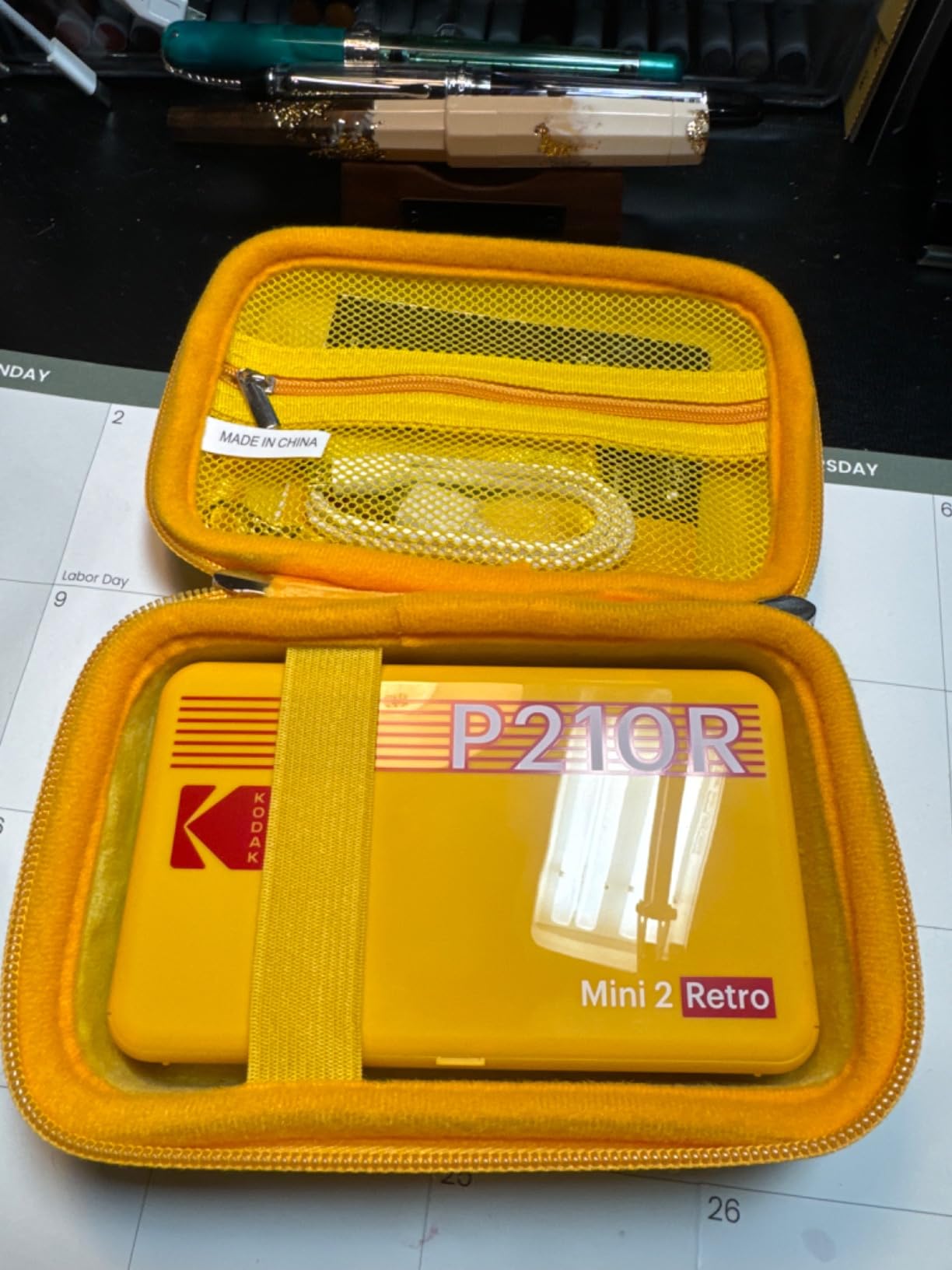
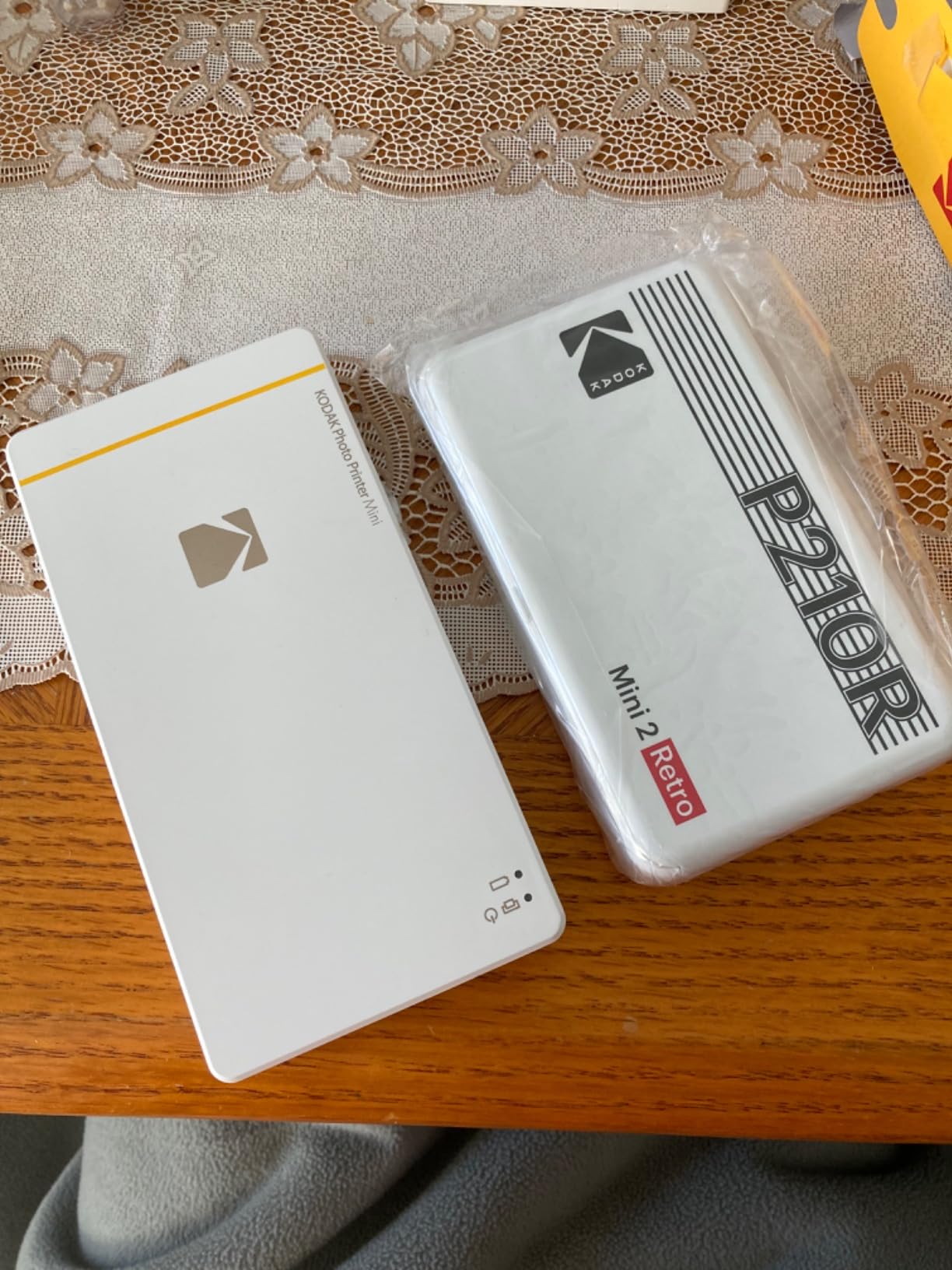
I love mini printers. I have a couple, and after my experience, I prefer the Dye Sublimation rather than the Zink paper. Dye sublimation, in my opinion, produces near professional photo print quality. I ordered the first Kodak mini printer and was in such awe. I enjoy journaling, so adding these photos on demand really up?�d my journaling game. It was slightly bulky, and I?�ve experience a few jams, but I surprisingly fixed those cartridges to print again. So, when the mini 2 came out, I was very happy, due to the smaller size, and I was confident I could repair the cartridges if I ran into the same jamming issues. A couple things I?�ve noticed. The mini 2, to me, appears to print with less saturation in color than the mini 1. I know I can adjust the image settings, but out the gate the colors seem a little washed out. So I?�ve had to adjust every time I print. I haven?�t looked into seeing if I can change this to make my own default settings. Also, it prints the other way around. The mini 1?�s tear tab is on the bottom of the image, whereas the mini 2?�s tab is on top. 2: Not entirely sure if it was my bluetooth connection, but the mini 2 prints slightly slower than the mini 1. I have a video where I make the two printers race, and the mini 1 won. Apologies in the advance for the background noise. Not a deal breaker, just something I?�ve observed. Overall, I do like the mini 2. I?�ve retired my mini 1 and printed many photos on the mini 2 already. I know there are newer versions, but I feel the dye sublimation technology hasn?�t really changed since the mini 1, so I?�ll stick with this mini 2 until the printing technology has improved greatly.
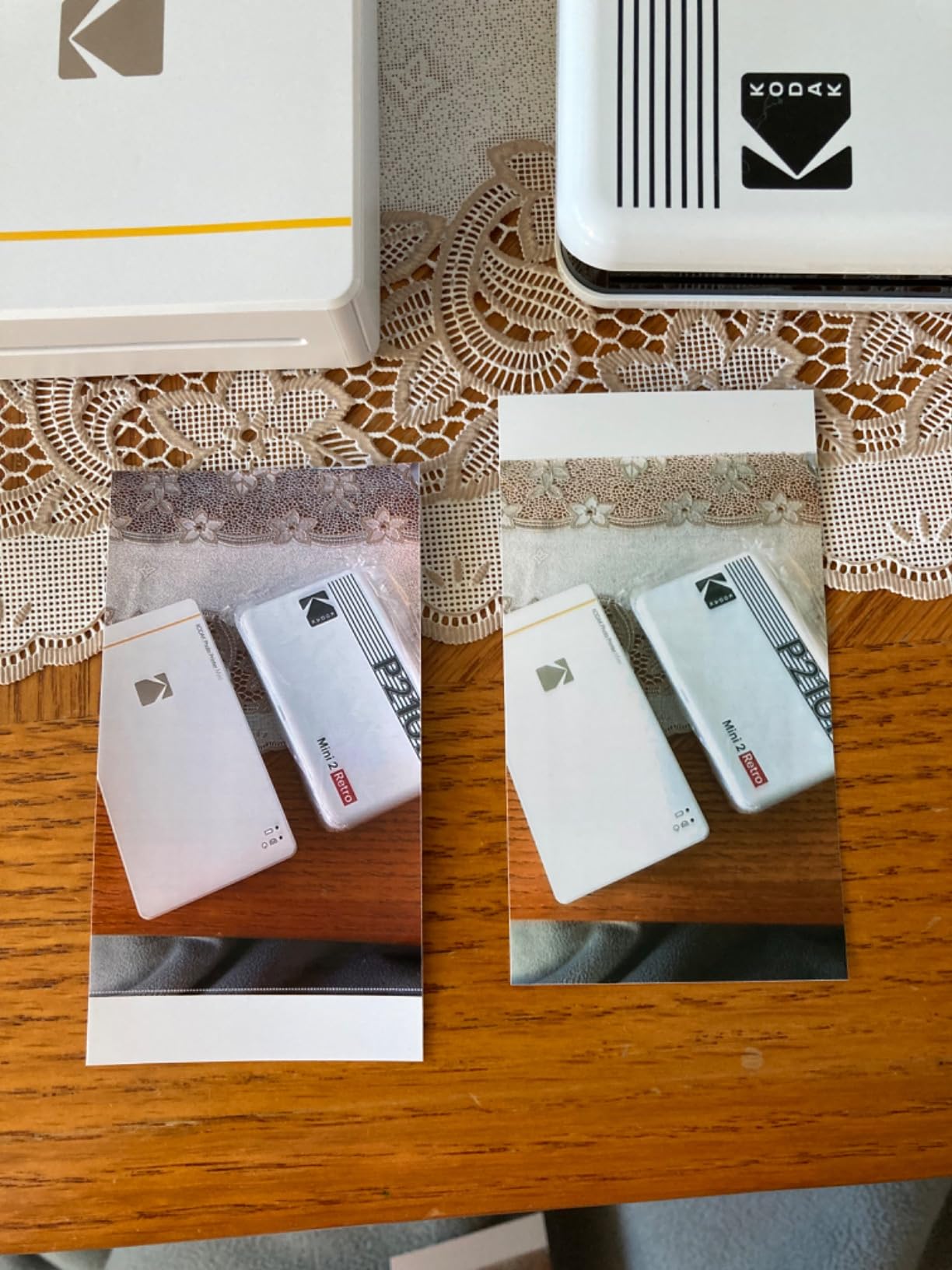
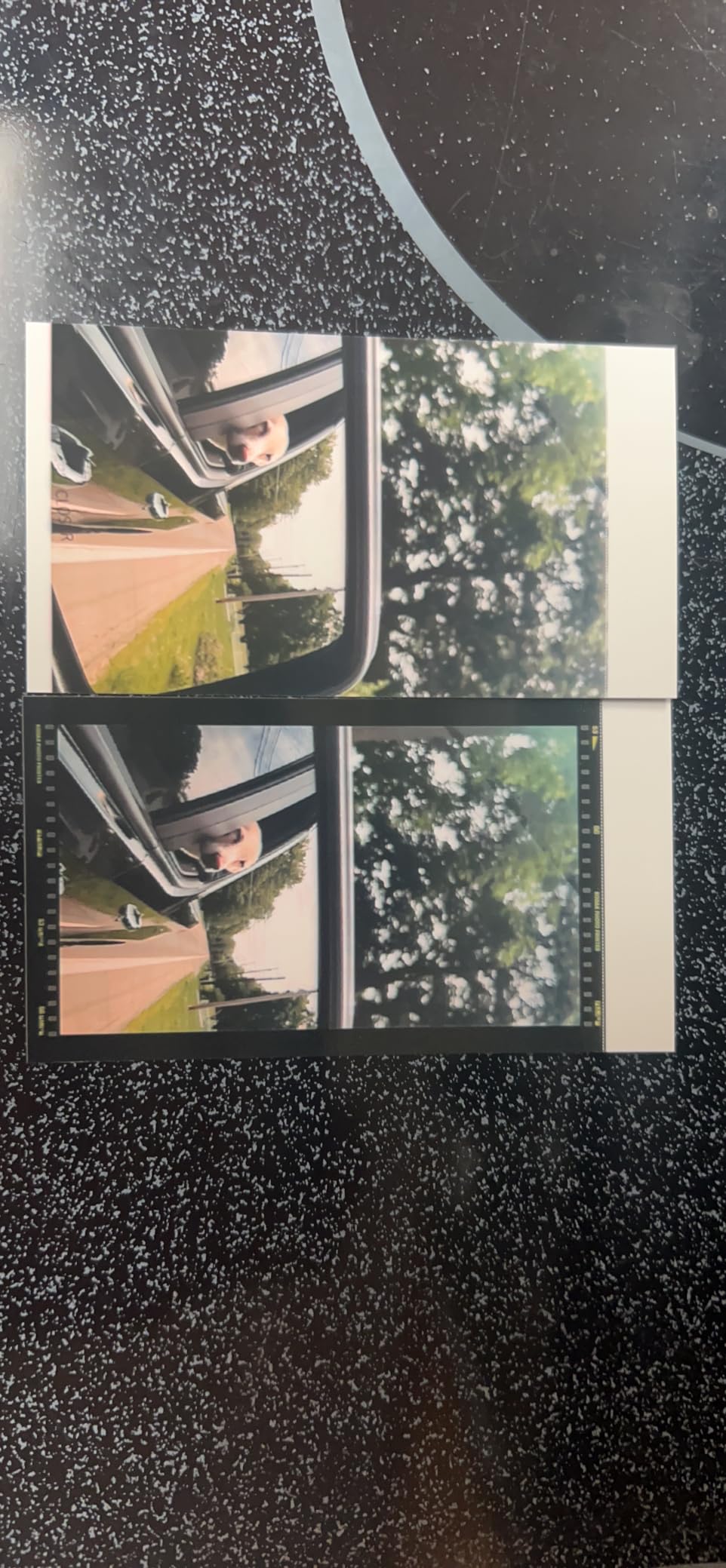
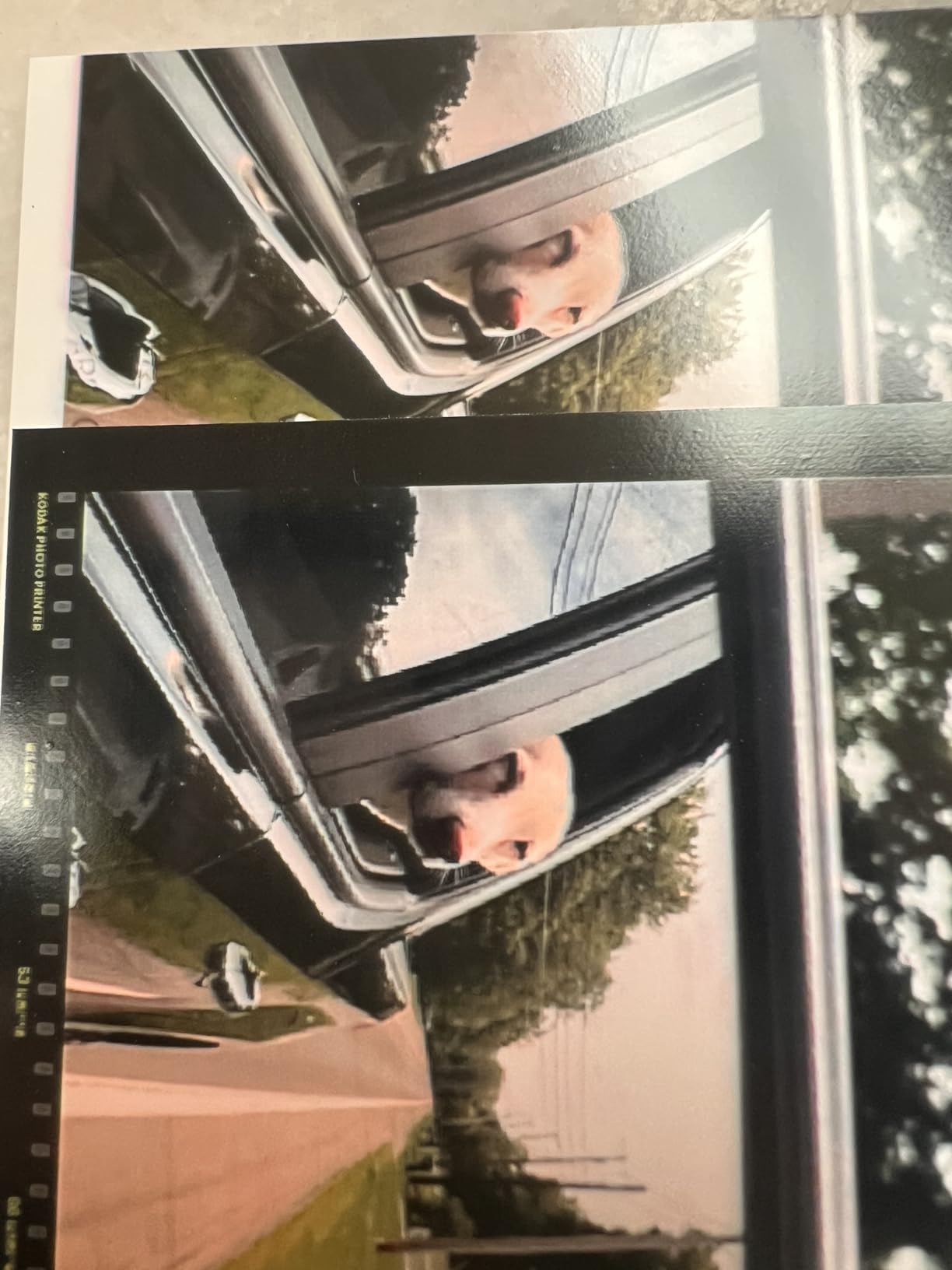
First, i do absolutely love this thing. Its so handy and even though prints are small, quality is usually great. Its a great compliment to my many instax cameras and is definitely more versatile and easy to use.It was easy to set up and connect with my iphone and charges decently fast, though it does seem like the battery does deplete pretty quickly every charge. I?�ve had it for about 2 months, and its spent almost all of that toted around in a backpack and this week left in a hot car for an hour with no problems. So it seems pretty durable.I?�ve only been through two packs of film but so far these are the only things I?�ve had issues with:- biggest complaint so far is the app! It?�s not just feature limited??it actually messes up prints if you add frames - pics 1 &2 attached are the same original image, one printed with the frame and one without. The one with the frame, the detailed parts end up pixelated and the lines distorted. Note especially the area around the dogs eyes and the lines of the truck under the window. It took me a couple tries to figure out, originally thought it was the printer, but prints fine without adding the frame in app.Other than that, buttons are sometimes unclickable, and the app is just clunky.- i had one sheet print blank. It was like my second print, and haven?�t had an issue since.
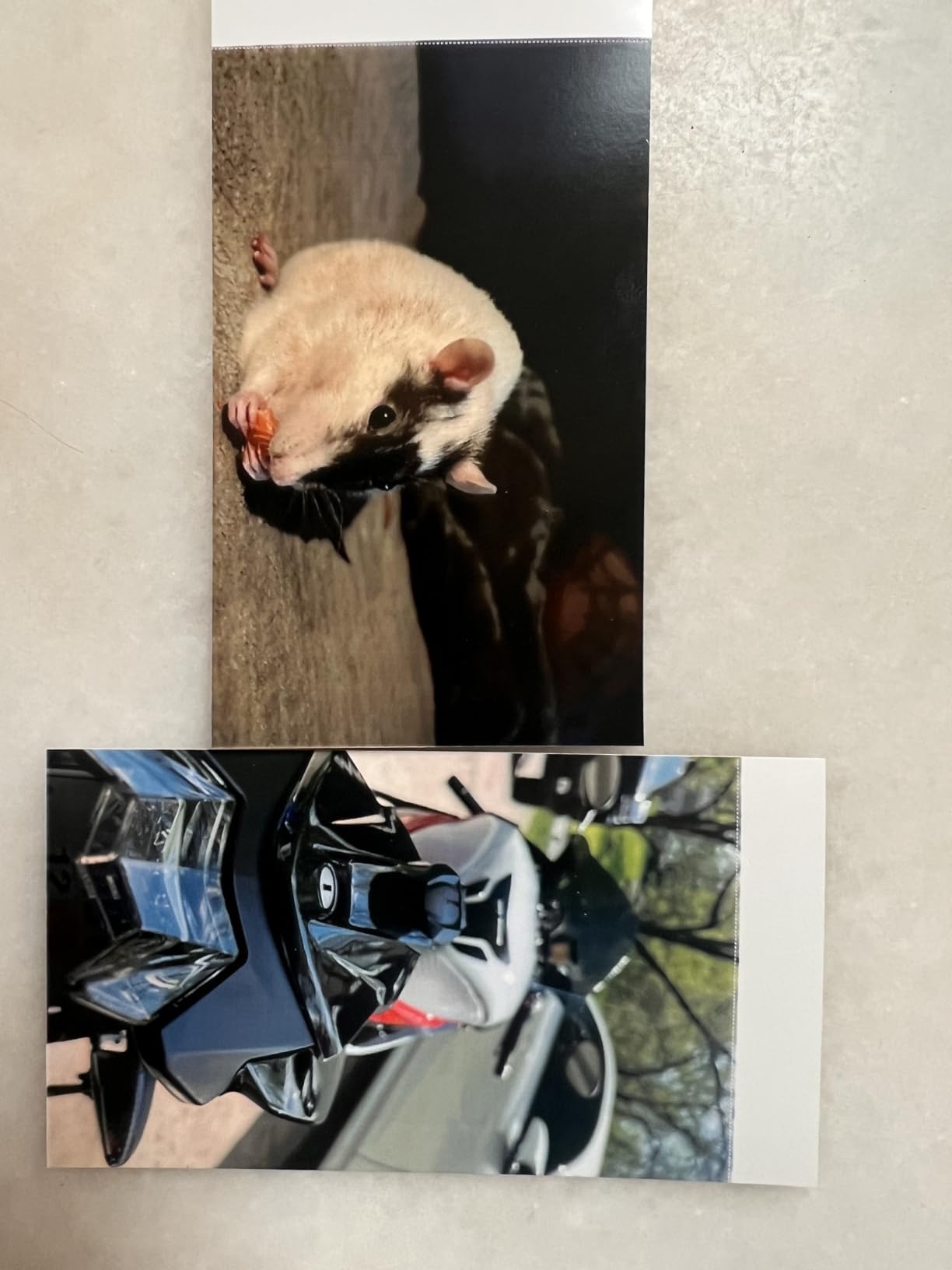
Quick take - better image than instax, works very well for journaling or smaller, A6 planners.I never would have ordered it if I had known it has micro usb!Now that I have it, I'll keep it anyway because it works so well for the reason I bought it - printing photos to put in my A6 Hobonichi. When I travel, I hate having lots different kinds of cables and chargers. I only take USB-C devices with me for convenience and travelling light, so I'll be saving it to use at home after a trip. I would prefer a smaller print, but this is one of the smallest ones you can get, and it's working well for my hobo, although a sticky back print would be nice. I didn't see any. I've been using double stick tape or glue stick. The tape works better.One of the reasons it works so well for me (and a huge plus for the kodak), is because this isn't Instax or Polaroid style instant prints. It's similar to actual photo paper, so you can easily cut it without destroying it. Combine that with the collage feature in the app and I can easily make 2 or more small pics at once. So I make a collage, then cut out the smaller pics. My favorite size is the larger frame of the 3-pic collage. If they could make one that prints photos twice the size of that and uses usb-c, I'd buy it in a heartbeat. I could have 2 perfect size photos for an A6 sized planner on each print.The print quality is pretty great. I prefer the aesthetic of the Instax though, but I would say this has more detail. It just depends on the style you prefer. Overall, it's definitely worth the money for what it is.